EasyManua.ls Logo

Brother P-touch PT-9700PC - Connecting to a Computer; Interface Connection Options Summary

Brother P-touch PT-9700PC
118 pages
Print Icon
To Next Page IconTo Next Page
To Previous Page IconTo Previous Page
Loading...
16
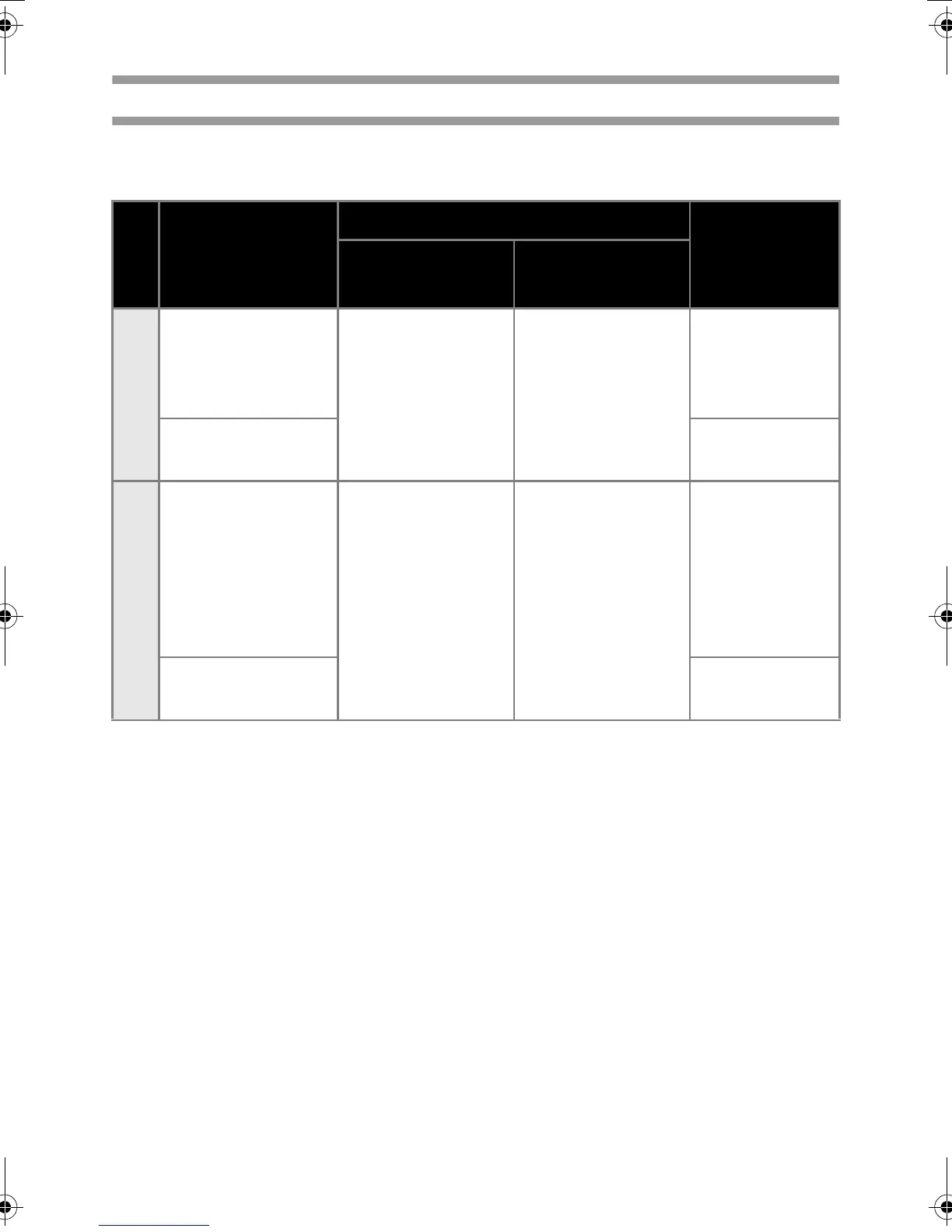
Connecting to a computer
Connect the printer to a computer using the interface cables. The interface cables used to connect to a
USB port, serial (RS-232C) port and LAN (10/100BASE-TX Wired Ethernet) port are different.
Operation Systems
Basic Setup Serial port
(ESC/P and
P-touch
Template only)
USB port LAN port
PT-9700PC
Windows
®
2000
Professional/
Windows
®
XP/
Windows Vista
®
{
{
Mac OS
®
X 10.3.9-
10.6
PT-9800PCN
Windows
®
2000
Professional/
Windows
®
XP/
Windows Vista
®
/
Windows Server
®
2003/Windows
Server
®
2008
{{
{
Mac OS
®
X 10.3.9-
10.6
PT9700PC9800PCN_chapt1.fm Page 16 Thursday, October 8, 2009 4:04 PM

Table of Contents

Related product manuals