19
Installing the software for PT-9700PC
The procedure for installing the software varies depending on the OS of the computer. Install
procedure is subject to change without notice.
For Microsoft
®
Windows
®
users, see “When using Microsoft
®
Windows
®
” (→ P.19).
For Macintosh
®
users, see “When using Mac OS
®
” (→ P.20).
When using Microsoft
®
Windows
®
This section explains how to install the P-touch
Editor 5.0, printer driver, and Software User’s
Guide (PDF) as a whole via USB.
The following is the example for Windows
Vista
®
.
1
Start the computer and put the CD-ROM
into the CD-ROM drive.
2
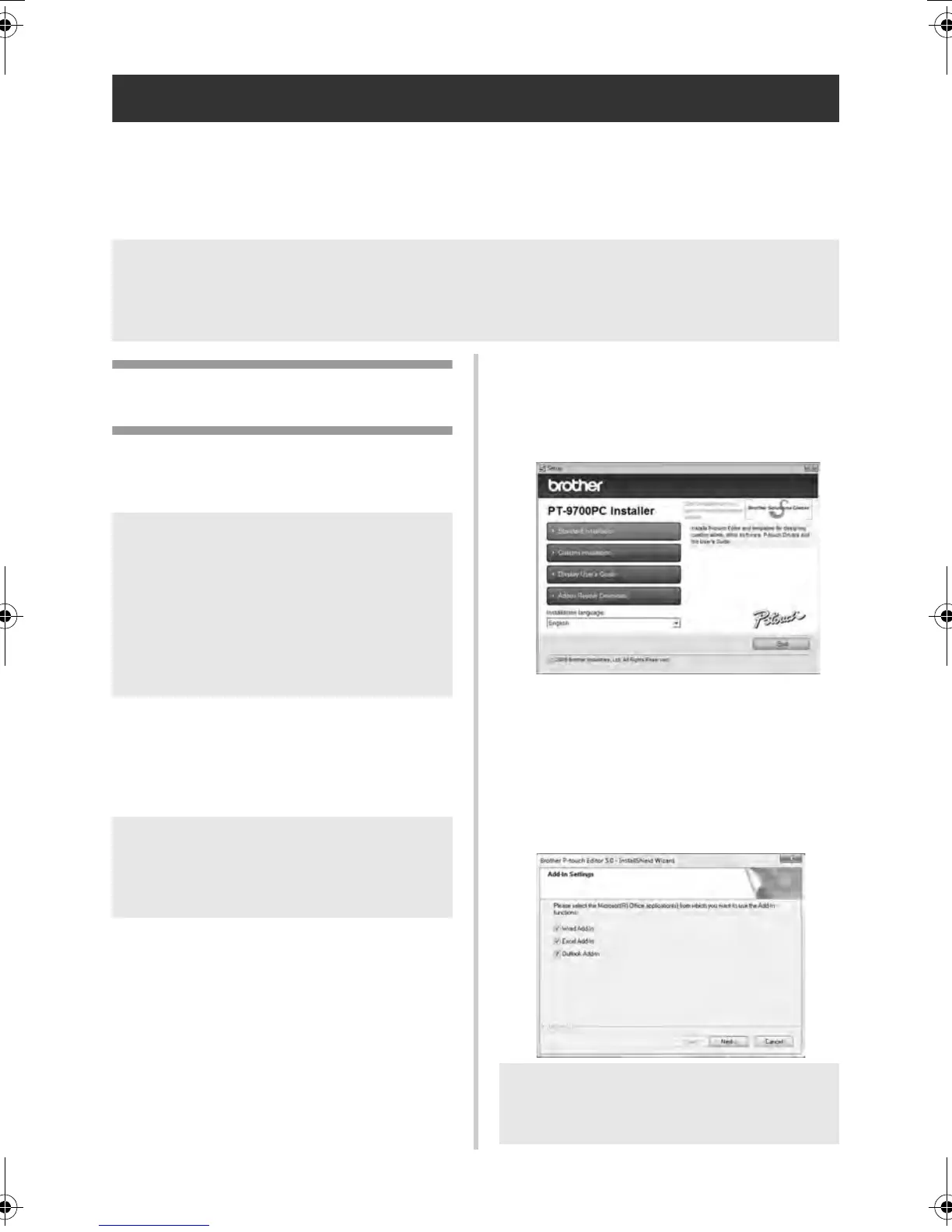
Click [Standard Installation].
Installation items:
Standard Installation
P-touch Editor 5.0, printer driver, and
Software User’s Guide (PDF)
Custom Installation
P-touch Editor 5.0, printer driver, and
Software User’s Guide (PDF) can all be
installed separately.
Display User’s Guide
Software User’s Guide (PDF)
Adobe Reader Download
Link to the download page for Adobe
®
Reader
®
will be displayed.
3
Read the license agreement and click
[Yes] if you agree with the terms and
conditions.
Follow the on-screen instructions.
4
Put a check mark in the box next to the
Add-in programs you want to install, and
click [Next].
Note
● For details of the software, see the “Software User’s Guide” (PDF).
● You can find the “Software User’s Guide” (PDF) by clicking “Start” - “All Programs (Programs)” -
“Brother P-touch” - “Manuals” - “PT-9700PC” - “Software User’s Guide”.
Note
● Do not connect the printer to the
computer until directed to do so.
● You must be logged on as a user with
administrator privileges to install this
software.
● Turn off the printer with the power button
and then with the main power switch.
Note
● If it does not start up automatically, open
the files on the CD-ROM and double
click on “Setup.exe”.
Note
● Make sure that all Microsoft
®
Office
applications are closed.
PT9700PC9800PCN_US.book Page 19 Wednesday, October 7, 2009 11:58 AM



 To Next Page
 Loading...








