260
Menus/Tools
■ Edit menu
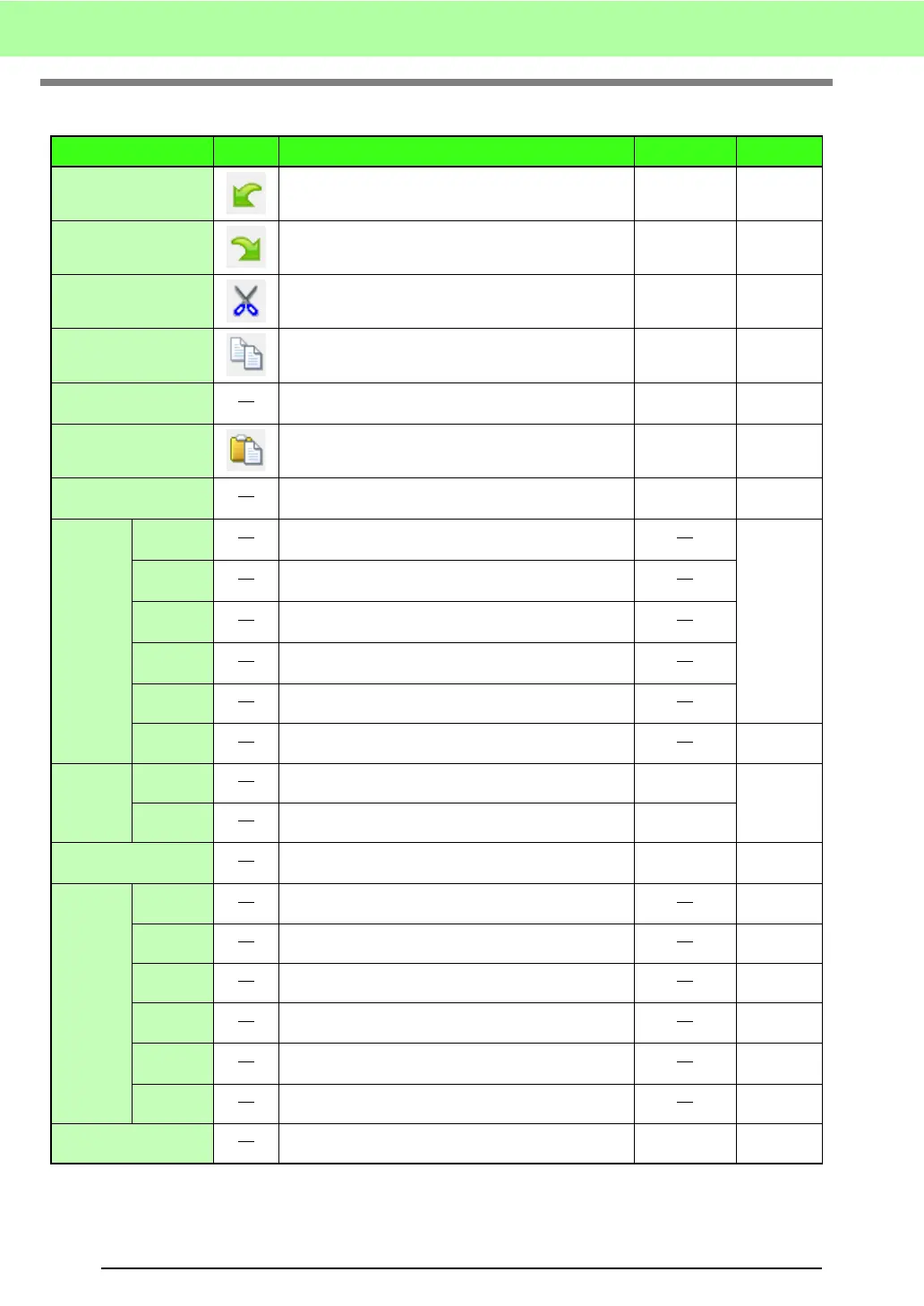
Menu Toolbar Purpose Shortcut key Reference
Undo Undoes the last operation.
Ctrl + Z
Redo Cancels the effect of the last Undo.
Ctrl + Shift + Z
Cut
Removes the selected pattern(s) from the screen
while saving a copy in the Clipboard.
Ctrl + X
Copy
Saves the selected pattern(s) in the Clipboard without
removing them from the screen.
Ctrl + C
Duplicate
Adds a copy of the selected pattern(s) to the work
area.
Ctrl + D
Paste Pastes the contents of the Clipboard on the screen.
Ctrl + V
Delete
Removes the selected pattern(s) from the screen
without saving them in the Clipboard.
Delete
Point
To
Straight
Straightens the two rounded lines that meet at a point
on a curve.
p. 231
To Curve
Rounds off the two straight lines that meet at a corner
point.
To
Smooth
Smoothes out the path at a point.
To
Symmetry
Adjusts the control handles of a point symmetrically.
To Cusp Transforms to a pointed path.
Delete Removes the selected point(s).
Mirror
Horizontal
Flips the selected pattern(s) up/down.
Ctrl + H
p. 230
Vertical Flips the selected pattern(s) left/right.
Ctrl + J
Rotate
Allows you to manually rotate the selected pattern(s)
by an arbitrary angle.
Ctrl + Y p. 230
Align
Left Aligns the selected patterns on their left sides.
Center Aligns the selected patterns on their left/right centers.
Right Aligns the selected patterns on their right sides.
Top Aligns the selected patterns on their top edges.
Middle
Aligns the selected patterns on their top/bottom
centers.
Bottom Aligns the selected patterns on their bottom edges.
Select All Selects all of the patterns.
Ctrl + A



 To Next Page
 Loading...


