233
Creating Custom Fonts (Font Creator)
Creating Custom Fonts (Font Creator)
Checking the list of created
characters
A list of characters included in the font file currently
being edited can be viewed.
Toolbar button:
1. Click , or click Display, then Browse
Window.
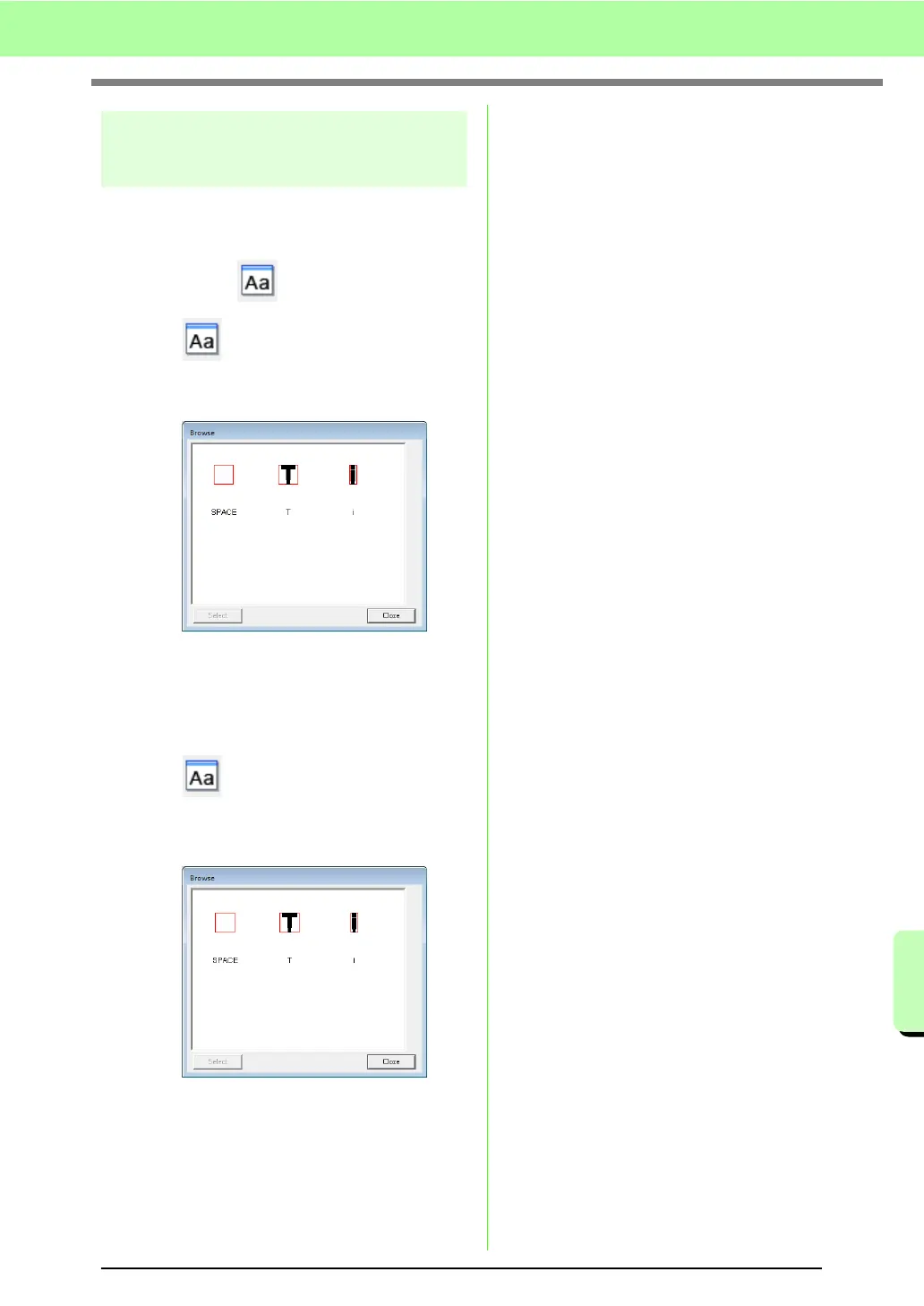
→ The Browse window appears.
■ Selecting characters
A different character can be displayed in the Design
Page by selecting a character in the Browse
window.
1. Click , or click Display, then Browse
Window.
2. Click a character, and then click Select.
→ The Browse window is closed, and the
selected character appears in the Design
Page.



 To Next Page
 Loading...


