197
Managing Embroidery Design Files (Design Database)
Managing Embroidery Design Files (Design Database)
Outputting as a CSV file
A .csv file containing the sewing information (file
name, dimensions, number of stitches, number of
colors, file path, file properties (.pes files only) and
the names of thread colors and thread numbers) for
selected embroidery designs can be outputted.
1. In the folder pane, select the folder containing
the embroidery designs.
2. Click File, then Create CSV.
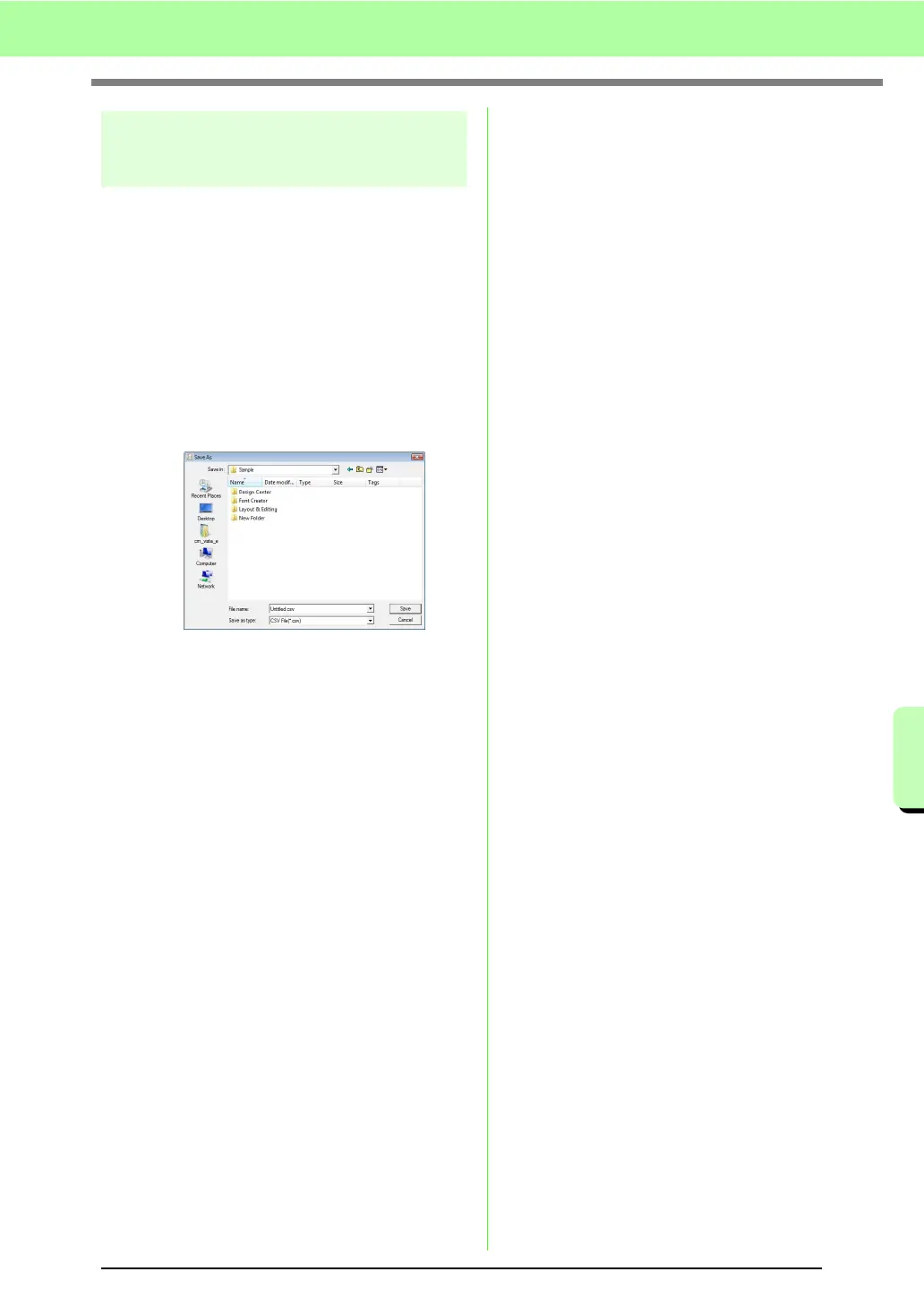
3. Select the drive and the folder, and then type
in the name of the .csv file.
4. Click Save.



 To Next Page
 Loading...


