4
What You Can Do
With PE-DESIGN
Make Vivid Embroidery From Any Illustration or Photo
With Layout & Editing, images and photos can be automatically converted into embroidery patterns that can
be sewn with the desired stitches.
■ Auto Punch function
(☞p. 20, p. 126)
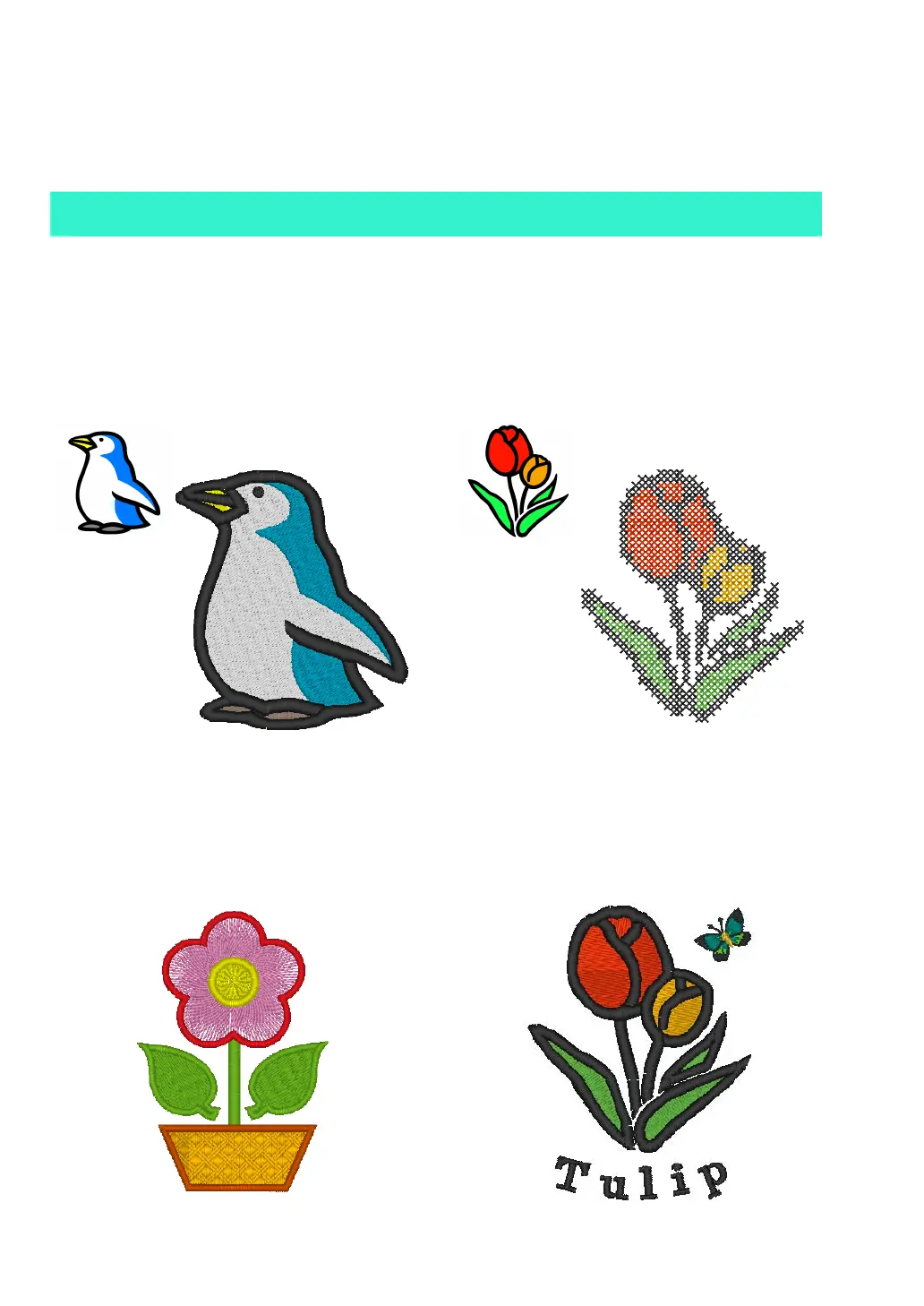
Illustration and images can easily be converted into
embroidery. In addition, the color and sew type can
be changed as desired.
■ Drawing Shapes to Create an
Embroidery Design
(☞p. 29, p. 70)
■ Cross Stitch function
(☞p. 27, p. 134)
Illustration and images can easily be converted into
cross-stitch embroidery. In addition, the size of the
cross-stitches can be changed as desired.
■ Combining Embroidery
Patterns
(☞p. 38, p. 47, p. 52)



 To Next Page
 Loading...


