225
Creating Custom Fonts (Font Creator)
Creating Custom Fonts (Font Creator)
This section provides detailed descriptions on the various operations, settings and precautions for Font
Creator. In addition, many useful functions are introduced.
Opening a File
Creating a new font
You can begin with a blank work area to design a
new font.
Toolbar button:
1. Click , or click File, then New.
→ A new work area appears.
Opening a font file
A previously created or saved font file can be
opened to be edited.
Toolbar button:
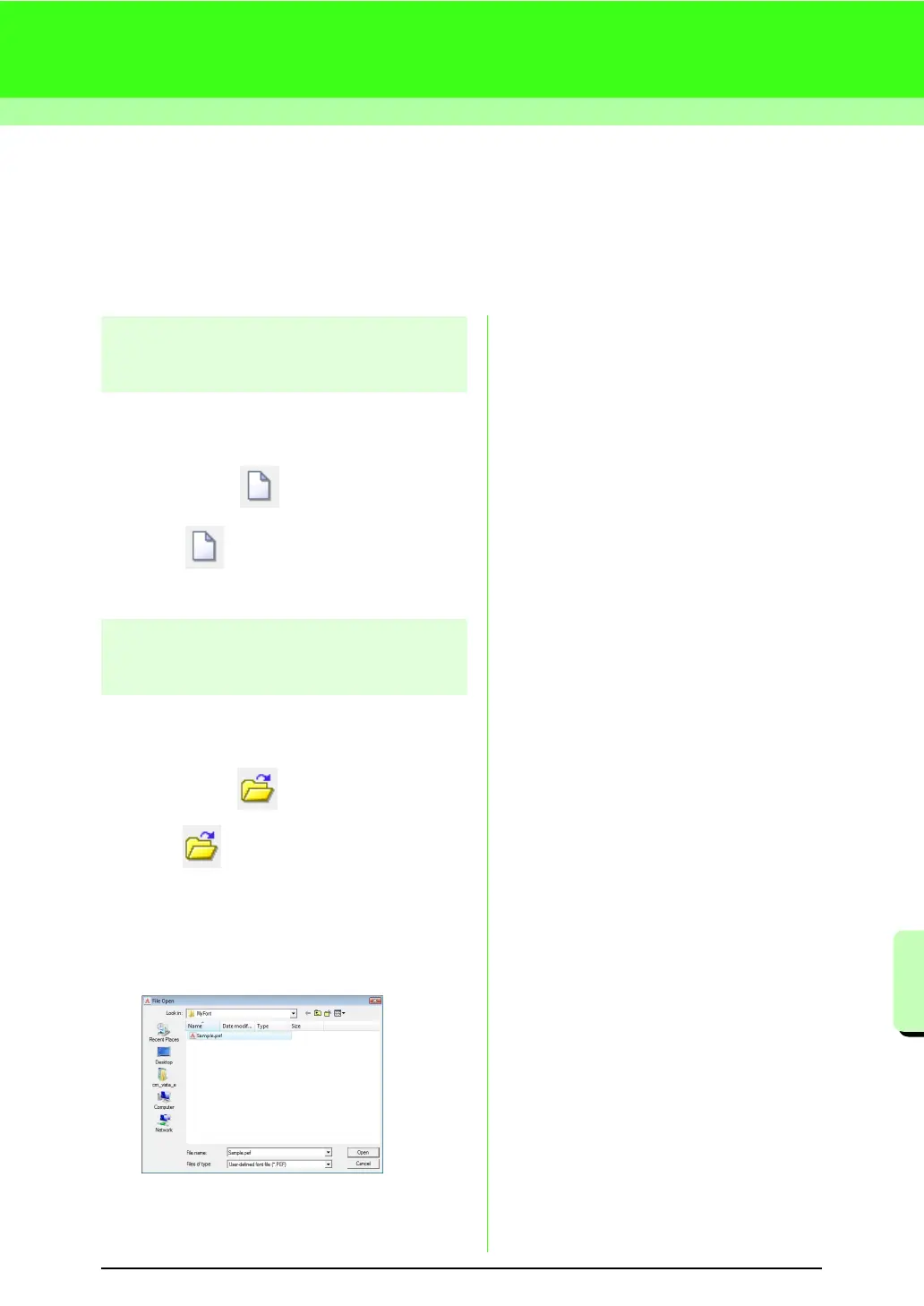
1. Click , or click File, then Open.
2. Select the MyFont folder in the folder where
PE-DESIGN was installed. (For example,
clicking the drive where PE-DESIGN was
installed, then Program Files, then Brother,
then PE-DESIGN 8, then MyFont)
3. To open a file, select it, and then click Open,
or double-click the file’s icon.
→ The contents of the selected file appear in
the work area.



 To Next Page
 Loading...


