50
• At the bottom of the EULA, choose “Yes” if you accept the
agreement.
NOTE: If you do not wish to accept the agreement, you will not be able
to download the software update.
• Use the Download link provided in the EULA document to download
the software update package.
A13253
• Highlight the TSTAT folder in the WinZip window by clicking on the
folder icon ONCE to highlight the proper folder to be downloaded to
the USB C. Then click on EXTRACT.
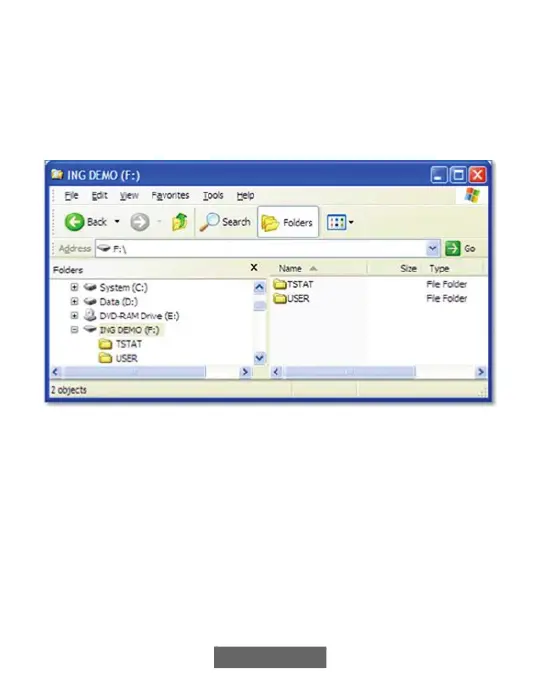
• Choose the USB C device root directory as the location to extract the
folder from the zip file. When the download is complete, the TSTAT
folder will appear on the root directory of the USB C device. Verify
that the files, including the “.hex” file, have been extracted into the
TSTAT folder of the USB C.












 To Next Page