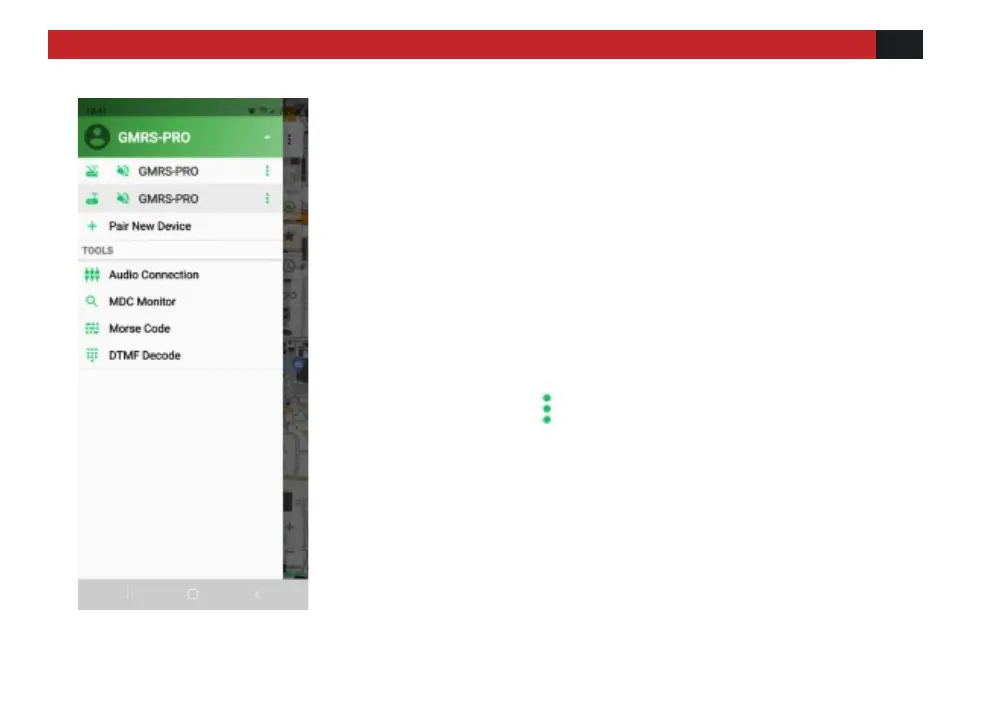
4) Select Pair New Device- this will connect your
phone or tablet to your radio. The App will store
these connections for the next time you wish to
use the App. You can store more than one radio,
and you can name them differently in the App to
make sure you are working on the proper unit.
Accessing the Android Settings Menu
Click the 3 dots next to the desired device to
enter the menu screen
Continue on page 23 for Accessing the iOS Settings
Menu - Control Interface



 To Next Page