VISIT BAOFENGTECH.COM AND MIKLOR.COM FOR DOWNLOADS AND HELP
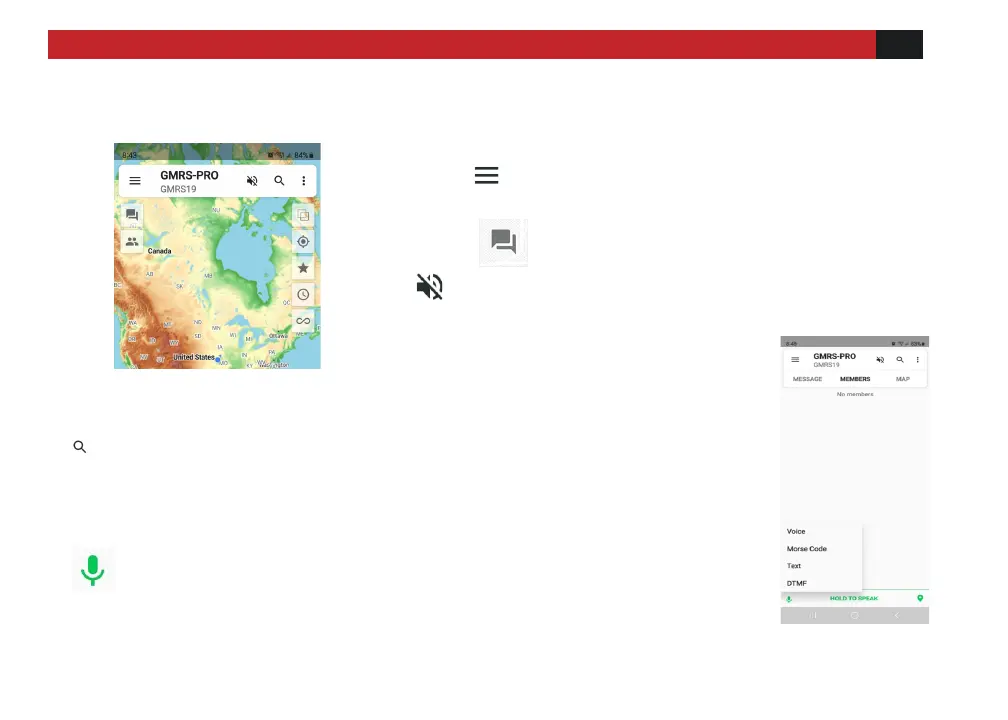
App Screen
Click to return to the main interface
Click to enter the message option screen
Means the cell phone will be muted, if the speaker is
ON, the radio and cell phone will sound at the same
time.
Figure 19
Chat history will be searched. (If the radio is not connected
to the phone, no chat history will be displayed)
Click the Icon shown on the left opens the MESSAGE page
On the MESSAGE page, click on the microphone icon
(At the lower left of screen) to switch between
voice and text input modes.
Figure 20



 To Next Page