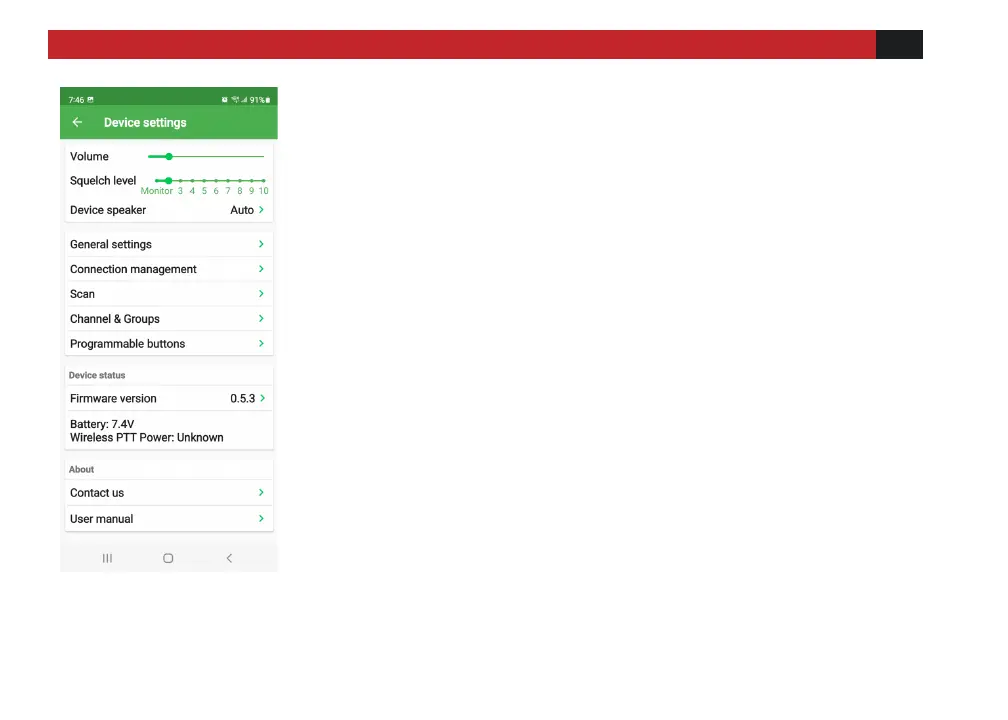
Settings Menu
[Volume]: Adjust the volume of the device.
[Squelch Level]: Squelch level adjustment, 0 is the
weakest required signal level to monitor (loose or
open squelch), the larger the number (tight squelch),
the stronger the received signal strength needs to be
heard.
[Device Speaker]: Working mode of built-in speaker
ON--Turn on the built-in speaker
OFF- - Built-in speaker mute
AUTO--When connected to a wireless hand
microphone or wireless headset, the speaker will be
automatically muted, and the built-in speaker will
automatically exit the mute state when the wireless
device is disconnected.



 To Next Page