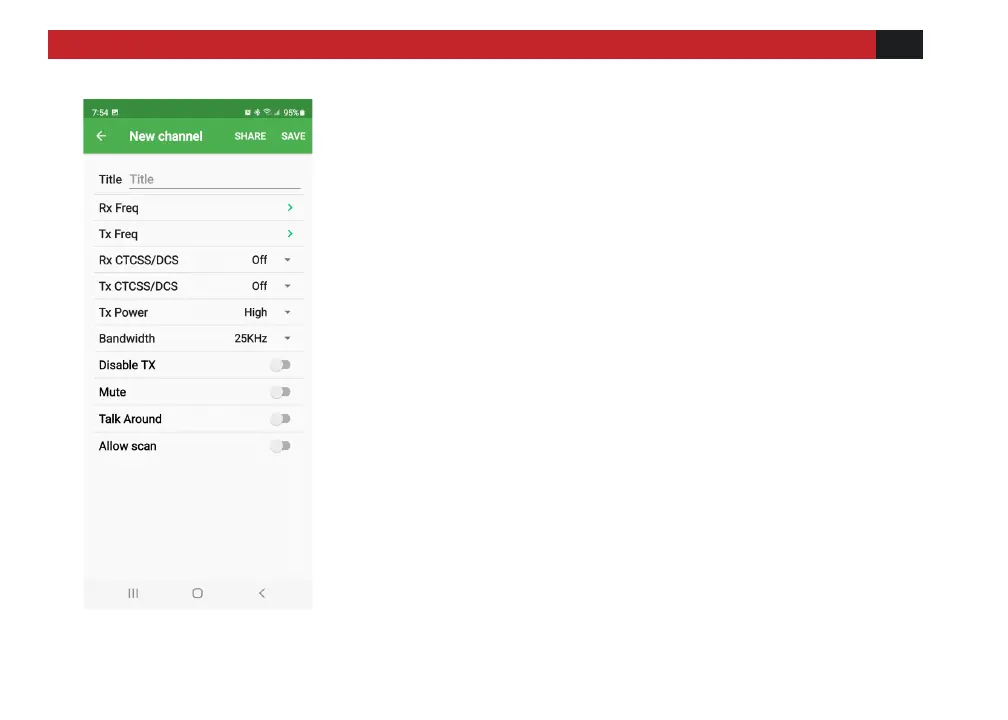
Make sure radio is connected to the phone before
adding channels, and for RX only channels, set TX
Freq to 0.
[Title]: Means the channel name, you can name the
channel anything you desire.
[RX/TX Freq]: Click to edit transmit and receive
frequencies.
[RX/TX CTCSS/DCS]: Click to edit transmit and receive
CTCSS/DCS.
[TX Power]: Set the output power of the current
channel.
[Bandwidth]: Set the communication bandwidth of
the current channel.
[Disable TX]: When this option is turned on, it means
that transmission is not allowed.
[Mute]: Turning this on means that this channel is
muted.
[Talk Around]: Turning this on sets the transmit and
receive frequencies the same.
[Allow Scan]: Allows the channel to be added to scan
lists



 To Next Page