VISIT BAOFENGTECH.COM AND MIKLOR.COM FOR DOWNLOADS AND HELP
Channels & Groups
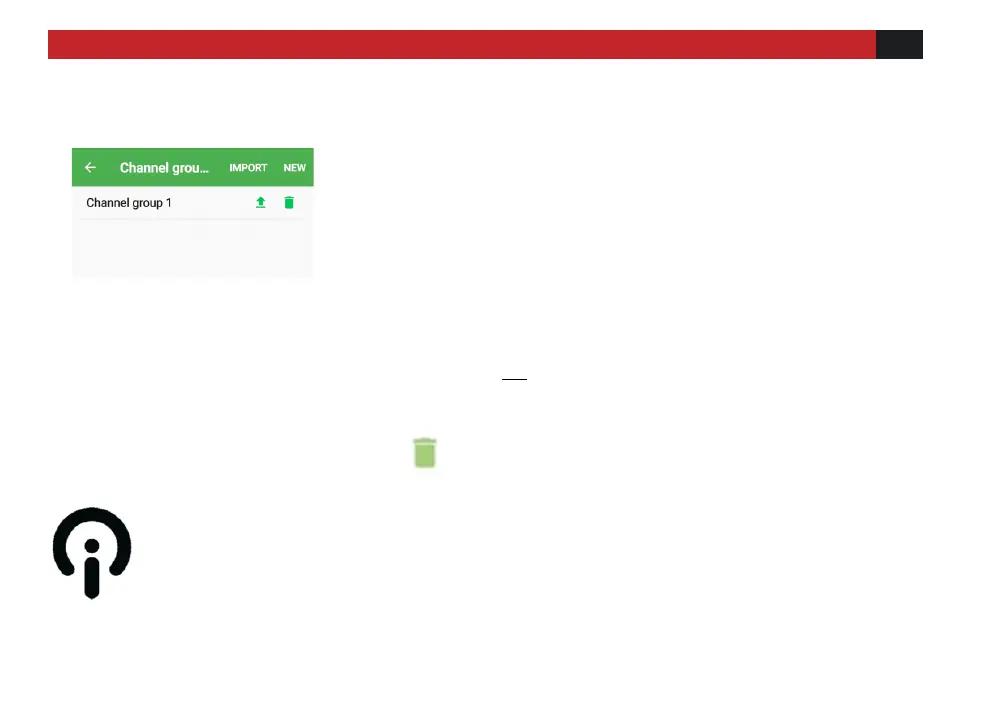
Figure 15
On the channel group editing page, when you finish editing all the channel information
and click [SHARE], a string of characters will be generated. You can save this string of
characters or send it to a group partner. When the partner copies this string of
characters and opens the APP, all the channel information will be copied to his device.
Click [NEW] to create a new group. Click on the
new group name to enter channel information.
After entering all channel information, click the
up arrow to synchronize to number 2 to 6
channel groups of the walkie-talkie. Group 1 is
the GMRS channels by default and cannot be
changed. Import allows importing shared
channels.
Clicking the ↑ uploads the channel group to
the radio.
Deletes the channel group.



 To Next Page