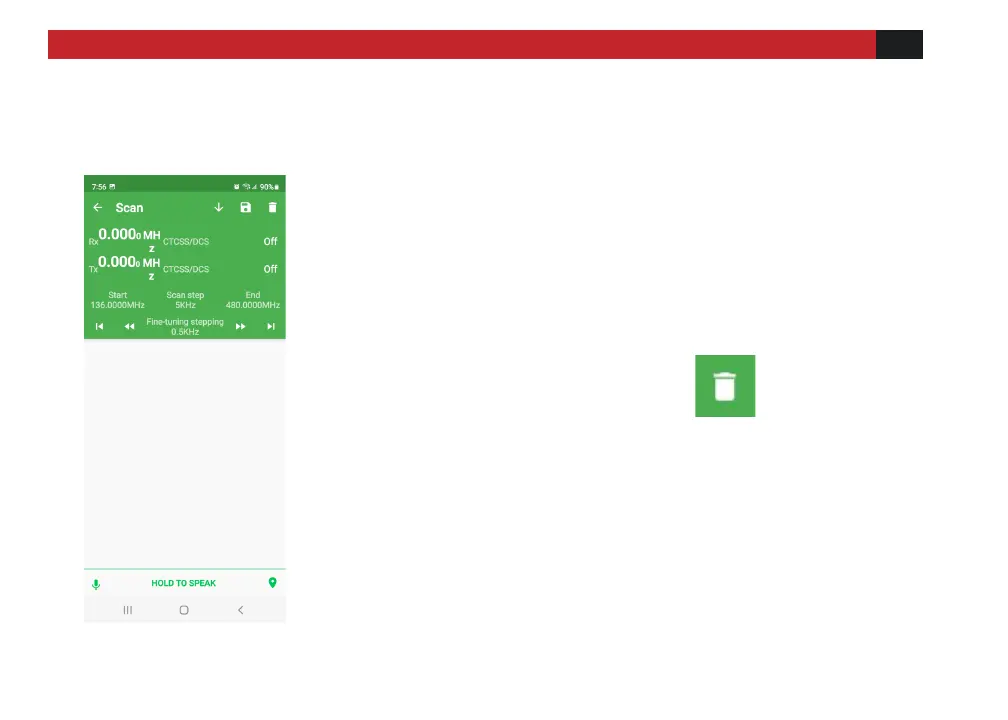
Used to check for active frequencies.
Click the Start frequency to set the lower frequency limit,
and End to set the higher frequency limit. This will set the
scan range of frequencies
Click the >| to start the scan. Hit the ← next to SCAN to
go back and stop scanning. To clear the channel found
while scanning, press the “Delete” .
Hit the ↓ to remember the desired active channel.



 To Next Page