BTU VENTILATION CORPORATION ● OFFICE 888-884-8070 ● FAX 218-346-7485 ●
www.btucorp.com
XT-70 Control Panel 14
HMI Operation:
Main Home Screen:
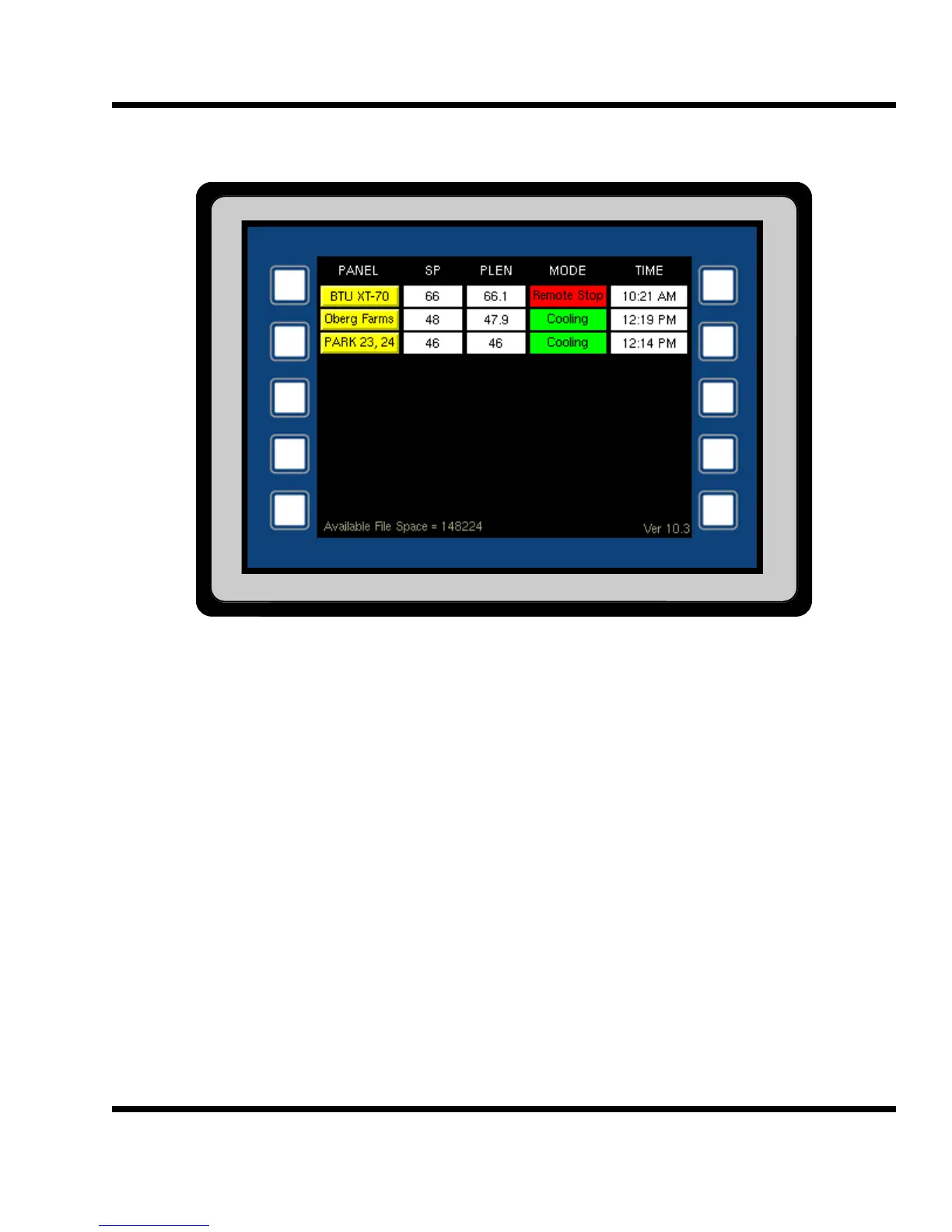
The home screen will show the status of up to ten XT panels. Each of the panels are updated every second.
The panel name is unique to each panel and can be set up with the web interface. To get to the main screen of
any panel, press the PANEL name button. This will display the individual screens for a panel on the HMI. Press-
ing the <HOME> button from the home screen will take the HMI back to this screen.
Touchscreen:
The touchscreen can be activated by using your finger or any type of plastic stylus. Using a finger will leave
prints and oil on the display screen. Care should be used when cleaning the screen not to scratch it. A clean
soft cloth and a mild glass cleaner should be used to clean the screen, .
5.1



 To Next Page