BTU VENTILATION CORPORATION ● OFFICE 888-884-8070 ● FAX 218-346-7485 ●
www.btucorp.com
XT-70 Control Panel 18
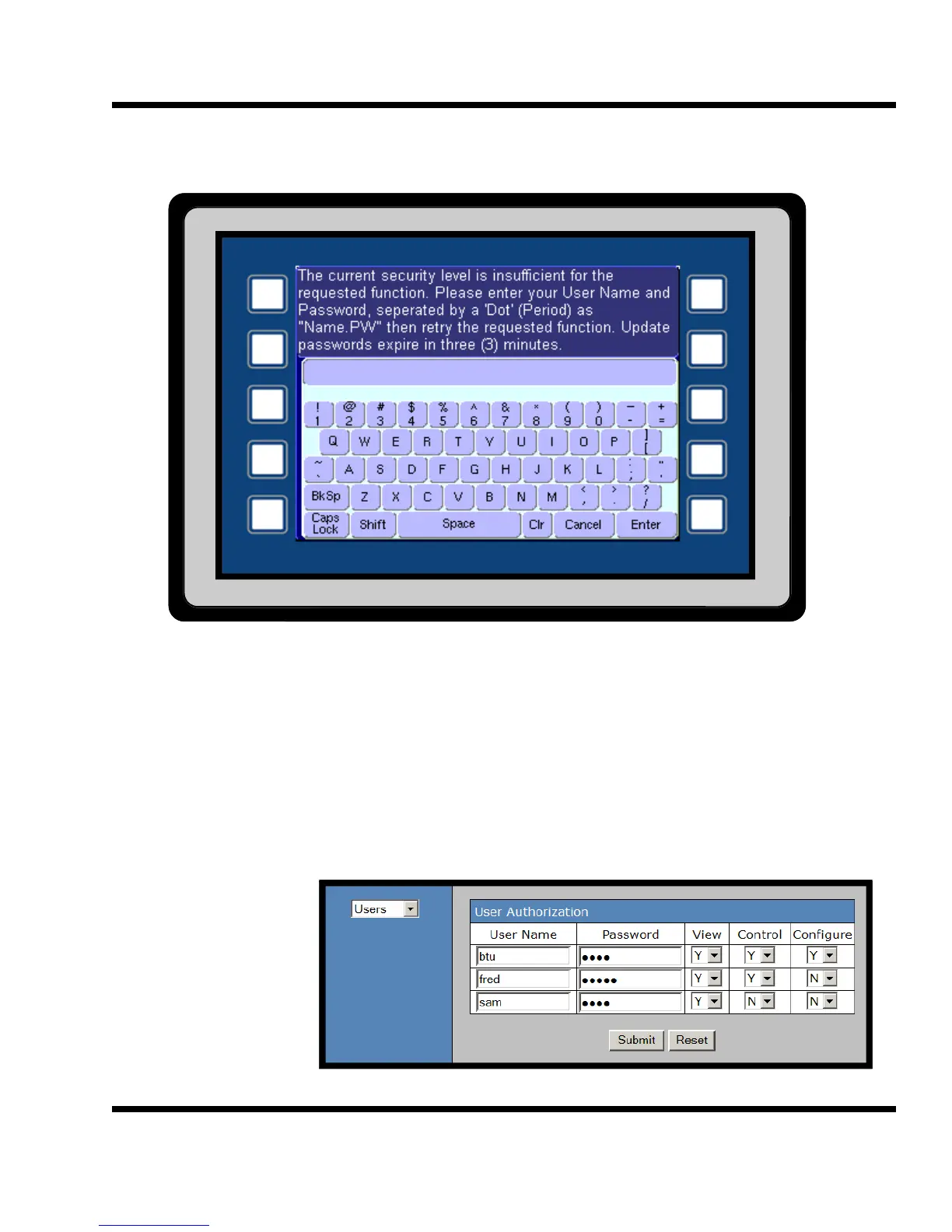
HMI Password Screen:
5.3
Password Screen:
A valid username and password must be entered to unlock the system. There are three levels of password pro-
tection within the XT program. Three different passwords can be entered. All password information can only be
entered using the XT web interface. The username and password can not be changed from the HMI, only from
the web interface.
Level 1 View only User is authorized to view only.
Level 2 Control User is authorized to view and to make control parameter
changes.
Level 3 Configure User is authorized to view, to make control parameter changes
and to make system configuration changes.
Web Interface
User Authorization
Screen



 To Next Page