BTU VENTILATION CORPORATION ● OFFICE 888-884-8070 ● FAX 218-346-7485 ●
www.btucorp.com
XT-70 Control Panel 98
APPENDIX H:
HMI RECORDS
The HMI (Color Touch Screen) will now down load the records from the XT. This al-
lows the labeling of the pile sensors and also all the activity records during mode
changes to be displayed. The order of the selection and order of the records is deter-
mined by the inf csv file. See appendix A on how to set up the inf records format.
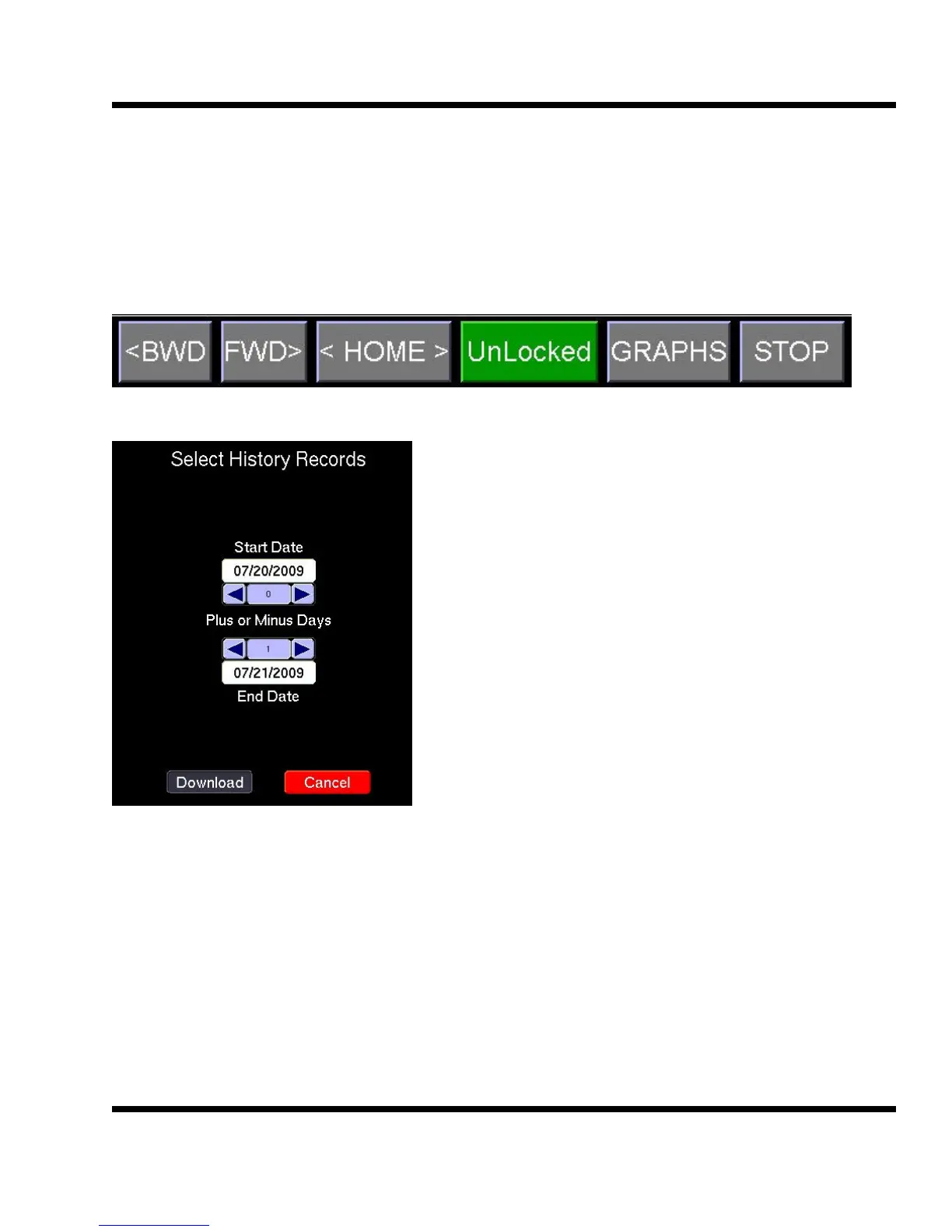
To access the records press the GRAPHS button on the bottom of the HMI.
To get the records from the XT panel, you need
to select a start date and ending date. It will
automatically come up with today's date as the
Start Date and tomorrows date from the End
Date. This will give you the records from mid-
night to present. If you want to change the inter-
val use the spinner buttons.
Click on the Download button to get the records.



 To Next Page