55
BTU VENTILATION CORPORATION ● OFFICE 888-884-8070 ● FAX 218-346-7485 ●
www.btucorp.com
XT-70 Control Panel 55
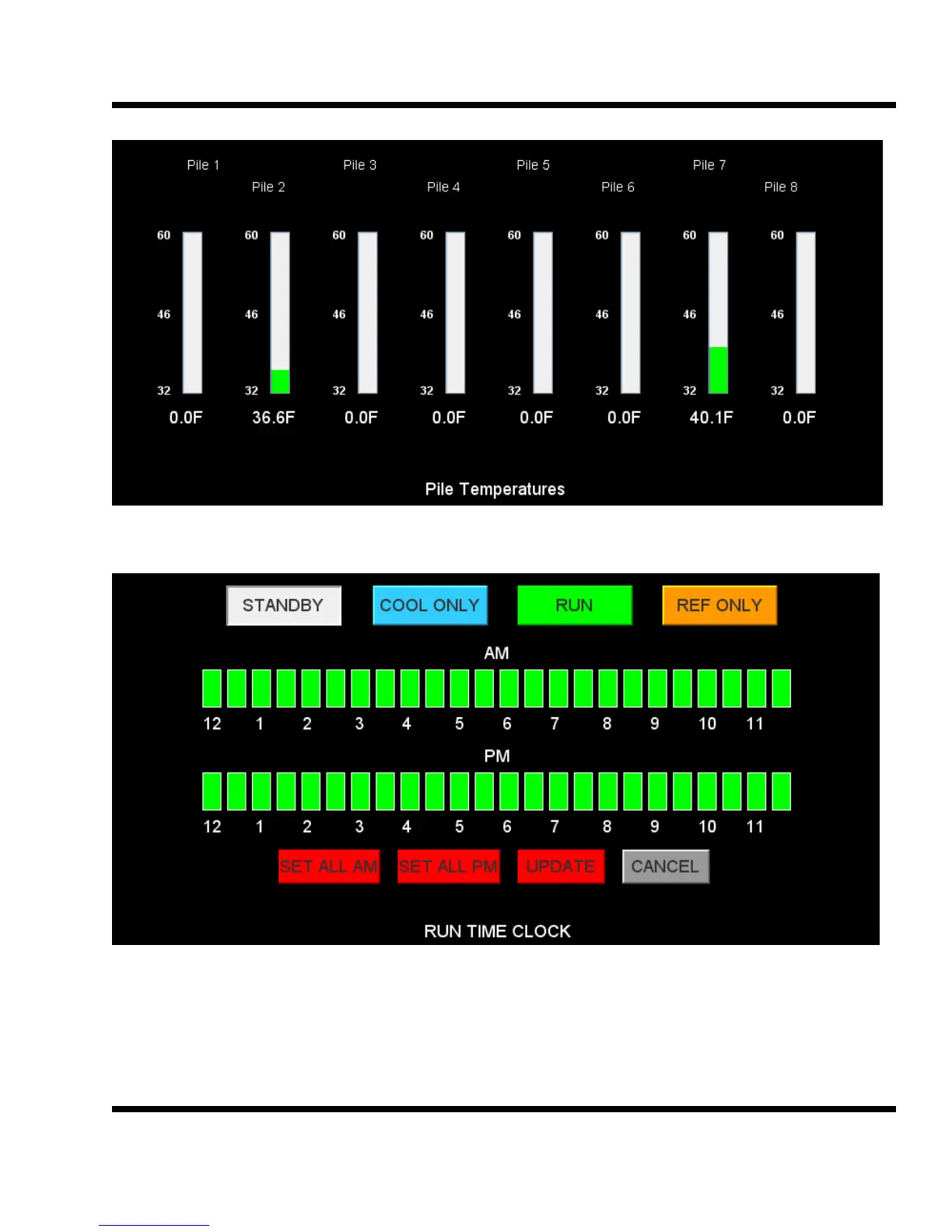
This screen shows the pile temps. The names of each of the pile sensors can be changed to reflect the loca-
tion.
This screen shows the run time clock. To change click on the desired mode, STANDBY, COOL ONLY,
RUN AND REF ONLY then click on the desired times. To save click on UPDATE. The SET ALL AM
and SET ALL PM buttons can be used to set all the clock increments.
STANDBY This will force the fans and all devices off.
COOL ONLY System will run only when cooling air is available.
RUN System will run COOLING, REFRIG, OR TIMED
REF ONLY System will run in REFRIG only.
7.5
7.6



 To Next Page