11
MA112780_38.6 [Original Instructions] 9/19/2011
IsoMet
5000 Display Screens and Commands
Parameter Fields
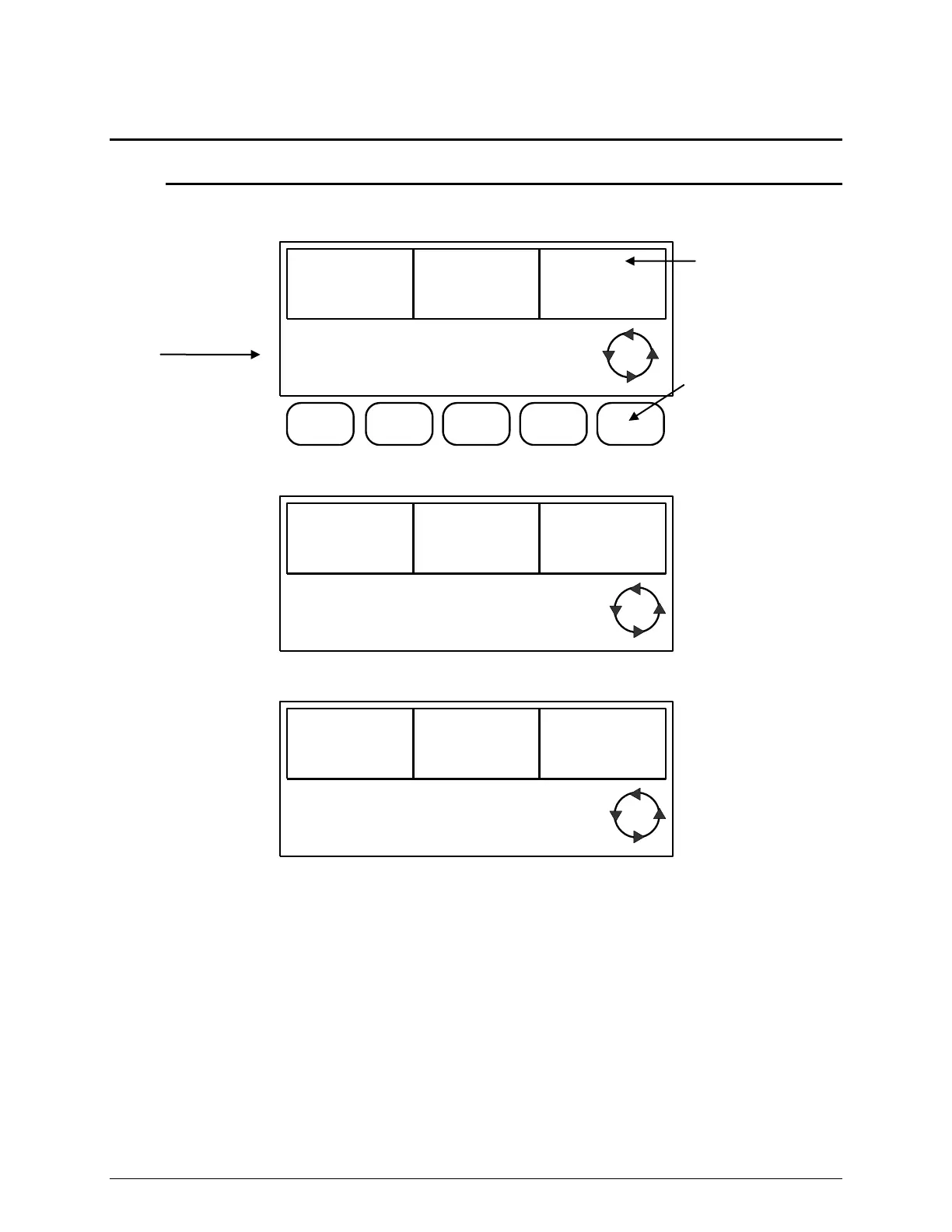
There are seven (7) different parameter fields available. Use the SCROLL button to scroll though
the LCD Screens to display and highlight the parameters.
BLADE
SPEED
4250rpm
FEED
RATE
.64in/min
DISTANCE
REMAINING
1.00in
CUTTING
CYCLE
ON
BLADE
MOTOR
ON
PUMP
MOTOR
ON
FEED
MOTOR
ON
L1
BLADE SPEED, FEED RATE, and DISTANCE REMAINING parameter fields.
BLADE
SPEED
FEED
RATE
CUTTING
LENGTH
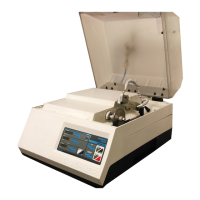
Press the SCROLL button to display the CUTTING LENGTH parameter.
SAMPLE
THICKNESS
SPECIMEN
QUANTITY
BLADE
THICKNESS
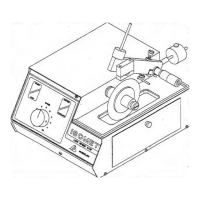
Continue to press the SCROLL button to display the remaining parameter fields.
Softkey Buttons
activate or deactivate a
function.
Parameter fields are
highlighted using the
Scroll button.
Functions
are controlled (ON or OFF)
by softkey buttons.


 To Next Page