37
MA112780_38.6 [Original Instructions] 9/19/2011
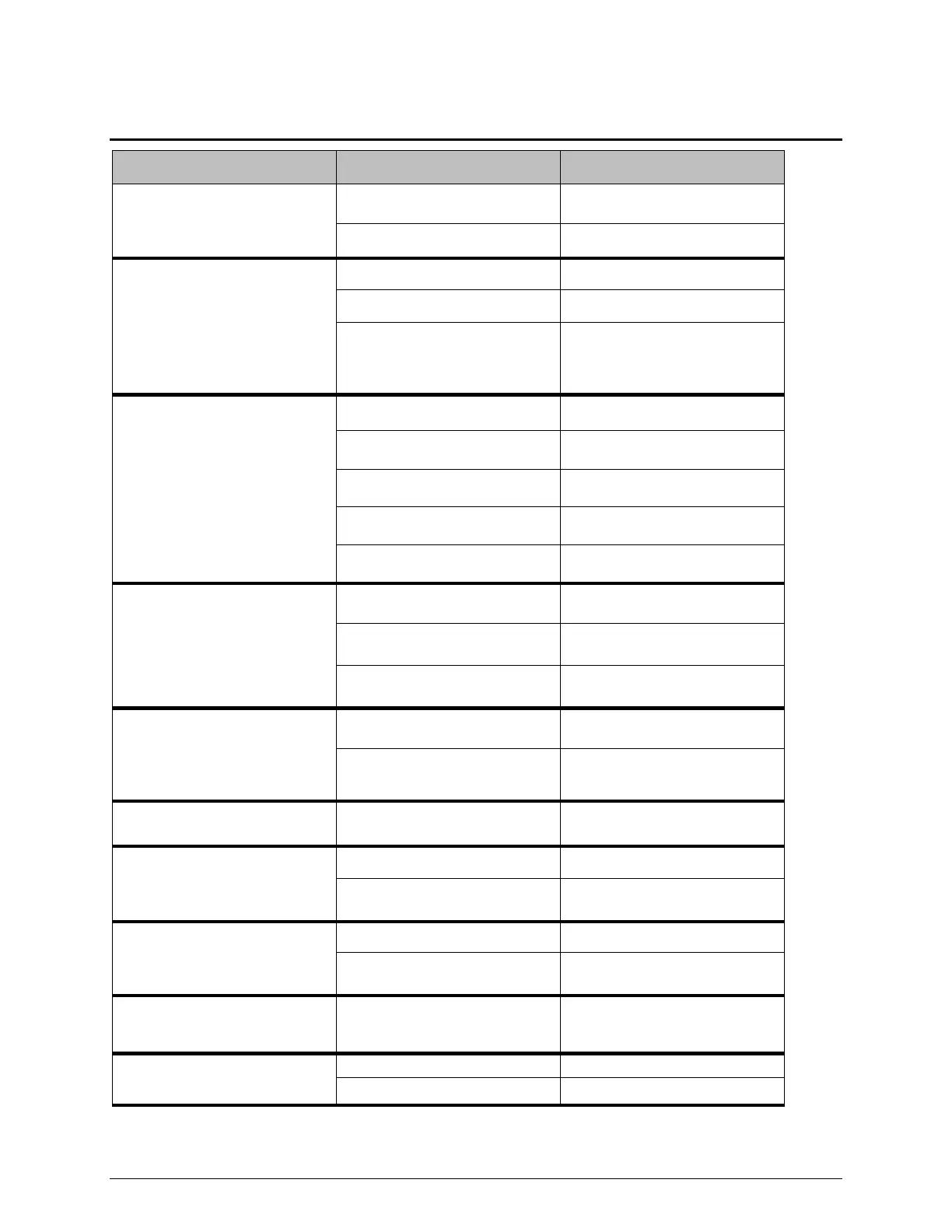
Trouble Shooting Chart
The IsoMet
does not power on
The unit is not plugged in
Check the power cord
connection
The unit is not powered on
Check the rear power switch
The pump has lost pressure
Fluid level may be too low
Fill the fluid to the correct level
Tank screen may need cleaning
Remove and check suction and
flexible hose for blockages and
clear blockages
Flexible hoses clogged or
blocked
Wrong blade for the material
Replace with correct blade
Improper specimen fixture
(primary cause)
Use correct specimen fixture
Blade may need to be dressed
The FEED RATE may be too
slow
BLADE SPEED may be too slow
The CUTTING DISTANCE may
have changed
Reset the CUTTING DISTANCE
The DISTANCE REMAINING
may be .00 or less
Increase the DISTANCE
REMAINING
The ARM LIMIT switch may be
activated
Deactivate the ARM LIMIT switch
Check the coolant for proper
mixture
The hood has been closed too
long with moisture build up
Open hood and keep hood open
when not in use
The Specimen Positioning
System does not move
Check the cable connection
The Blade Dressing does not
work
Check the cable connection
Dressing stick in the wrong
position
Check the dressing stick position
and clean it
The Rotating Chuck does not
work
Check the cable connection
Rotating chuck is not powered on
Make certain the Rotating Chuck
is turned on
The Blade Turret completed one
cycle but won’t advance for a
second cut
The IsoMet
®
is operating as if the
Precision Table is still attached
Turn the unit off then back on.
Coolant leaks from the IsoMet
Table or unit is not level
Make certain the table is level
Check the volume of cutting fluid


 To Next Page