32
MA112780_38.6 [Original Instructions] 9/19/2011
Loading and Saving Methods
The IsoMet 5000 has two types of methods a user can select from:
B# Methods: (Buehler Methods) are thirty-five (35) Buehler established and proven methods that
cannot be altered by the user.
U# Methods: (User Methods) are twenty (20) methods that can be created and saved by the user.
To Load a Method
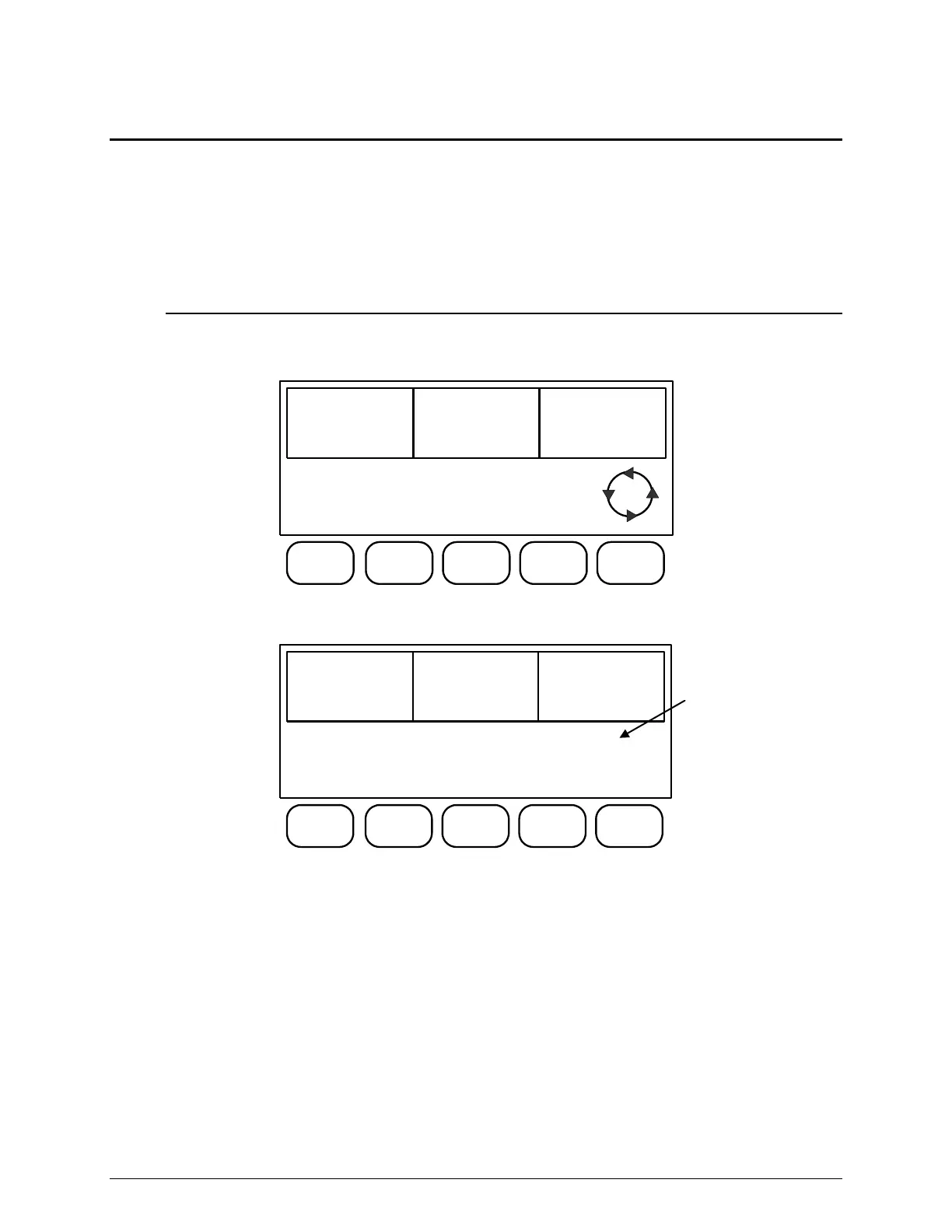
Press the Scroll button until the L4 Screen appears. The screen will change to display MEMORY
LOAD, MEMORY SAVE, and DATUM OFF (or ON).
BLADE
SPEED
4250rpm
FEED
RATE
.64in/min
DISTANCE
REMAINING
1.00in
MEMORY
LOAD
MEMORY
SAVE
DATUM
OFF
L4
1. Press the MEMORY LOAD button. The screen will change to:
BLADE
SPEED
4250rpm
FEED
RATE
.64in/min
DISTANCE
REMAINING
1.00in
NEXT
METHOD
PREVIOUS
METHOD
LOAD
METHOD
B1
EXIT
The NEXT button will increase the B or U method number.
The PREV button will decrease the B or U method number.
The LOAD button will change the operating parameters to the displayed values.
The EXIT button will return to the L4 Screen.
B1:Buehler Method
(Cannot be altered.)


 To Next Page