2003 Buell XB9S: Maintenance 1-45
HOME
THROTTLE POSITION SENSOR (TPS) 1.19
INSPECTION
1. Connect vehicle to Digital Technician.
2. Select data monitor screen.
3. Select TP degrees on screen.
4. Ignition and run switch should be in the on position with
engine off and throttle in the closed position.
5. If closed throttle TP degree reading is not between 5.2° -
5.6°, TPS should be recalibrated. See ADJUSTMENT
below.
ADJUSTMENT
1. Connect vehicle to Digital Technician.
2. Select data monitor screen.
3. Select TP degrees on screen.
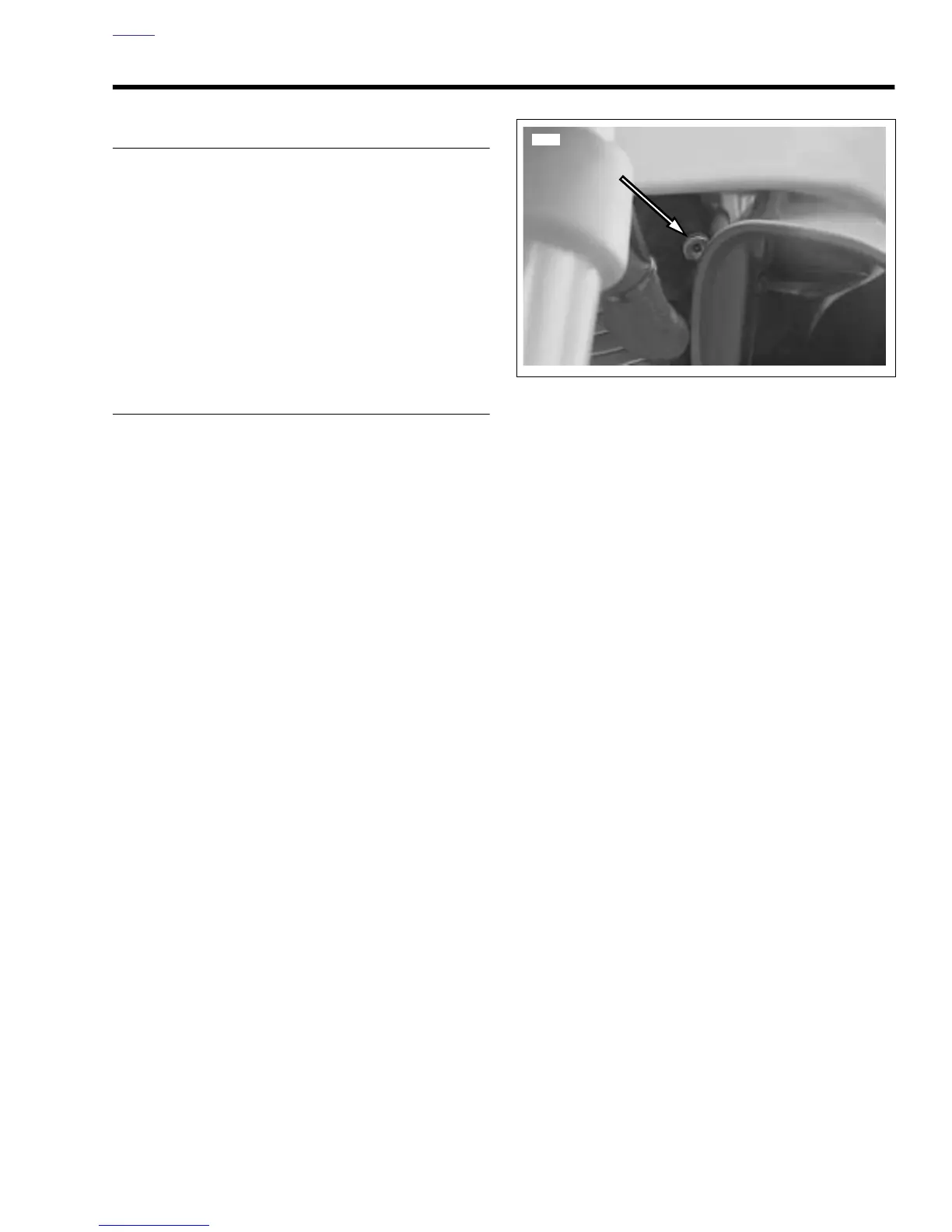
4. See Figure 1-52. Back off idle adjustment until TPS is at
0
° and then continue to back out one to two additional
turns.
5. Open and snap shut throttle control grip 2-3 times.
NOTE
This is to ensure that the throttle plate is completely closed
before beginning recalibration.
6. Select calibrations screen.
7. Select the Buell calibrations tab.
8. Select Zero TPS function.
NOTE
When calibration is complete, dialogue box will appear on
Digital Tech screen with message display “Command Sent
Successfully”.
9. Select OK to continue.
10. Select data monitor screen.
11. Select TP degrees on screen.
12. Turn idle speed screw in until the TPS degree reading is
between 5.2°
and 5.6°.
13. Select RPM/Speed and Temperature on screen and start
vehicle.
14. Run vehicle until engine temperature is at 270 °F (132°
C).
15. Set idle to 1050-1100 RPM.
16. Adjustment is complete.
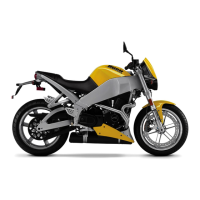
Figure 1-52. Idle Adjuster (behind left fork)



 To Next Page