11
Access Restrictions on External Drives
Refer to the TeraStation User Guide for more information on access restrictions.
Notes
• The TeraStation supports many types of USB devices including USB storage devices, card readers, digital cameras, and
USB printers. Other devices are not supported, such as USB hubs, card readers that recognize multiple memory cards,
and USB mice and keyboards.
• You can connect one hard drive to each USB port. Only Bualo drives are supported.
• Set the power mode for drives connected to the TeraStation to “manual”. Drives in “auto” power mode may not be
recognized.
• Direct Copy doesn’t work with the HD-DU2 series DriveStation unless it has been reformatted.
• The TeraStation can supply bus power to a single external drive only. For multiple drives, or if you experience power
problems, connect an AC adapter to each hard drive.
• Only the primary partition of the hard drive connected via USB connector will be recognized. Secondary and other
partitions will not be recognized.
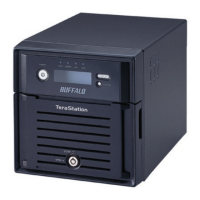
• Two-drive TeraStations do not support bus-powered USB drives.


 To Next Page