25
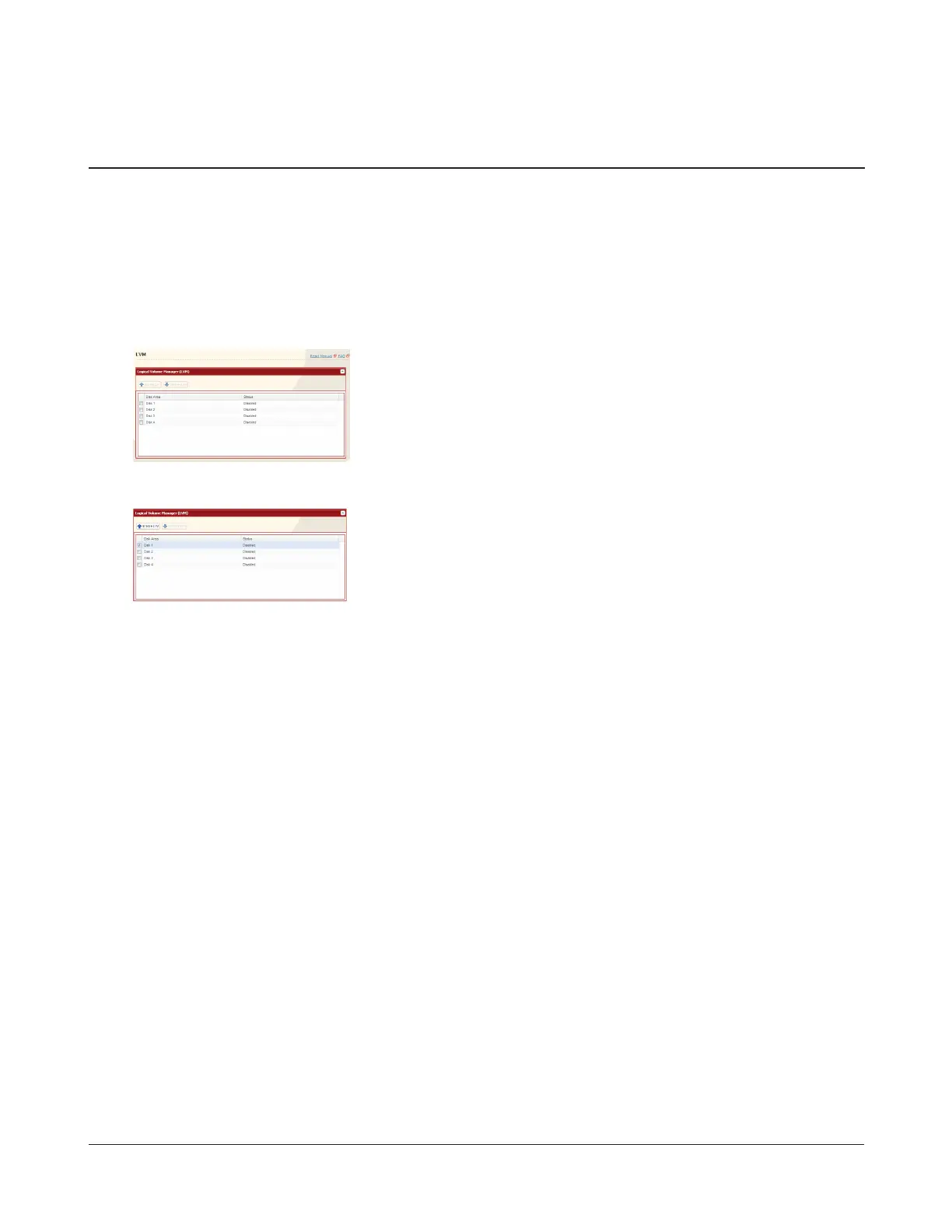
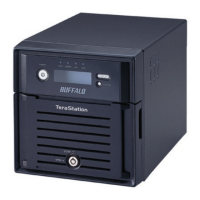
LVM is disabled by default. Enabling LVM will allow you to divide volumes and extend capacity, but will degrade access
speeds.
Notes:
• Changing the operation mode of a disk or array (such as enabling LVM) will delete all volumes and data from the disk
or array. Back up any important data before making any conguration changes!
• If all hard drives and RAID arrays are set to Enable LVM, the online update function cannot be used unless there is at
least one LVM volume.
1
2
3 Enter the conrmation number and click Apply.
LVM is now enabled.
Enable/Disable LVM (Logical Volume Manager)
In Settings, navigate to System - LVM.
1 Select the RAID array or the drive.
2 Click Enable LVM or Disable LVM.


 To Next Page