4
Using JBOD
With JBOD, each hard drive in the TeraStation is addressed separately. To put drives from an array into JBOD mode,
follow the steps below.
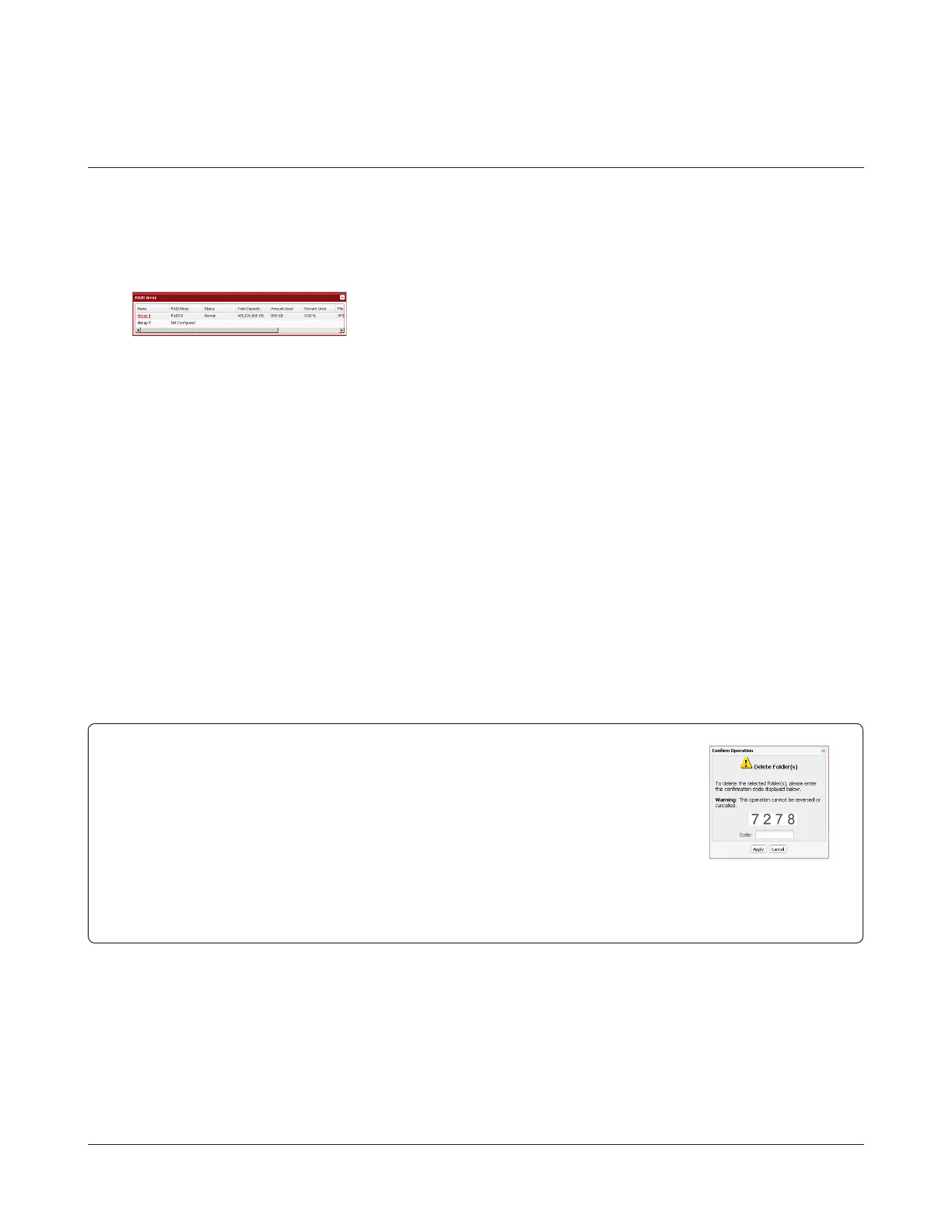
1 In Settings, navigate to System - Storage - RAID Array.
2
3 Click Delete RAID Array.
4 When the RAID Array operation window opens, click Apply.
5 Enter the conrmation number and click Apply.
6 Follow the instructions displayed on the screen.
You have now set up JBOD. Next, create a shared folder.
Select the array you want to congure.
Conrm Operation screen
When you perform any of the following tasks, a Conrm Operation screen is displayed . To
continue, enter the displayed number within 60 seconds and click Apply.
• Changing RAID array (Create or Delete)
• Deleting shared folders
• Restoring the TeraStation to factory defaults
• Formatting TeraStation
• Emptying recycle bin of each shared folder
• Formatting RAID array or hard drives
• Removing hard drives
• Rebuilding RAID array
• Conguring hot spare
• Conguring normal mode
• Enabled or disabled LVM
• Deleting LVM volumes
Conrm Operation
Screen


 To Next Page