6
Conguring a Hot Spare
If one of the drives in the array fails, the TeraStation will switch over to the hot spare immediately. You can congure
another drive as a hot spare if the following condition are met:
• There is an extra drive not used in the array.
• Your TeraStation is in RAID 6, RAID 5, RAID 51, RAID 50, RAID 10, or RAID 1.
Note: All data in the hot spare drive will be deleted when it is congured as a hot spare and again when it changes over
from a spare to a drive in the array.
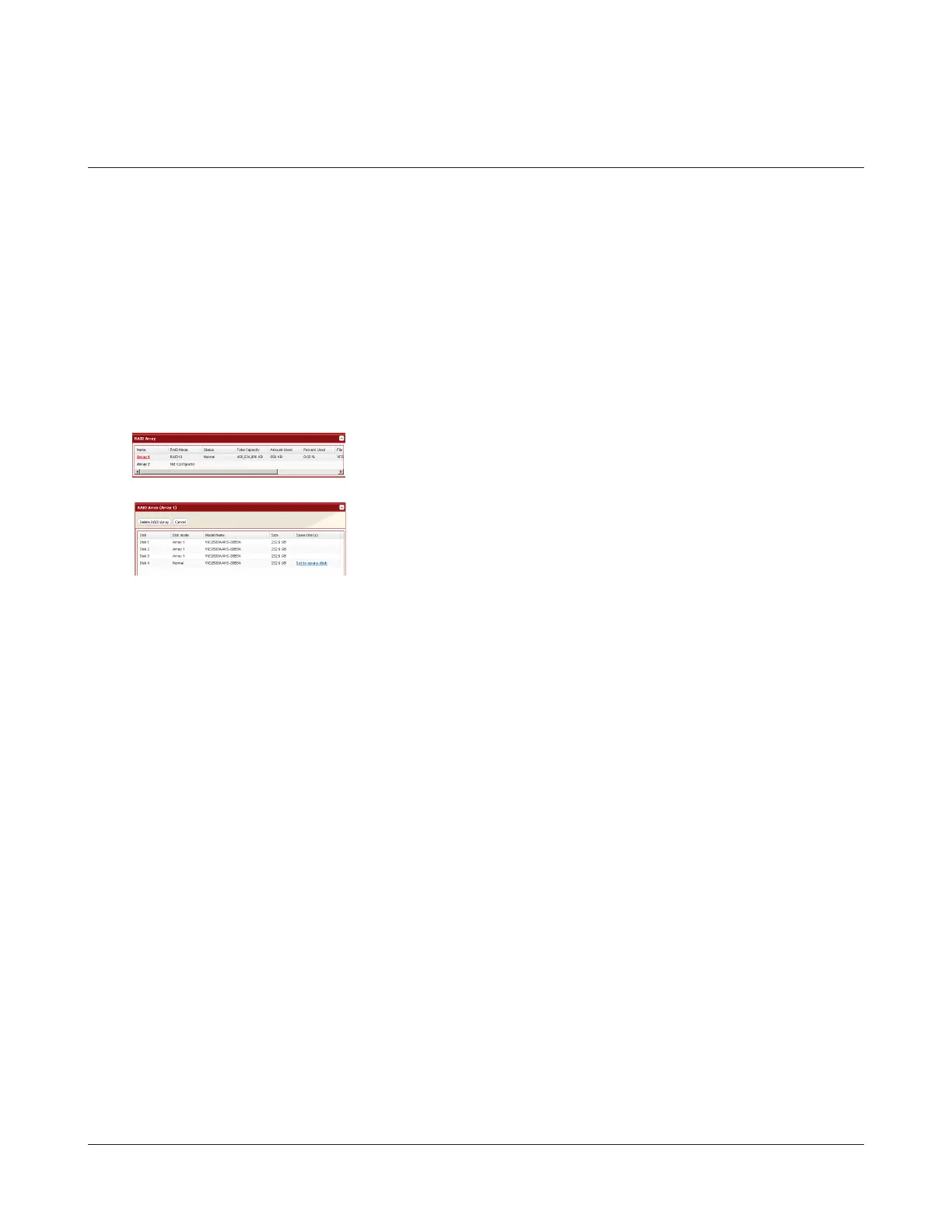
1 In Settings, navigate to System - Storage - RAID Array.
2
3
4 Enter the conrmation number and click Apply.
5 Follow the instructions displayed on the screen.
You have now congured a hot spare.
Choose a RAID array.
Click Set to spare-disk.


 To Next Page