9
Chapter 2
Adding an External Hard Drive
Connect an External Drive
Your TeraStation includes USB ports. You can connect a Bualo external hard drive to it for backup or extra storage.
If the hard drive is already formatted, it will be detected automatically. If it is not formatted, format it from within
Settings.
One external hard drive may be connected to each USB port on the TeraStation. USB hubs are not supported.
Warning! Do not unplug the drive from the TeraStation without dismounting it rst. Turn to page 13 for directions on
dismounting a connected drive.
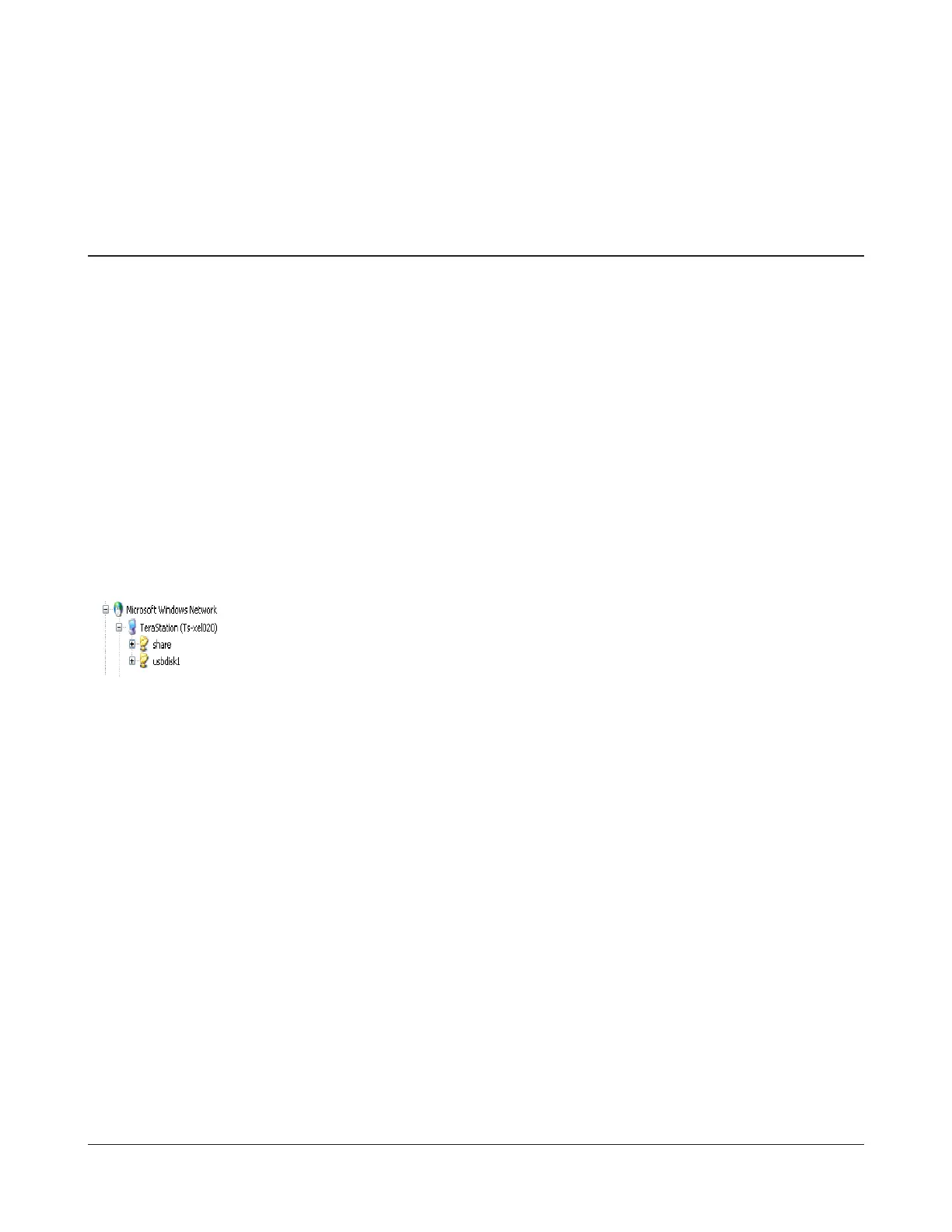
If the drive properly connected, “usbdiskX”
is added to the TeraStation’s shares on the
network, where X is the # of the drive.
Note: Files that are automatically created by
Mac OS cannot be backed up to a FAT32 drive
because they contain characters that are not
allowed in FAT32. In some cases, an error can
occur and stop the backup process before it
is nished.


 To Next Page