Chapter 3 Useful Functions
LinkStation Setup Manual
5252
5 Mail link to this le Send the address link by e-mail.
The le or folder name will be highlighted when you click on it. Click [Mail link to this le] in the
highlighted area, and your mail software will launch with the link address included in the mail
body to this le which is accessible from the outside. Use this feature when you want to distrib-
ute this address link by e-mail.
6 Create Folder Create a folder.
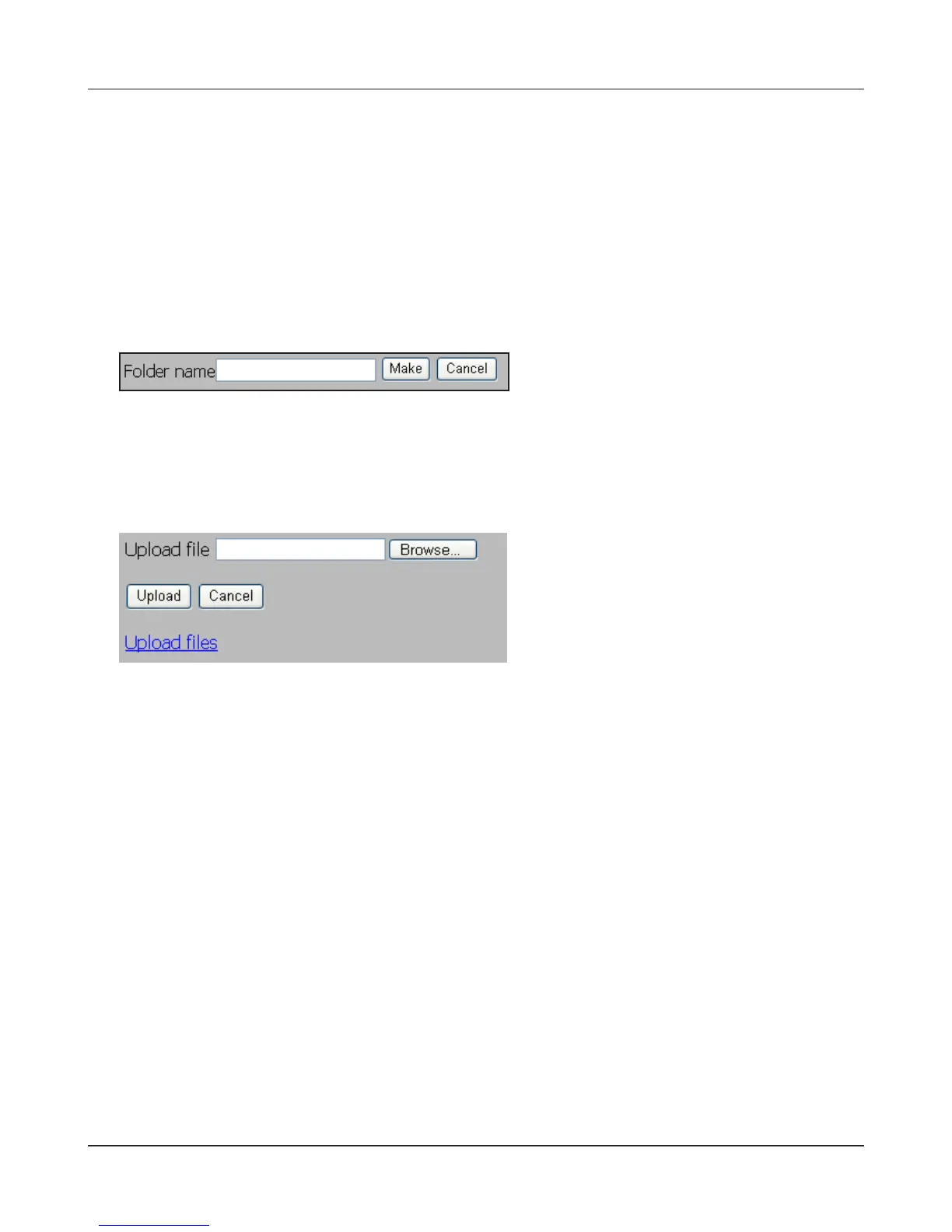
Click [Create Folder], and then the following screen will be displayed. Enter a folder name to cre-
ate in [Folder Name], and click [Create]. The new folder will be created.
• You can use up to 80 characters for a folder name and le name, regardless of full or half
bytes characters (including the extension).
7 Upload Upload les.
Click [Upload] to display the following screen. Click [Browse] in the upload les area, and select a
le to be uploaded. Clicking [Upload] will start uploading data you have selected.
Click [Upload Files] to display the following screen.


 To Next Page
 Loading...











