Chapter 3 Useful Functions
LinkStation Setup Manual
5858
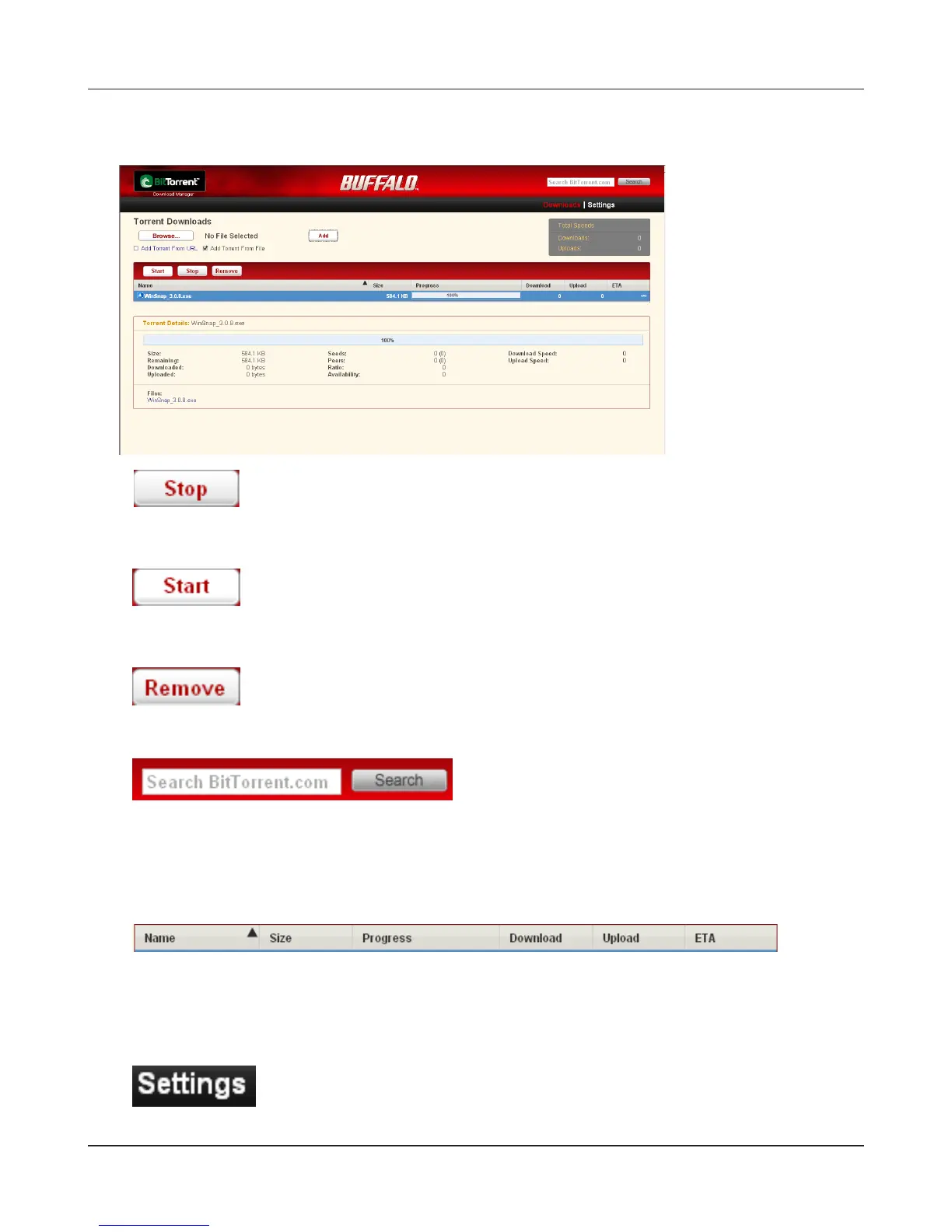
What you can do in the download screen
1
Click a queue name and click [Stop], this stops downloading.
2
Click [Start], it resumes downloading.
3
Click a queue name and click [Remove], the le will be deleted.
4
Torrent information will be searched in http://www.bittorrent.com/ . Enter a word to search in
the top right of the download screen and click [Search]. The search result will be displayed in a
separate window.
5
The order of the download queue can be changed by each item. The displayed order can be
switched by clicking following items.
[Name ][Size] [Progress] [Download] [Upload] [ETA]
6
Click [Settings] to display the conguration screen of BitTorrent.















 To Next Page