5.4.2.2. Editing of alcohol content correction
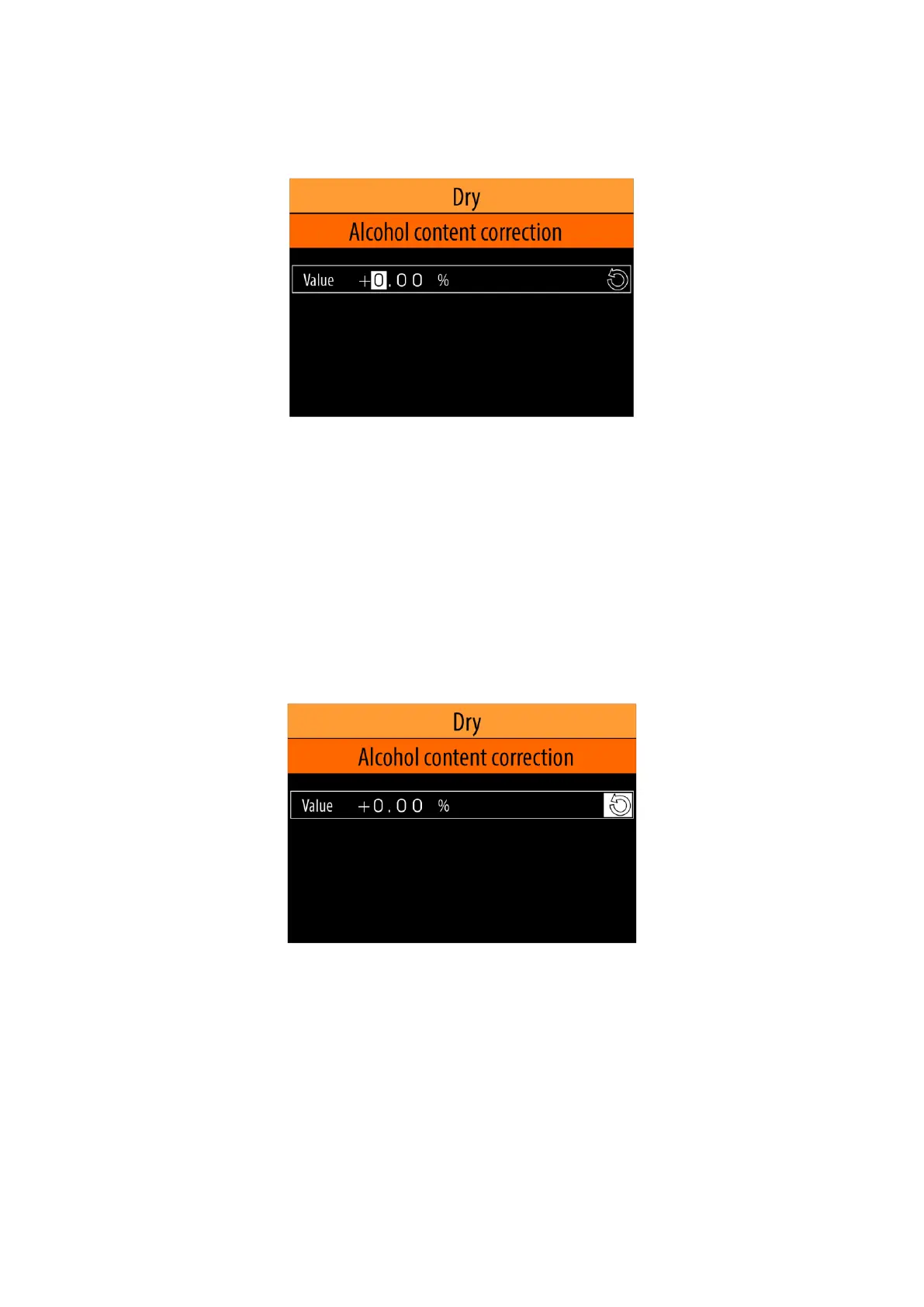
Once "Alcohol content correction" menu option is selected (see item 5.4.2.) on the screen will
appear the value of alcohol content correction for the selected wine type, saved in the non-volatile
memory in the device.
Use the buttons <Left arrow> / <Right arrow> to select which digit of the number to edit, and use the
buttons <Down arrow> / <Up arrow> to set the desired value.
If a USB keyboard is connected to the device, you can enter the desired value using the numbers 0 ... 9,"+"
and "-".
To confirm the selected value press the button <OK>. This way the value will be saved in the non-volatile
memory in the device.
If you do not want the changes to be saved, press the <MODE> or <HOME> button.
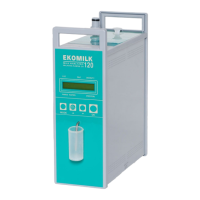
If you want to enter the default value for sugar content (0.0 %), use the <Left arrow> / <Right arrow>
buttons to select the default value icon and press the <OK> button.
5.4.2.3. Editing the note
Notes:
1). To edit the note for any of the wine types, it is necessary to connect a USB keyboard to one of the four
USB connectors mounted on the rear panel of the device (see Fig. 5).
2).
Забележки:
1). За да редактирате забележката за някое от типовете вина е необходимо да свържете USB
клавиатура към един от четирите USB съединителя, монтирани на задния панел на уреда
(виж. Фиг. 5).
2). The content of the note text can only be entered in Latin letters.


 To Next Page