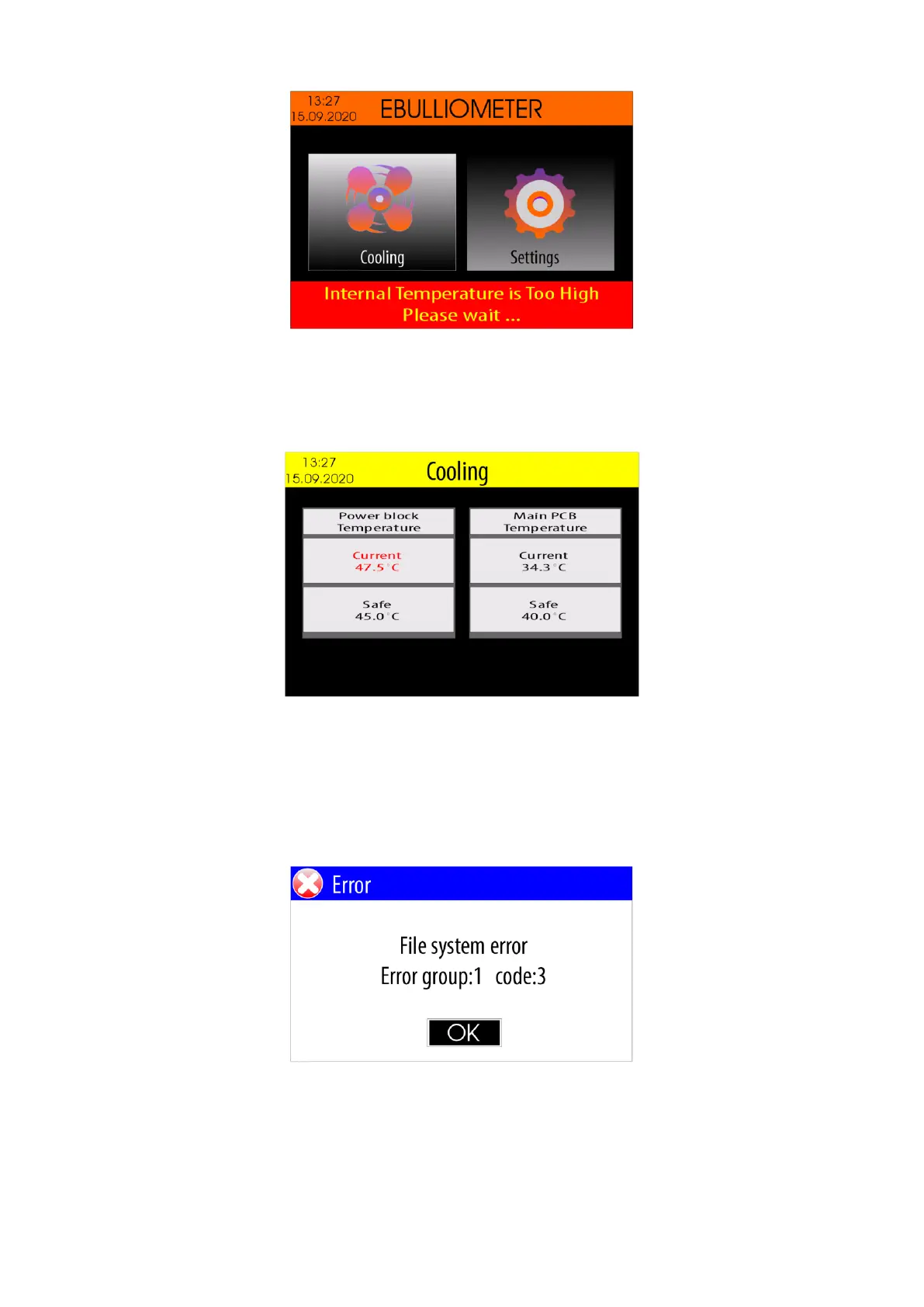
Note: This mode does not allow measurements to be made on either wine or water.
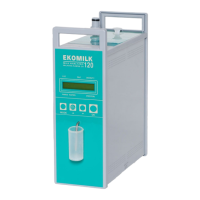
To monitor the current temperatures, select the <Cooling> icon using the <Left Arrow> / <Right Arrow>
buttons and then press the <OK> button.
Once the power block temperature drops below 45.0 ° C and the PCB temperature drops below 40.0 ° C, the
device automatically exits this mode and measurements are allowed.
6. Errors description
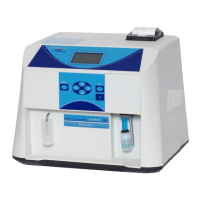
When an error occurs, the device displays a error message.
Example:
where :
Error group - The error group code
code - The error code in the group


 To Next Page