Water at the device cooling system outlet is taken away to the sewerage network by gravity.
Turn on cooling water, adjust the flow rate from 0.5 to 1.0 L/min (using tap) and check for leaks at
connection points.
Attention: Make sure the output hose of cooling system is not blocked (folded, pressed, squeezed etc.).
The output hose blockage leads to flooding of measuring system and serious damage of the device
Remove the polyethylene bag covering the inlet of the measuring system.
Put the free end of the 3 mm x 1.5 m vinyl hose connected to the discharge valve (Fig. 2) into a suitable
vessel for collection of samples measured or directly to the sewerage.
Connect the power cable to the meter.
Connect the power cable to a mains supply source of nominal voltage in accordance with the nameplate at
the rear panel of the device.
Attention: Power device from 3-prong grounded schuko plug only
5. Working with the device
5.1. Starting up
After the connecting the power cable to the electrical network and turning the power on using <On/OFF>
switch ( see Fig. 5) the device start its work with a procedure that checks all critical components ( power
block, sensors etc.) and also deleting of obsolete files from the build-in SD card - data collection files, error
log files and diagnostic files ( see items 5.4.7.1, 5.4.7.2 and 5.4.7.3 ).
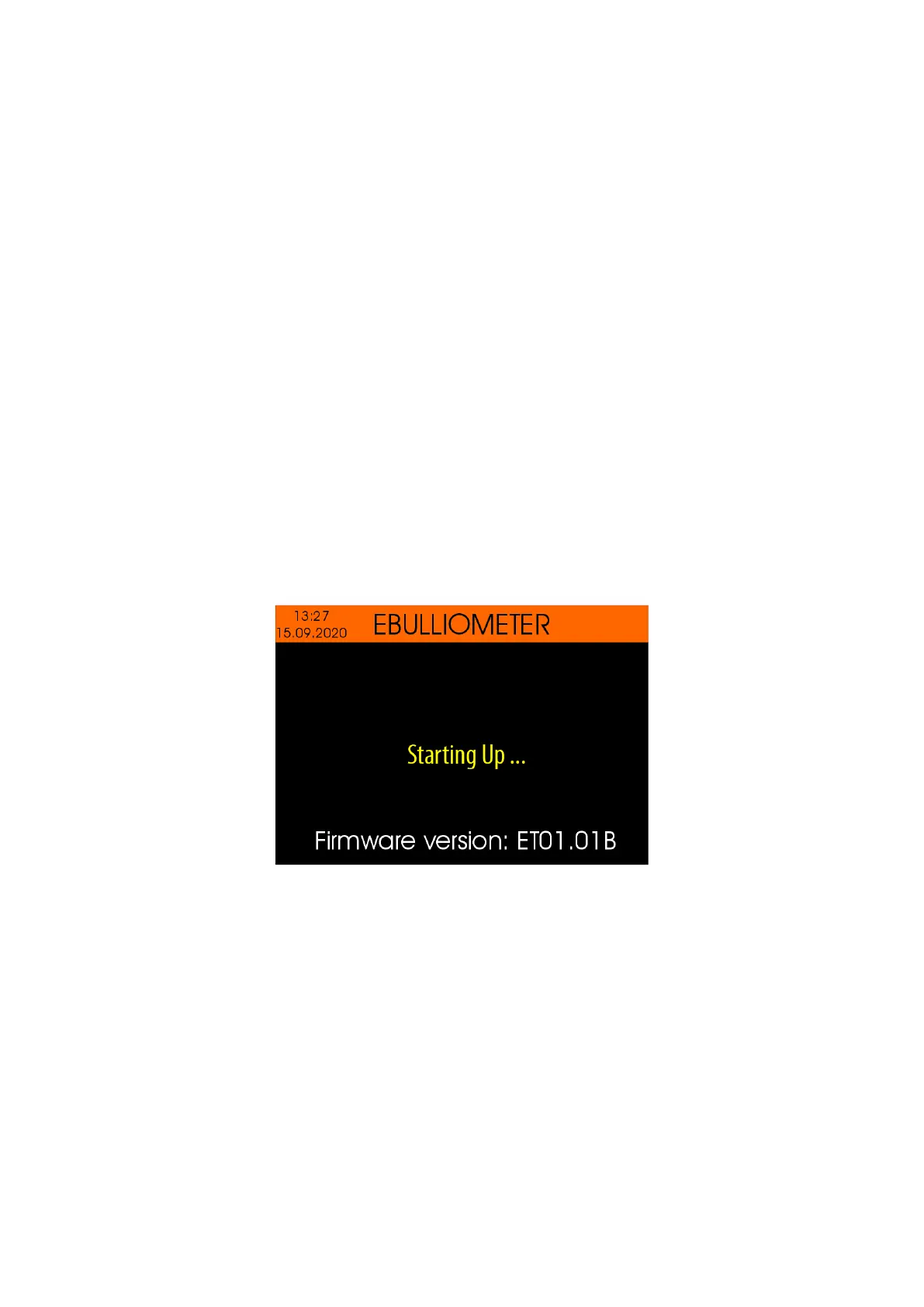
During the components checking procedure is in progress, the current software version is displayed
at the bottom of the display (for example "Firmware version: ET01.01B")
In case of a fault is detected in some of the components, the corresponding error message appears
on the display.
After a checking procedure completes, the device beeps.
Note: Please see chapter 5.4.5.6 about enabling and disabling the buzzer.
5.2. Home screen
The Home screen appears after the Starting Up procedure complete.


 To Next Page