with the < OK>.
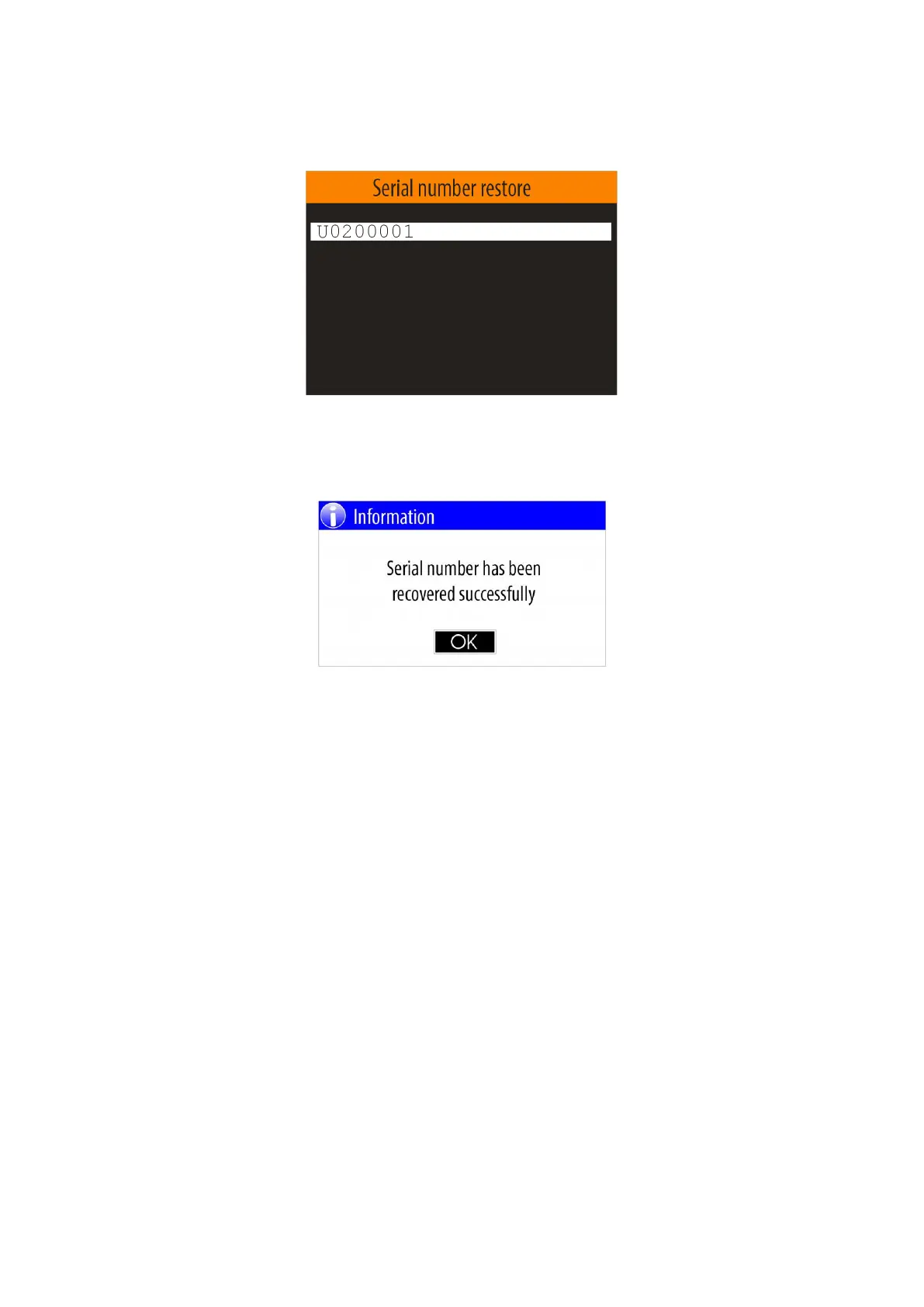
A panel will appear on the display in which the user must enter the serial number printed on the back panel
of the device:
After the user enters the serial number and confirm with <OK> button the recovery process starts.
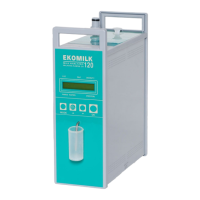
Upon successful completion of the serial number recovery procedure, a message will appear:
5.4.8. Firmware update
The manufacturer periodically improves the Ebulliometer software by improving the built-in algorithms and
adding new features. The firmware update function allows all users of already purchased devices to update
the firmware to the latest published version. The latest files with published firmware versions can be
obtained from the distributors or manufacturer.
After receiving the firmware update file, the user must copy this file to a USB flash-pen drive in the
ROOT:\EBULL\ FWUPDATE folder.
Example:
K:\EBULL\ FWUPDATE\ ET0102B.SUF
where :
К - Device label (USB flash pen drive )
EBULL - Ebulliometer folder
FWUPDATE- Firmware update files folder
ET0102B.SUF - Firmware update file
Note: If the EBULL or FWUPDATE folder does not exist on the USB flash-pen drive, it must be created
by the user.
Before to start the "Firmware update" procedure, the user must plug in the USB flash-pen drive to one of the
four USB connectors located on the back panel of the ebulliometer.
To start the " Firmware update" procedure, select the " Firmware update " menu option from the "Settings"


 To Next Page