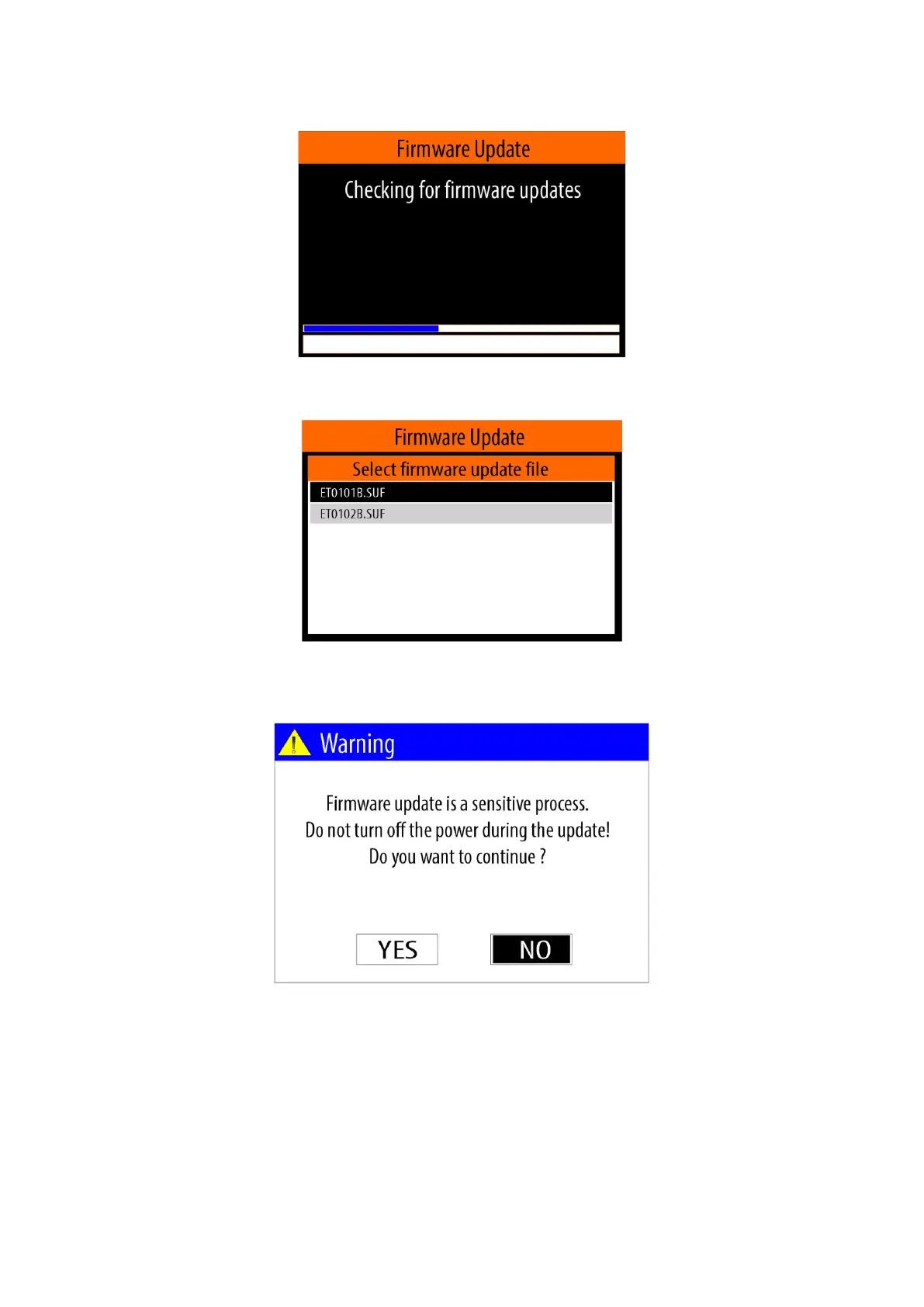
menu (see item 5.4.), by using the <Down arrow> / <Up arrow> buttons and then confirm with the < OK>.
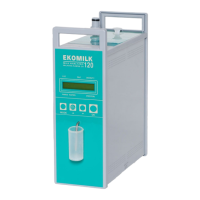
A menu for selecting the desired update file is displayed after the device finds suitable firmware update files
located on the USB flash-pen drive,
Using the <Down arrow> / <Up arrow> buttons select the desired file and then confirm with the < OK>.
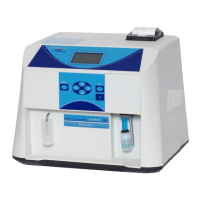
A panel with warning message will appear on the screen:
From this panel, using <Left arrow> / <Right arrow> select <YES> and confirm with <OK> button.
A series of messages will appear on the screen, showing the sequence of actions that the device performs to
update the software.
Upon successful completion of the firmware update process, the device will restart and message will appear
on the screen.
Example:


 To Next Page