Current temperature - currently measured value of the cleaning solution temperature
Time - the elapsed time since the start of the cleaning mode
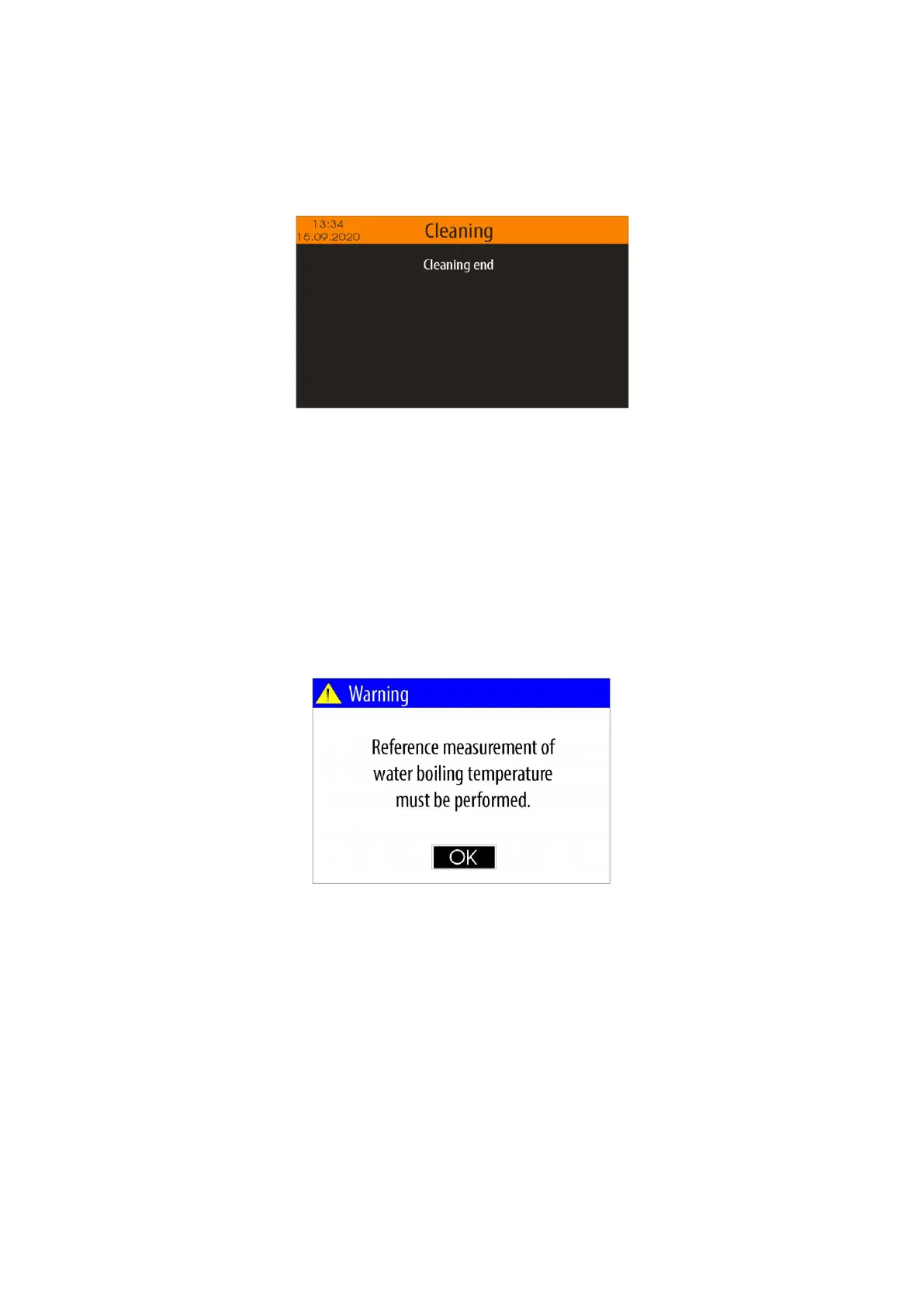
After the cleaning procedure finish the device shows the following message:
5.4.4. "Water" mode
Important: The "Water" mode must be used in case the atmospheric pressure sensor is disabled ( see
item 5.4.6.4.).
The "Water" mode is designed to measure the boiling temperature of distilled water. The measurement result
is recorded in the non-volatile memory of the device and is used in the "Measurement" mode for the next 24
hours to determine the volume of alcohol.
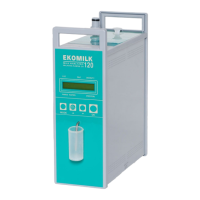
If you try to use the "Measurement" mode, but you have not performed a measurement in the "Water" mode
in the previous 24 hours, a warning message will appear on the screen:
Before starting the "Water" mode, flush the measuring system several times with distilled water, close the
drain valve (see Fig. 2), measure out 50 mL of distilled water and pour it into the input of measuring system.
The volume of water must be up to the level of the printed mark placed on the reactor. Drain excess through
the drain valve. During this procedure, the reactor printed mark must be at eye level (see Fig. 6).
To start the "Water" mode form the "Settings" menu select "Water" option, using the buttons <Up arrow>
/<Down arrow> and confirm with <OK> button.


 To Next Page