36
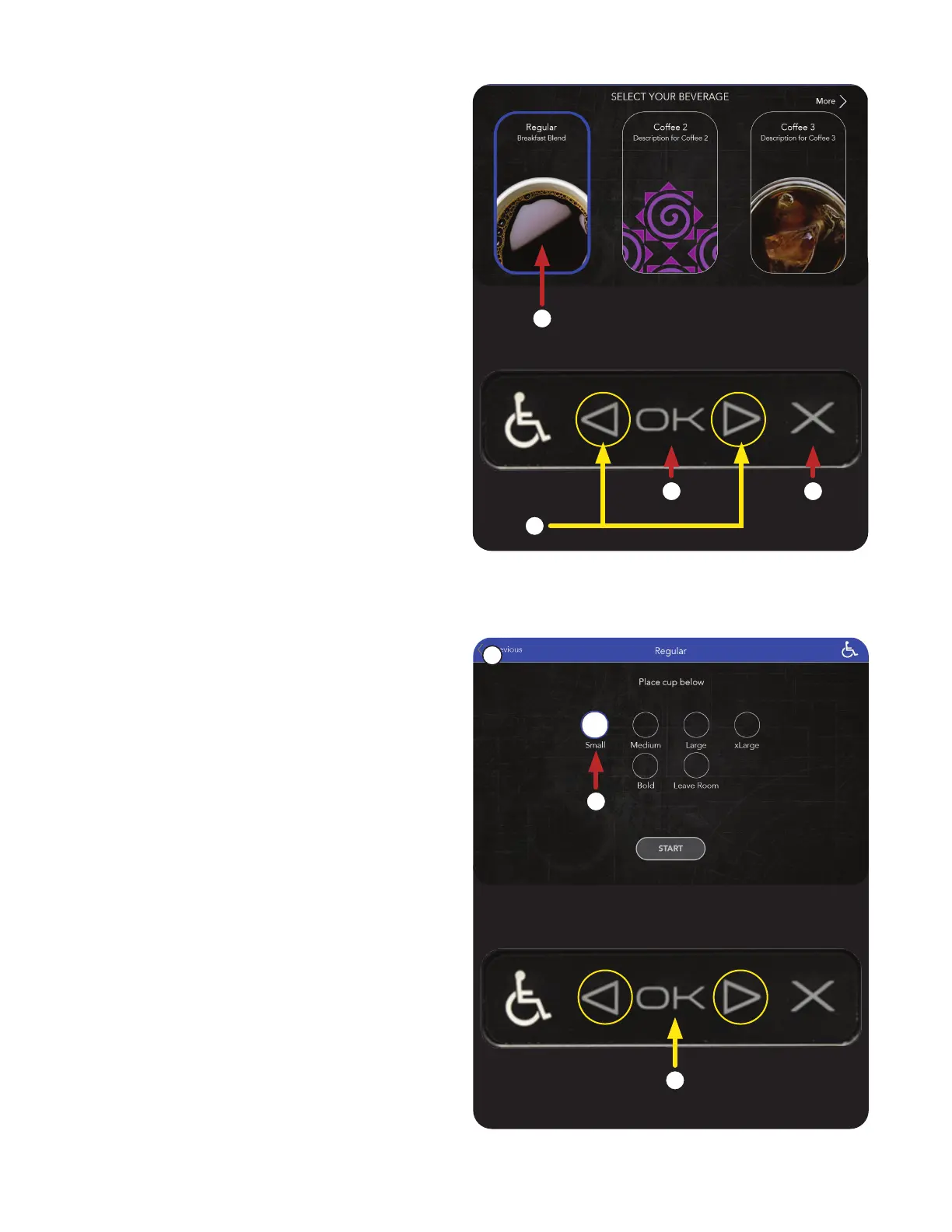
3. Navigate around the screens using the Left and
Right arrows on the ADA interface.
NOTE: If the beverage selected is an Iced
Beverage, the screen will prompt the user to
fill the cup with ice prior to placing the beverage
container (cup) on the tray.
OPERATING INTERFACE
4. Selections available through the ADA interface
on this screen; Previous, Small, Medium,
Large, Extra Large, Bold, Leave Room
and Start.
ADA Interface (continued)
a. Next, using the ADA arrows, choose a
beverage size.
b. Press OK to enter selection.
a. Select a beverage.
b. Press the OK button to confirm.
c. Pressing the X cancels the selection.
3
4
b
b
c
a
a



 To Next Page