35
OPERATING INTERFACE
6
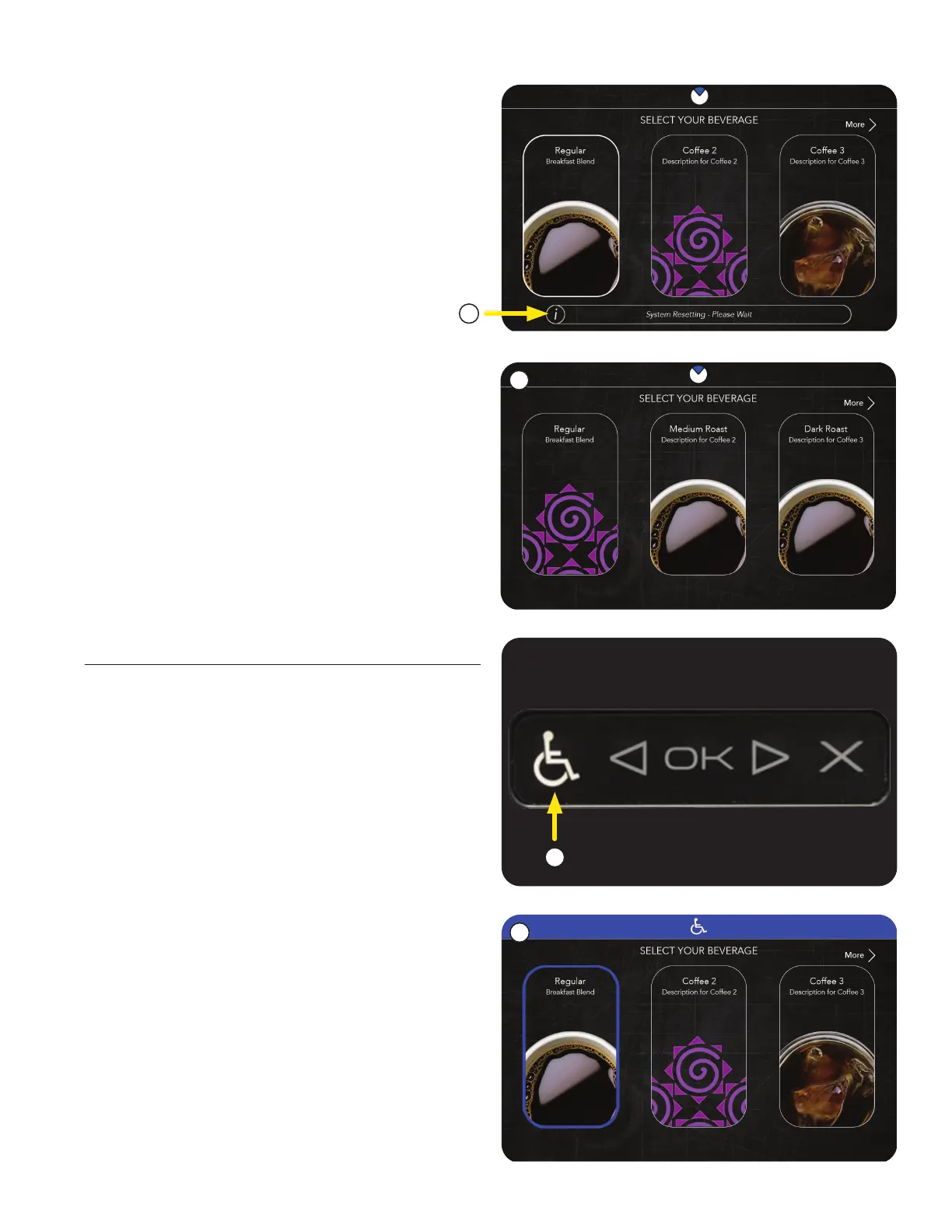
2. The user will be presented with a new
Customer Care Alert indicating that
the machine is Resetting.
3. The user will then be returned to the original
selection screen to choose again.
1. To activate the ADA screen interface, the
user must press the Accessibility symbol
(wheelchair icon).
2. When activated, the screen will have a blue
banner across the top, and a blue highlight
around the item being selected.
ADA Interface
1
2
2
3
continued >



 To Next Page