11
INTRODUCTION
The ARC Plus remote monitoring and control system takes advantage of the scalability of TCP/IP to provide site-to-
site control, central monitoring and/or distributed access to hundreds of sites. Users can manage the system via
web browser, smartphone, tablet and optional telephone and
software interfaces, in any combination. Multi-site
ARC Plus networks allow site-to-site control
from the front panel of any ARC Plus or ARC Plus Touch, and
automatic coordination of multiple facilities via onboard macros.
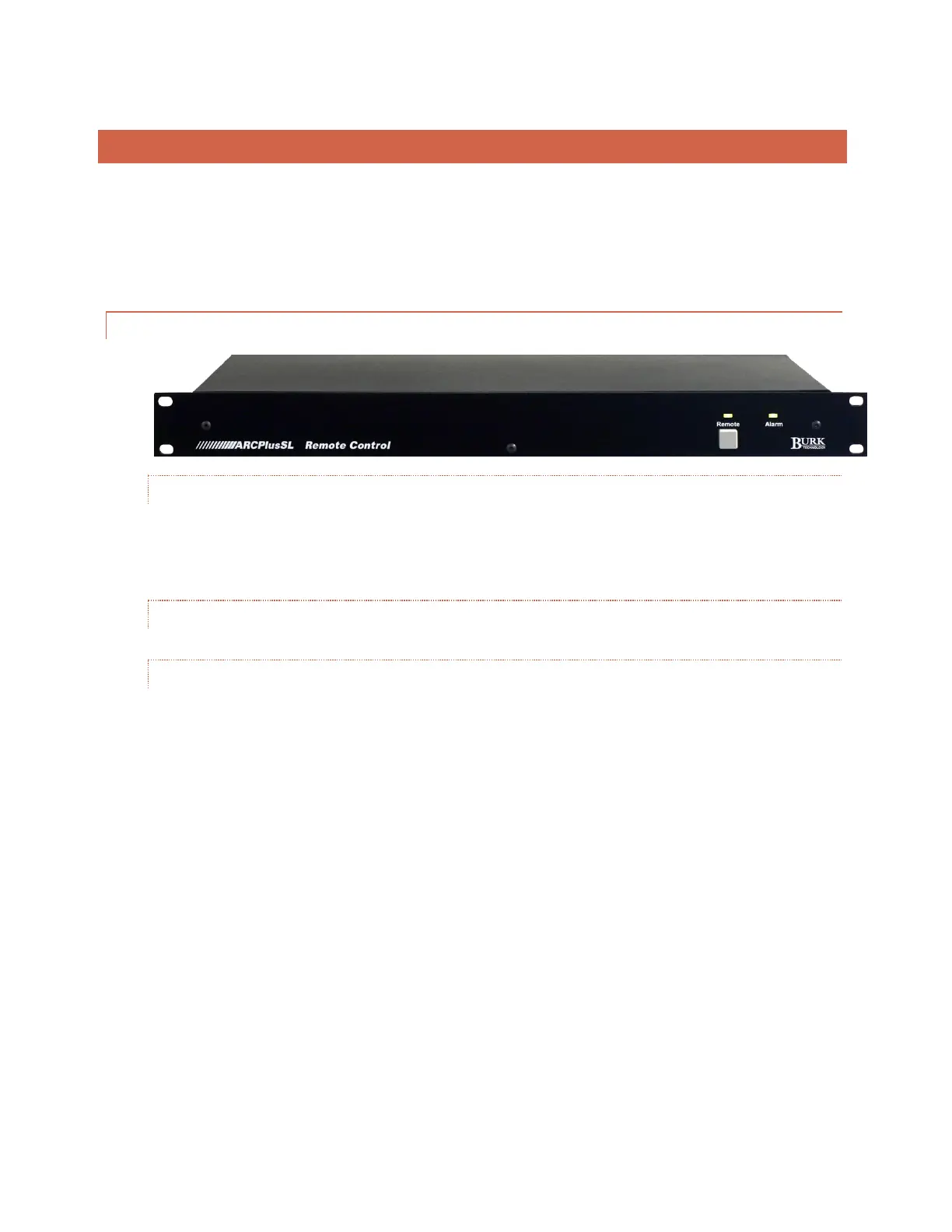
FRONT PANEL
ALARM LED
The Alarm LED indicates alarm activity. By default, the LED illuminates red when there is an
alarm at the
local site. It may instead be configured to illuminate when there is an alarm at any site in the ARC Plus
network (Click or turn to ALARMS for details). When no alarm is present, the LED is green, indicating that
power is on.
REMOTE LED
Indicates when link is lost or unit is in maintenance mode.
MAINTENANCE MODE PUSHBUTTON
Maintenance mode prohibits all commands. For safety, this can only be switched on or off locally.



 To Next Page