68
STATUS ACTIONS
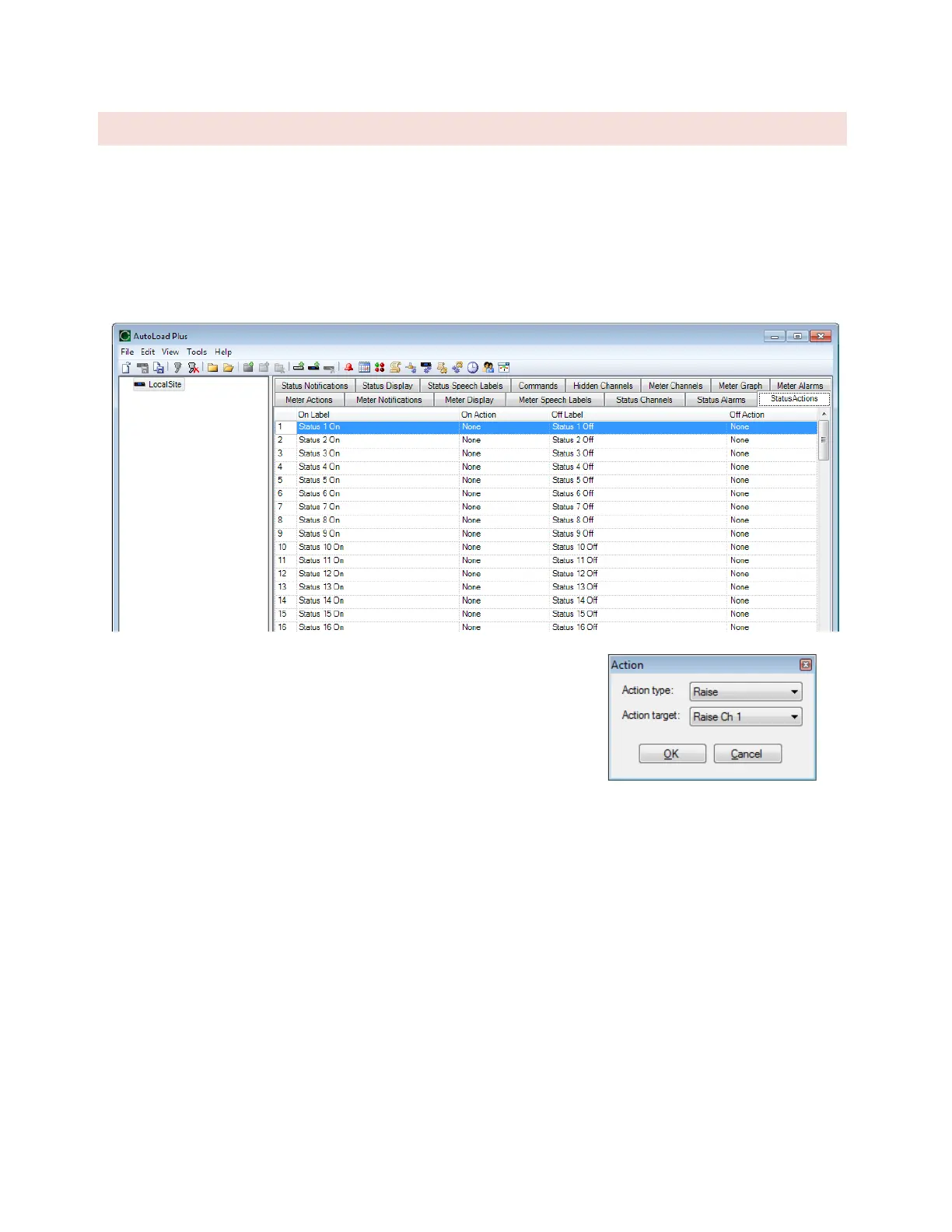
Status Actions instruct the ARC Plus to automatically issue a command or run/stop a macro when a status channel
changes state. On and off states are individually configurable. . In firmware versions prior to 5.0.8.1, the status
action is executed immediately when the status changes state. In firmware 5.0.8.1 or later, the status action is
executed after the corresponding Alarm Delay, as configured on the Status Alarms tab. See DELAYED ALARM
REPORTING.
To configure an action, navigate to the Status Actions tab and click the […]
button in the appropriate field for the channel and state that you want to
set. Select the type of action (raise, lower, run macro or stop macro), and
the target channel/macro.



 To Next Page