69
STATUS NOTIFICATIONS
The ARC Plus SL can send dial-out notifications when it is networked with another ARC Plus configured with ESI or
RSI.
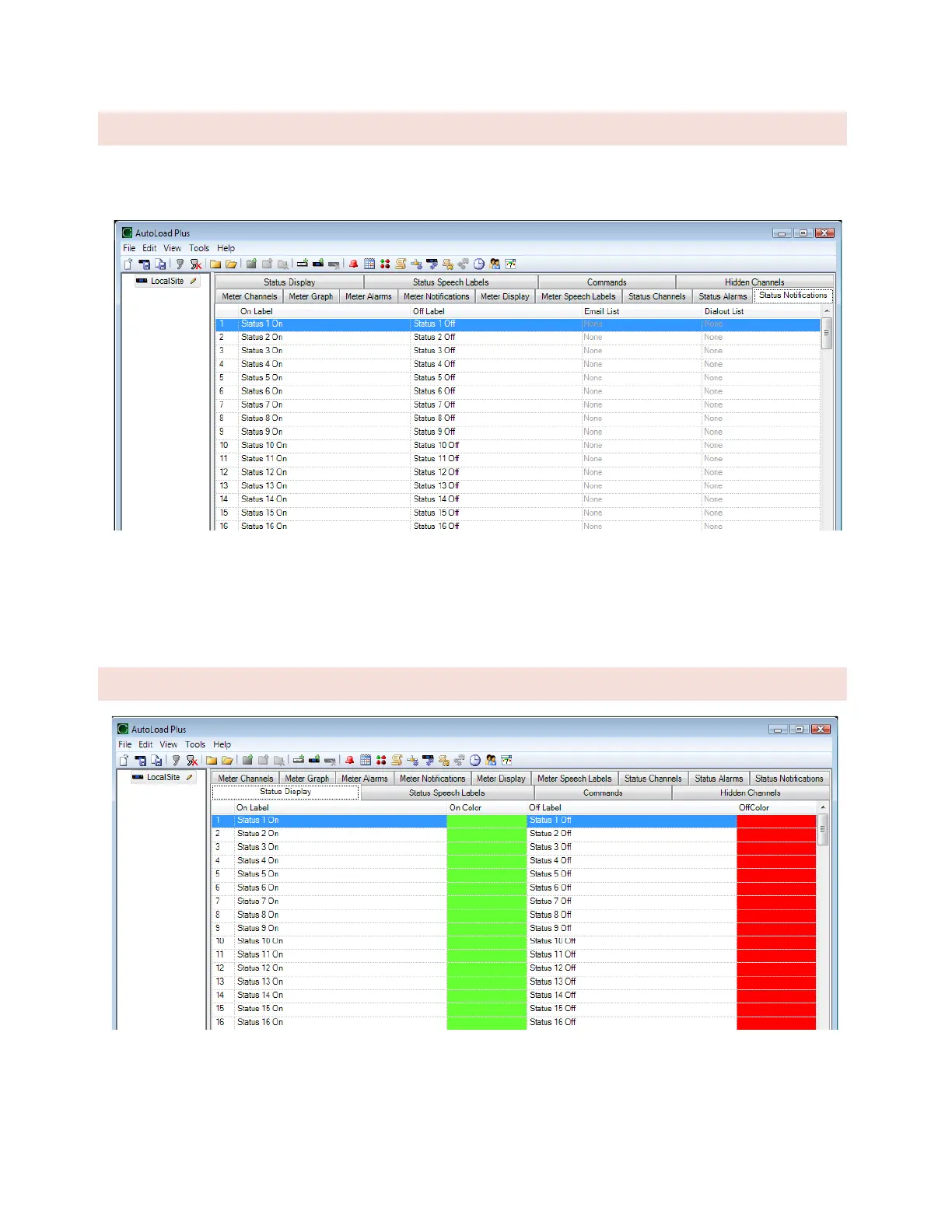
Use the Status Notifications Tab to determine which email lists and/or dial-out lists are used to notify operators of
status alarms.
Before a list is available for selection, it must be created using the Alarm Notifications dialog. (Click or turn to
CONFIGURING DIAL-OUT ALARM NOTIFICATIONS)
STATUS DISPLAY
AutoPilot software and the web page both show on and off indicators for the status channels. To change which
colors are used, navigate to the Status Display tab and click the […] icon next to each status on or status off
message. The process is the same as for metering channels.



 To Next Page