46
When an alarm occurs on the local ARC Plus SL and dial-out notification is enabled for that alarm, the ARC Plus SL
will initiate dial-out using the RSI installed at the site designated as Primary ESI site. The ESI site timeout setting
determines how long the ARC Plus SL will wait for a response from the primary RSI or ESI Plus. The ESI site max
retries setting determines how many times it will retry the primary site before attempting to connect to the
Backup ESI site.
WEB INTERFACE
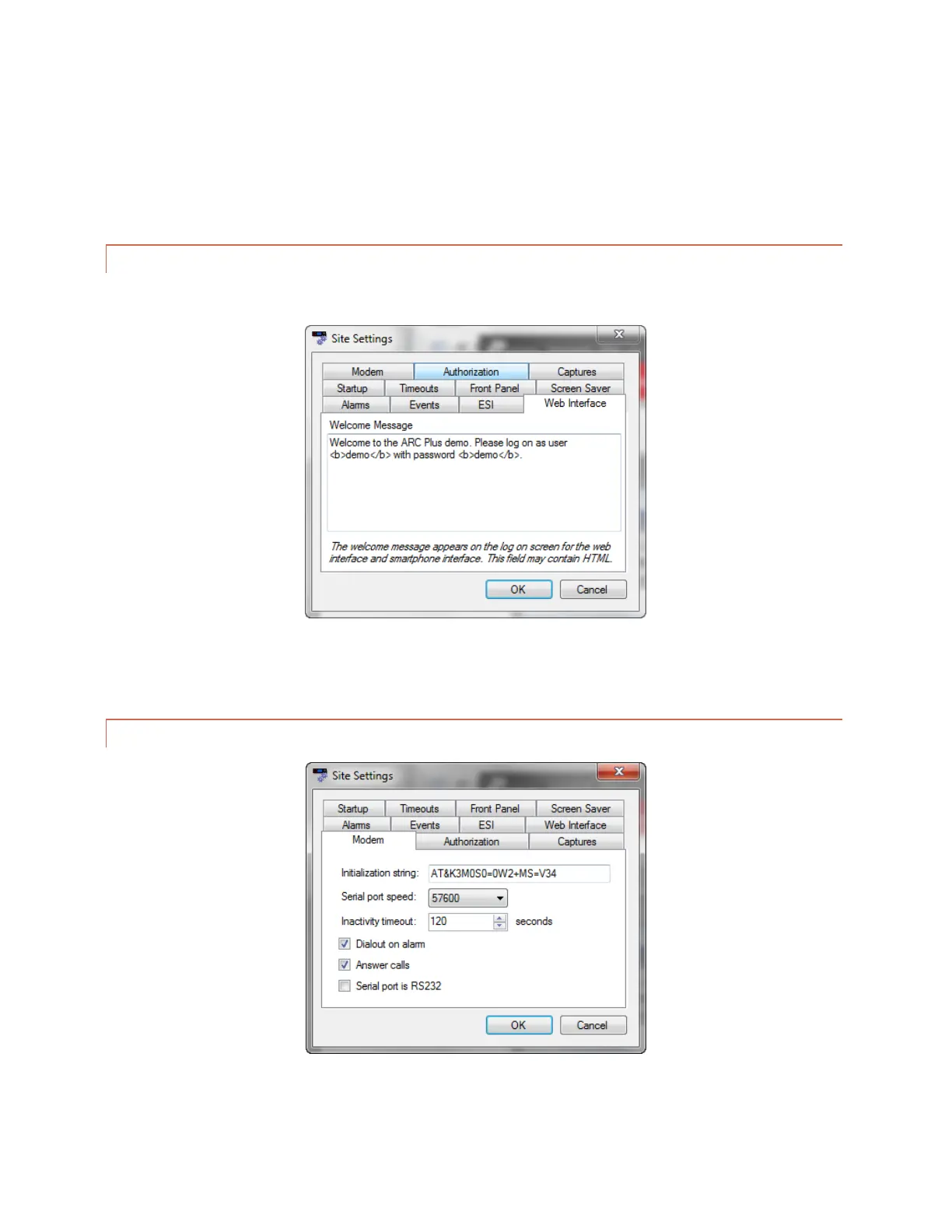
Edit>Settings>Site Settings – Web Interface
The Web Interface tab allows you to customize the web interface welcome message.
MODEM SETTINGS
Edit>Settings>Site Settings - Modem



 To Next Page