44
ALARMS
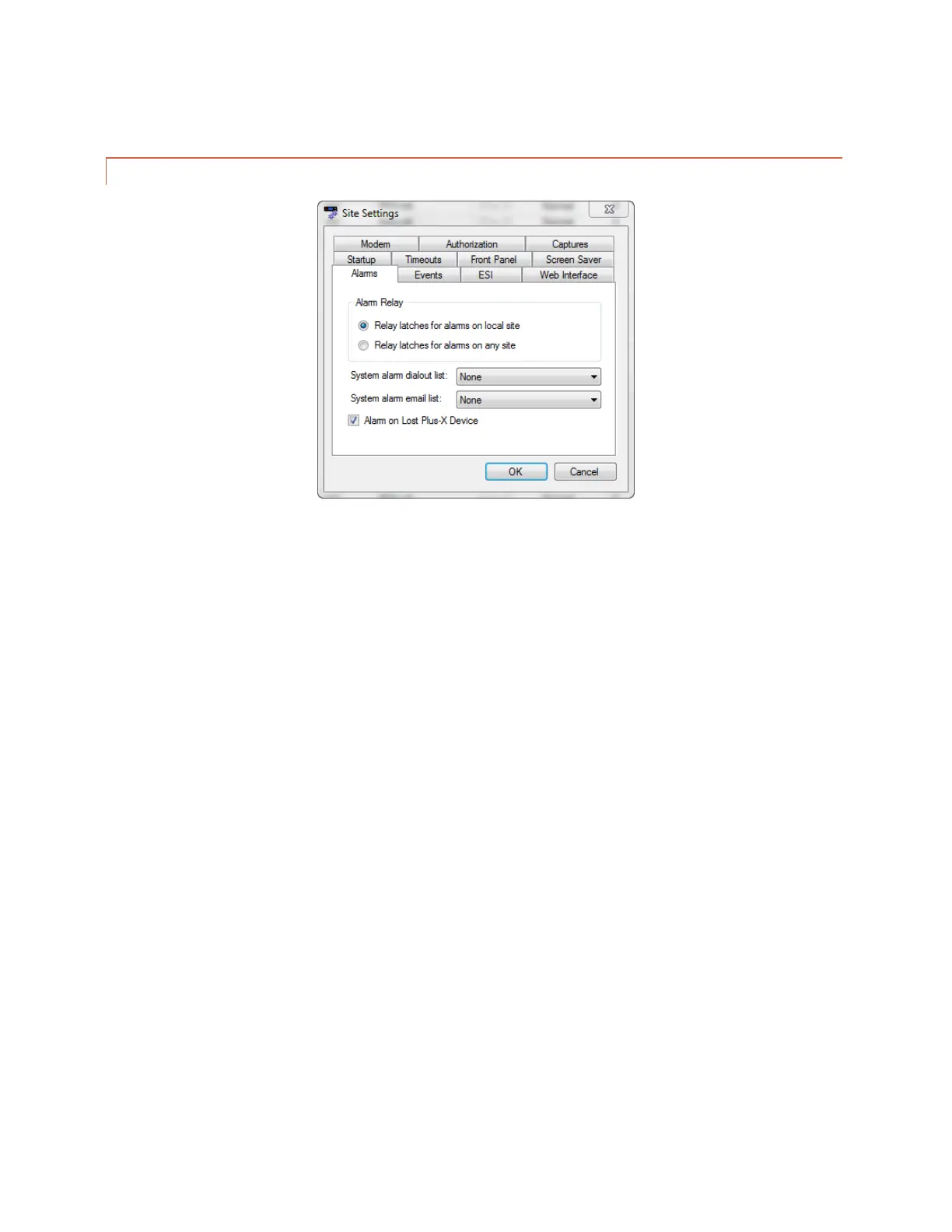
Edit>Settings>Site Settings - Alarms
The behavior of the rear panel alarm relay may be configured to latch closed when there is an alarm at the local
site, or when there is an alarm at any site in the ARC Plus network. Under the Alarms tab, select your preference
under the Alarm Relay heading.
The System alarm dial-out list and System alarm email list determine which notification lists the ARC Plus SL will
use when there is a system alarm on the ARC Plus SL (such as Plus-X device becoming disconnected). To configure
email notifications of system alarms, email server settings and at least one email notification list must be
configured (Click or turn to CONFIGURING EMAIL ALARM NOTIFICATIONS). In order to select a dial-out list, an
RSI must be installed and there must be at least one dial-out notification list created (Click or turn to
CONFIGURING DIAL-OUT ALARM NOTIFICATIONS).
The Alarm on Lost Plus-X Device box is checked as a system default. Unchecking this box disables the system alarm
that normally occurs when communication is lost with a connected Plus-X device. It is highly recommended that
this box remain checked so that any network failure between the ARC Plus SL and its connected Plus-X devices can
be quickly identified and corrected.



 To Next Page