63
CALIBRATING METER INPUTS
Metering values are scaled according to the input type specified on the Metering Channels tab (Click or turn to
METER CHANNELS), and a calibration constant is applied to all input types except Millivolt and Degree. The
calibration constant converts the scaled value to a calibrated value, corresponding to the actual reading on the
parameter being monitored. The calibration process sets that calibration constant.
To calibrate a metering channel:
1. Choose the channel you want to calibrate
by selecting the corresponding row in the
Meter Channels tab.
2. Click the “wrench” icon on the far right side
of the grid.
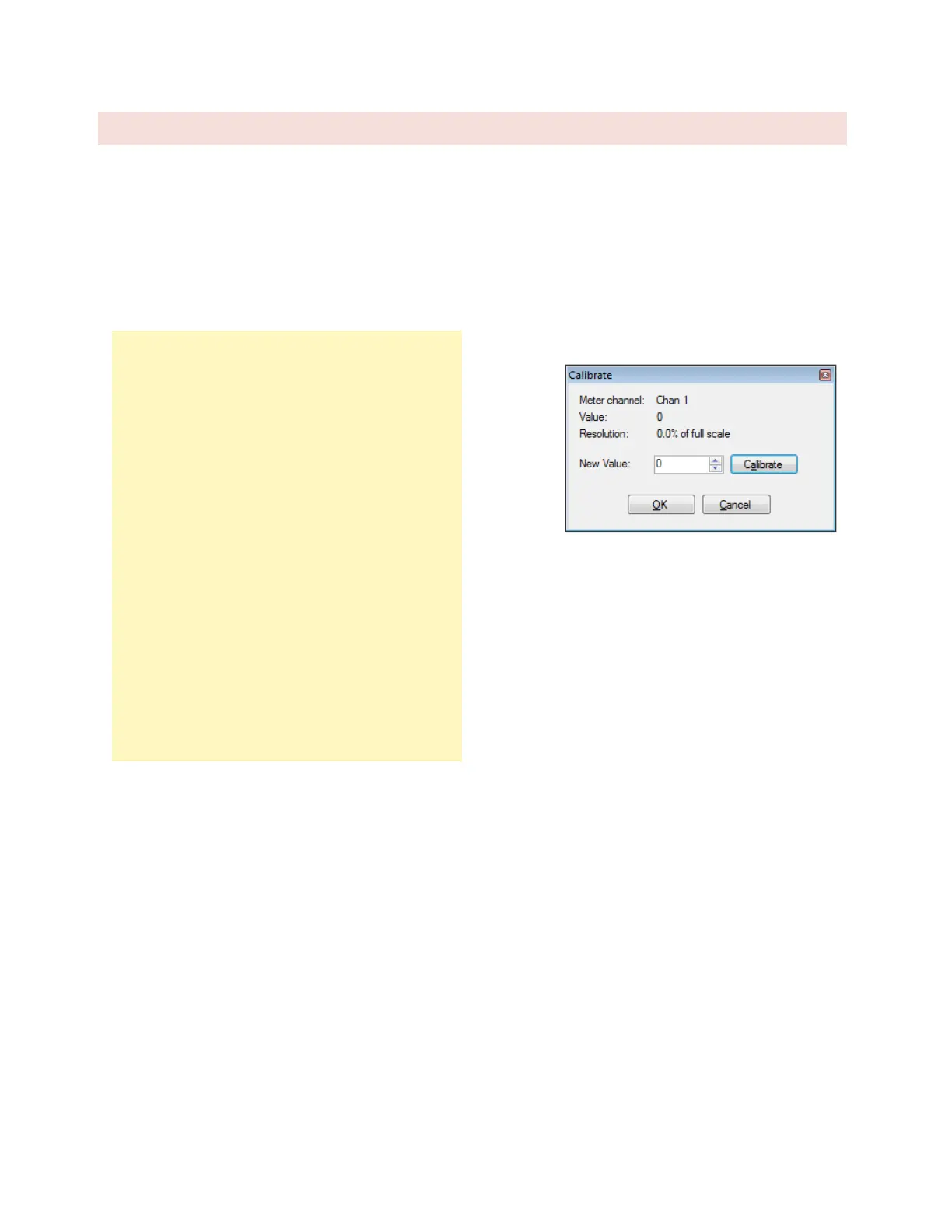
3. The calibration window will display the
current channel, scaled value and
resolution.
4. To change the value of the metering
channel, enter the actual channel reading
in the box for New Value and press the
Calibrate button. AutoLoad Plus will
automatically calculate a new calibration
constant.



 To Next Page