30
ADDING SNMP DEVICES
The first step toward managing an SNMP device is to add it to the ARC Plus SNMP device list. To do this,
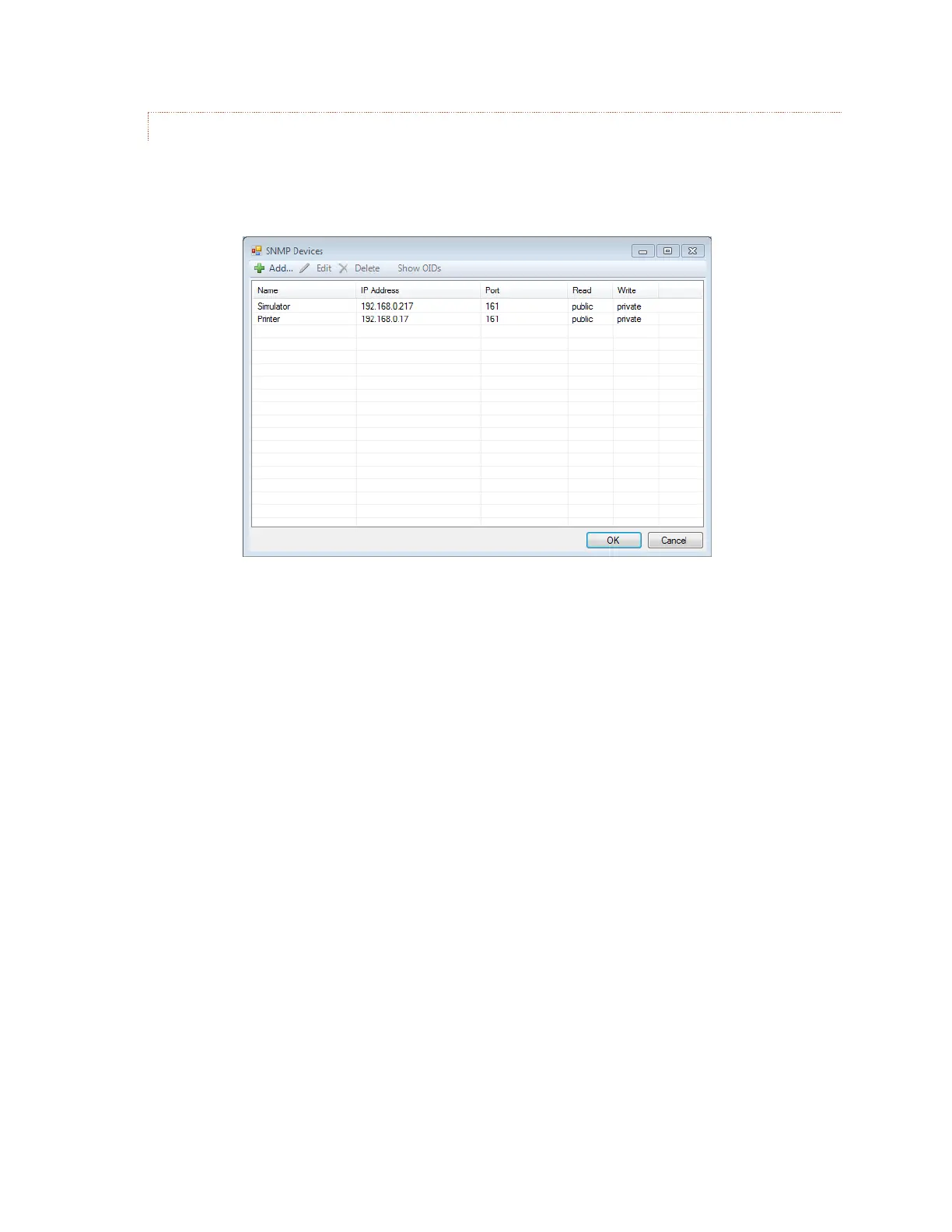
select SNMP Devices… from the Edit menu. The SNMP Devices dialog box will be displayed as shown below.
From this screen, devices can be added to, edited or deleted from the ARC Plus SNMP device list.
Edit>SNMP Devices
The Name field determines how a particular device will be identified within the ARC Plus system, and can be
set to a convenient text string. The values for IP Address and (UDP) Port, as well as the Read and Write
community strings must agree with the corresponding settings in the SNMP device to be controlled.
You can configure the rate at which the ARC Plus polls each connected SNMP device (from 1 to 255
seconds). The default rate of 1 second is recommended in order to maintain accurate ARC Plus channel
data, but you can set a longer interval if you want to reduce the amount of polling traffic on the network.



 To Next Page