66
Operation
17.4.1. Setting date and time:
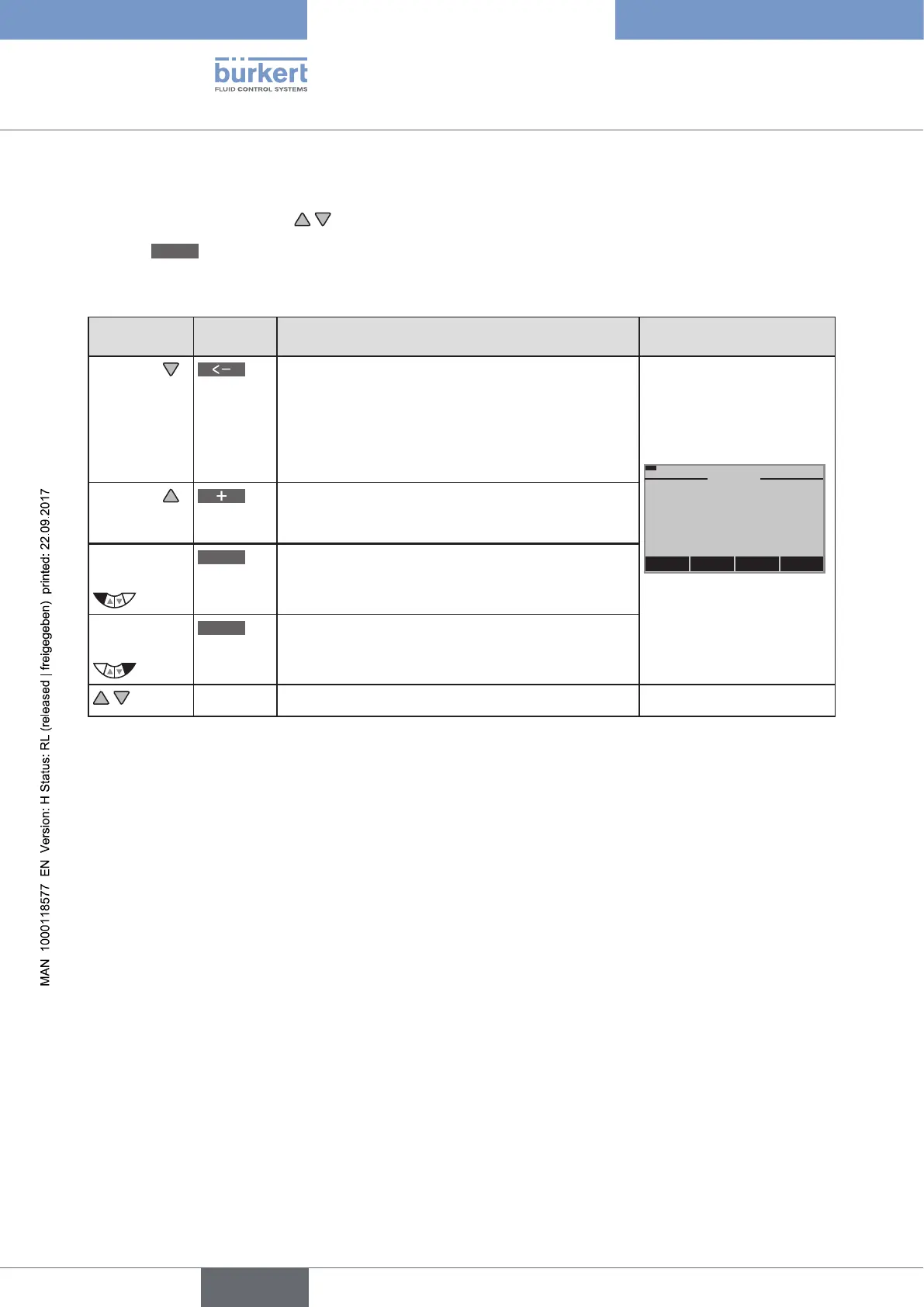
→ On the process level select the display for CLOCK using the arrow keys.
→ Press
INPUT
to open the input screen for the setting.
→ Set date and time as described in the following table.
Key
Key
function
Description of the function Input screen
Arrow key
Switch to the next time unit (from right to left).
When the last time unit for the date has been
reached, the display switches to the time units for
the time.
If the last unit is at top left (hours), the display
switches back to the first unit at bottom right (year).
MENU
+
<–
INPUT
12:00
00
Thu. 01 . 09 . 11
CLOCK
Arrow key
Increase value.
When the largest possible value has been reached,
0 is displayed again.
Left
selection key
ESC
Return without change.
Right
selection key
OK
Accept the set value.
Switching the display.
Table 29: Setting date and time





 To Next Page