EasyManua.ls Logo

Burkert 8681 - User Manual

Burkert 8681
166 pages
Print Icon
To Next Page IconTo Next Page
Loading...
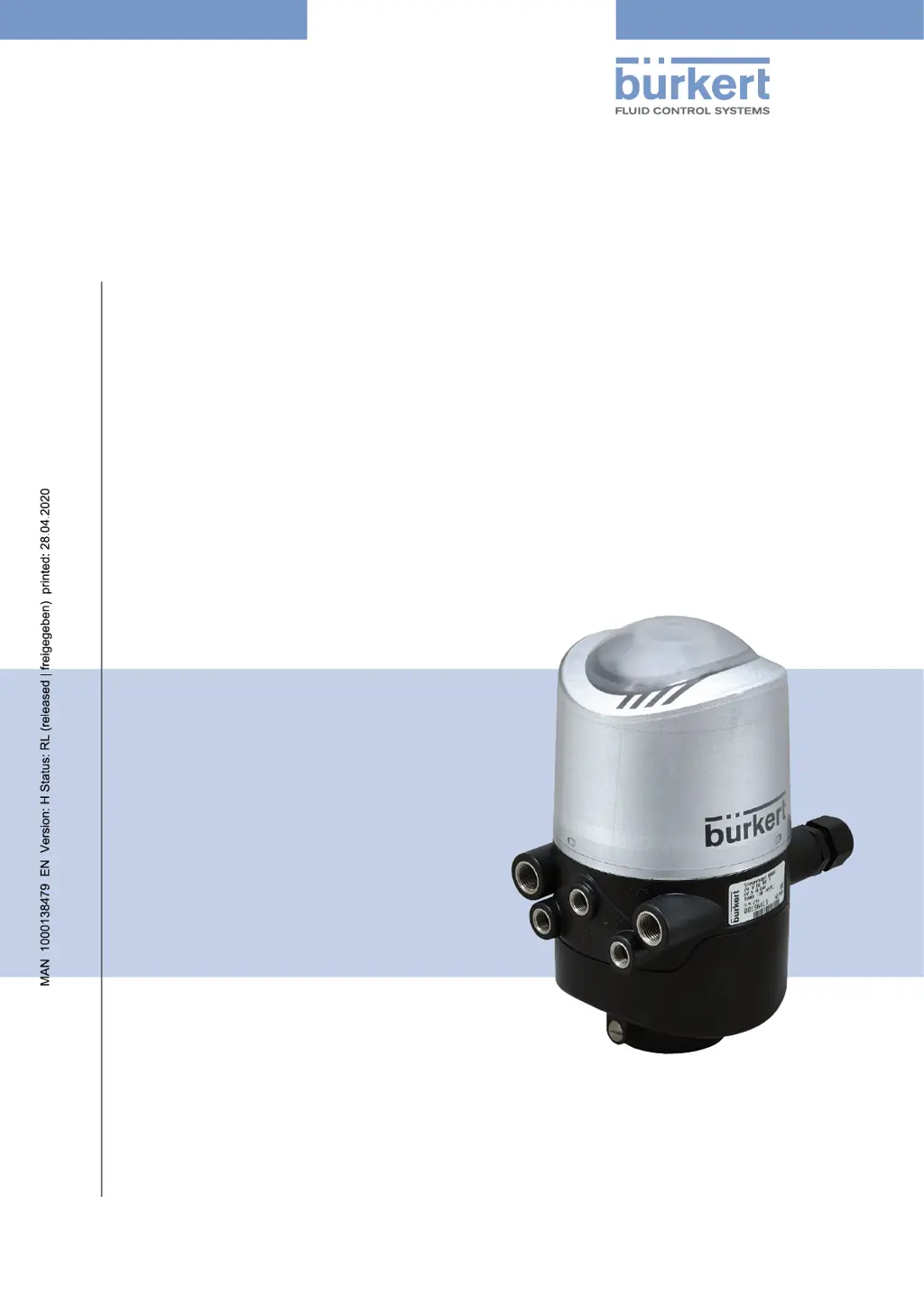
Operating Instructions
Type 8681
Control Head
Designs: 24 V DC, 120 V AC, AS-i,
DeviceNet, IO-Link, büS/CANopen

Table of Contents

Other manuals for Burkert 8681

Questions and Answers

  • J
    Julie HendersonAug 21, 2025
    What to do if I have no feedback signal on my Burkert 8681 Controller?
    • M
      Michael GomezAug 21, 2025
      If you are not receiving a feedback signal, consider the following: * The position of the position measuring system (Teach-In) might not be appropriate for the spindle position. Perform or repeat the Teach-In procedure. * The setting of the external initiators might be incorrect. Set the external initiator according to the respective operating instructions. * There may be no or faulty associated feedback signals or external initiator. Set the connections according to the pin and plug configurations described in these operating instructions for the respective voltage and communication variant. * The target might not be mounted on the process valve's spindle or the target might be faulty. Check the target for correct mounting and condition.
  • S
    Steve MartinezAug 23, 2025
    Why are my Burkert 8681 Controller process valves functioning incorrectly?
    • J
      Jason SpenceAug 25, 2025
      Incorrect function of the process valves may be due to: * Confused pneumatic connection lines. Check the correct pneumatic connection of the control head to the process valve. * Valves not correctly connected on the electronics module. Check the correct electrical connection of the solenoid valves.
  • A
    Abigail ValdezAug 26, 2025
    What to do if the Burkert 8681 Controller feedback signal is lost during system operation?
    • E
      Emily SmithAug 26, 2025
      If the feedback signal is lost during system operation, it might be because the position is in the limit range of the feedback field. Repeat the Teach-In procedure.
  • J
    justin21Aug 27, 2025
    What to do if valve output 2/A1 cannot be switched off with the Burkert 8681?
    • T
      Travis WoodAug 28, 2025
      If valve output 2/A1 cannot be switched off with the control, the magnetic manual control might still be activated. Deactivate the manual control.
  • B
    Brett SmithAug 30, 2025
    What to do if Burkert 8681 valve outputs cannot be switched off by the control?
    • K
      Kara SchwartzAug 30, 2025
      If the valve outputs cannot be switched off by the control, it is possible that the mechanical manual control at the solenoid valve is still activated. Deactivate the mechanical manual controls on the solenoid valves.
  • A
    April ThomasSep 1, 2025
    What to do if there is no feedback signal from Burkert Industrial Equipment?
    • L
      Lori RamirezSep 1, 2025
      If you are not receiving a feedback signal, it could be due to an incorrect setting of the external initiators. To resolve this, set the external initiator according to the respective operating instructions.
  • C
    cfosterSep 3, 2025
    How to fix no feedback signal on Burkert Industrial Equipment?
    • C
      courtney96Sep 3, 2025
      If you are experiencing a lack of feedback signal, the position of the position measuring system (Teach) might not be appropriate for the spindle position. You can fix this by performing or repeating the Teach procedure.
  • J
    John EdwardsSep 5, 2025
    Why is my Burkert Controller process valve not working correctly?
    • T
      Tristan WoodSep 5, 2025
      The process valves might not function correctly due to a few reasons. First, ensure the control head has sufficient pneumatic supply by checking the compressed air supply. Also, make sure there is electrical power and proper communication for the control head. Verify the power supply and communication settings according to the operating instructions.
  • M
    Miss Meredith OlsonSep 7, 2025
    What to do if my Burkert 8681 has an incorrect function of the process valves?
    • A
      Adam ParsonsSep 8, 2025
      If your process valves aren't functioning correctly, it might be due to confused pneumatic connection lines. Check that the control head is correctly pneumatically connected to the process valve. Also, check the electrical connection of the solenoid valves.
  • K
    Kathryn FitzgeraldSep 9, 2025
    How to fix a lost feedback signal during Burkert 8681 Controller system operation?
    • S
      Sheena RobertsSep 9, 2025
      If the feedback signal is lost during system operation, it could be due to the position being in the limit range of the feedback area. In this case, repeat the Teach-In process. Also, check the process valve end positions during operation against the end positions in non-operative state of the system and check the compressed air supply.

Summary

Operating Instructions

Symbols

Explains standard symbols used in the manual for warnings, notes, and procedures.

Authorised Use

Basic Safety Instructions

Explosion Protection Warnings

Details safety precautions for operating in potentially explosive atmospheres.

Electrical Safety Precautions

Outlines essential safety measures related to electrical shock risks.

General Hazardous Situations

Provides general safety guidelines to prevent injuries during operation.

Technical Data

Operating Conditions

Specifies environmental and operational parameters for the device.

Additional Warning Signs

Presents specific warning signs for approvals and operating conditions.

Device Reset Procedure

Explains how to perform a device reset to factory settings.

Assembly

Assembly Safety Instructions

Provides critical safety warnings and precautions for assembly procedures.

Control Head Assembly

Details the step-by-step procedure for assembling the control head.

Pneumatic and Electrical Connections

Guides the connection of pneumatic and electrical interfaces.

Opening and Closing the Housing

Safety Instructions for Housing

Highlights safety warnings related to opening and closing the device housing.

Pneumatic Installation

Pneumatic Safety Instructions

Covers critical safety warnings for pneumatic system installation.

Pneumatic Connections

Guides the proper connection of pneumatic lines to the control head.

24 V DC - DESIGN

Safety Instructions (24 V DC)

Highlights safety warnings specific to the 24V DC electrical installation.

Electrical Installation (24 V DC)

Guides the electrical installation process for the 24V DC version.

11 120 V AC - DESIGN

Electrical Connection Options (120 V AC)

Details available electrical connection types for the 120V AC variant.

Safety Instructions (120 V AC)

Highlights safety warnings specific to the 120V AC electrical installation.

Electrical Installation (120 V AC)

Guides the electrical installation process for the 120V AC version.

12 AS INTERFACE - DESIGN

AS Interface Connection Options

Details the available connection types for AS interface communication.

AS Interface Safety Instructions

Highlights critical safety warnings for AS interface installation.

AS Interface Electrical Installation

Guides the electrical installation process for AS interface devices.

13 DEVICENET - DESIGN

DeviceNet Connection Option

Details the available connection type for DeviceNet communication.

Safety Position on Bus Failure

Describes safety actions when DeviceNet bus communication fails.

DeviceNet Safety Instructions

Highlights critical safety warnings for DeviceNet installation.

DeviceNet Electrical Installation

Guides the electrical installation process for DeviceNet devices.

Configuring DeviceNet Address and Baud Rate

Details the procedure for setting DeviceNet node address and baud rate.

DeviceNet Address Settings

Explains how to set the DeviceNet address using DIP switches.

DeviceNet Baud Rate Settings

Describes how to set the DeviceNet baud rate using DIP switches.

Safety Position on Bus Error

Describes safety actions for solenoid valves during a bus error.

14 IO-LINK - DESIGN

IO-Link Connection Options

Details the available electrical connection types for IO-Link devices.

IO-Link Electrical Installation

Guides the electrical installation process for IO-Link devices.

Safety Position on Bus Failure (IO-Link)

Describes safety actions for solenoid valves during IO-Link bus failure.

15 BÜS;CAN OPEN-DESIGN

Electrical Connection Options

Details the available electrical connection types for the bus.

Safety Position on Bus Failure (büS;CANopen)

Describes safety actions for solenoid valves during bus failure.

Installation Safety Instructions

Highlights critical safety warnings for installation procedures.

Electrical Installation (büS;CANopen)

Guides the electrical installation process for büS/CANopen devices.

Configuring Node ID and Baud Rate

Details the procedure for setting Node ID and baud rate.

Setting the Baud Rate

Describes how to set the baud rate using DIP switches or software.

Setting the Node ID

Explains how to set the Node ID (address) using DIP switches.

17 CABLING EXAMPLES (BÜS;CANOPEN)

18 CONNECTION OF AN EXTERNAL INITIATOR

Initiator Connection Safety

Highlights safety warnings for connecting external initiators.

Initiator Connection Procedure

Guides the step-by-step connection of external initiators.

19 SPECIAL DESIGNS

Control Head for Double-Acting Actuators

Describes the specific design for double-acting actuators.

Control Head (AS-i) with 2 External Initiators

Describes the AS-i variant with two external initiator connections.

20 POSITION MEASURING SYSTEM

Teach Functions Overview

Introduces manual and automatic teach functions for position setup.

Teach Functions and Reset

Explains manual teach functions and how to reset learned positions.

Automatic Teach Functions (Autotune)

Describes automated teach functions for various valve types.

21 LED COLOUR ASSIGNMENTS

22 SERVICE MODE; MANUAL OVERRIDE

Magnetic Manual Override

Details the function and operation of the magnetic manual override.

Mechanical Manual Override

Explains the use of the mechanical manual override for valve control.

23 MAINTENANCE, TROUBLESHOOTING

Maintenance Safety Instructions

Provides critical safety warnings for maintenance and troubleshooting tasks.

Safety Positions

Describes safety valve positions during power or bus failures.

Malfunctions Analysis

Helps diagnose and troubleshoot common faults and errors.

24 REPLACEMENT OF COMPONENTS AND MODULES

Replacement Safety Instructions

Highlights safety warnings prior to replacing components or modules.

Changing the Electronic Module

Provides step-by-step instructions for replacing the electronic module.

Changing the Valves

Details the procedure for replacing solenoid valve modules.

Changing the Position Measuring System

Guides the replacement process for the position measuring system.

25 SHUTDOWN

Shutdown Safety Instructions

Provides critical safety warnings for shutdown and disassembly procedures.

Burkert 8681 Specifications

General IconGeneral
BrandBurkert
Model8681
CategoryController
LanguageEnglish

Related product manuals