152
Service Mode / Manual override
The activation of the manual override or errors when using the manual override are signaled by device
status LED / Top LED in the fault colour - see chapter “21.2Flashingpattern&faultsignalling”onpage143
or “Table15”onpage146
Procedure for activating & deactivating the manual override for valve location 2/A1:
→ Observe safety guidelines for the system prior to using the manual override!
→ Activatingthemagneticmanualoverride(onlypossibleinAutomaticmode):
Holdthemagneticmanualoverridetoolontheidenticationpointsbetweenthecableglandsforthree
seconds(see“Fig.49”),feedbackforactivationbydevicestatusLED/TopLED(“Table15”)
→ Once the measure has been completed, deactivate the magnetic manual override:
Holdthemanualoverridetoolontheidenticationpointsbetweenthecableglandsforanotherthree
seconds(see“Fig.49”).
After a power failure, the magnetic manual override is reset and the control head restarts in normal
operating mode, i.e. the signal from the higher-level control is accepted.
22.2 Mechanical manual override
Ifadditionalmanualoverridesarerequiredforadditionalservicepurposesorintheeventofafailureofthe
electrical energy, it is possible for all voltage and communication designs to switch the connected process
valve using the mechanical manual override of the respective solenoid valves V1 to V3 after opening the
housing.
DANGER!
Danger of explosion in a potentially explosive atmosphere (only in the event of a fault as zone 2)!
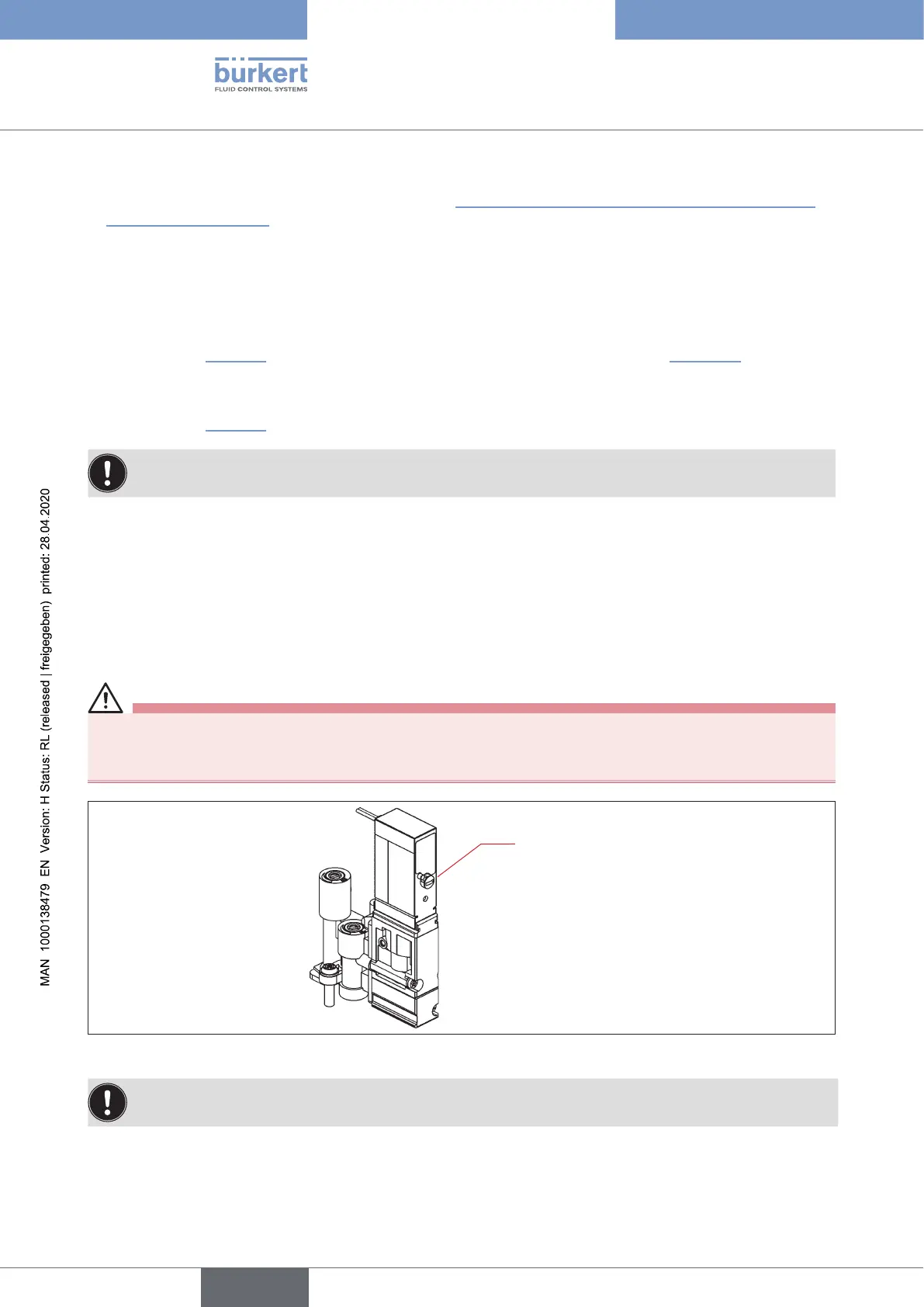
` Opening the hood or the housing in a potentially explosive atmosphere is only allowed in a not ener-
gised state!
red hand lever of the
mechanical manual
override:
Hand lever position:
left: 0
right: 1
Fig. 50: Mechanical manual override of the solenoid valves
When the service measures have been completed, reset all manual overrides to "0" for controlled
operation of the system!
english
Control Head Type 8681



 To Next Page