138
LED Colour Assignments
21.1.1 Device specic LED mode “8681 Classic Mode”
This display mode “Device-specic LED mode” “8681 Classic Mode” of the device status LED for
positionfeedback(S1,S2,S3,S4IN)oftheprocessvalvecorrespondstotheopticalfeedbackofthe
standardor“classic”controlheads(variants24VDC,120VAC,AS-i,DeviceNet).
With büS/CANopen devices, the colour combination is set using DIP1 to 4 - i.e. in the same way as with
the classic variants.
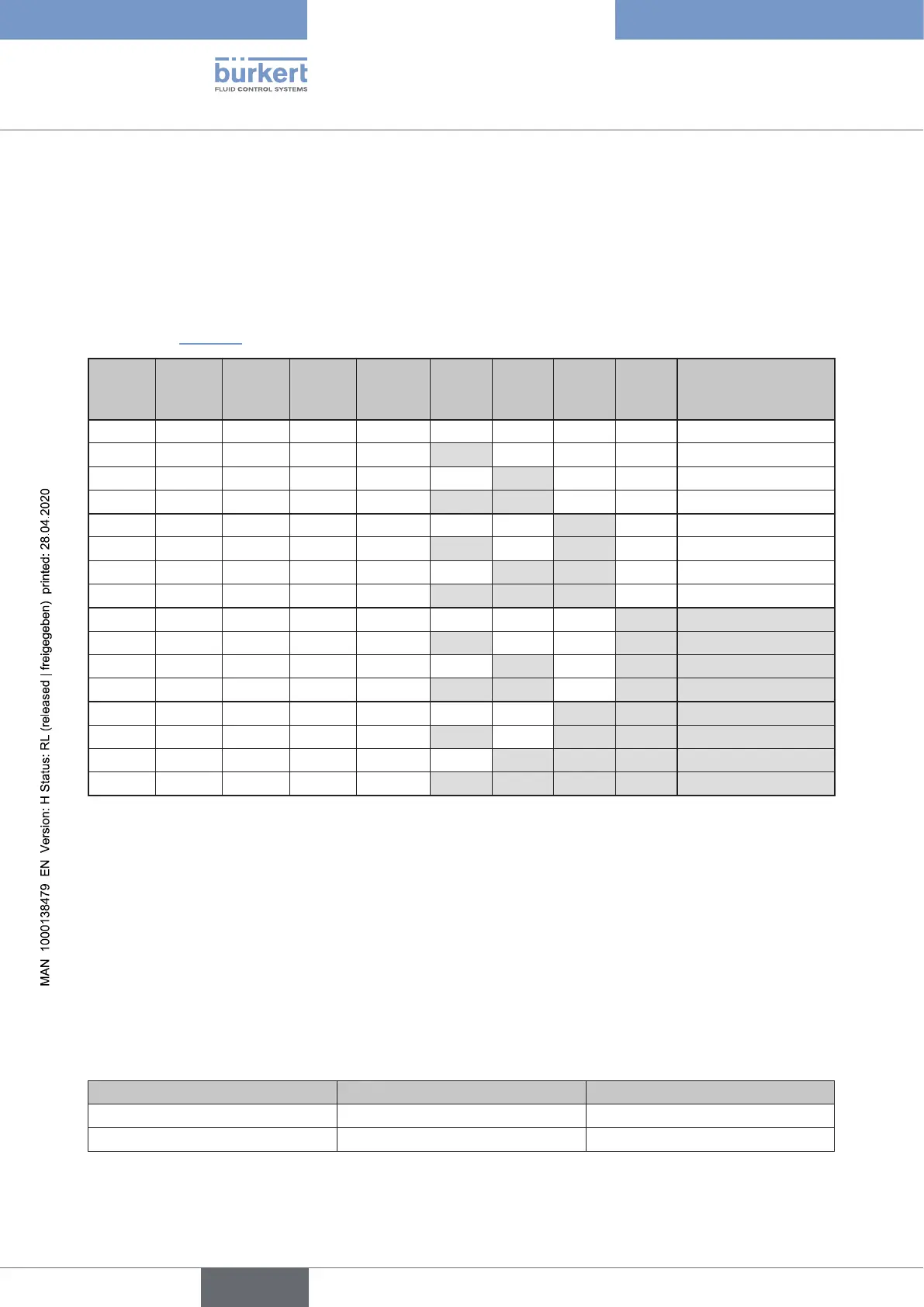
TheassignmentoftheDIPswitchpositiontotherespectivecolourcombination/LEDmode(8681Classic
X)islistedin “Table7”:
S1 S2 S3 S4 Fault DIP1 DIP2 DIP3 DIP4 Designation of the
device specic
LED mode
green yellow green red 0 0 0 0
8681 Classic 0
yellow green yellow red 1 0 0 0
8681 Classic 1
green red green yellow 0 1 0 0
8681 Classic 2
red green red yellow 1 1 0 0
8681 Classic 3
green yellow yellow red 0 0 1 0
8681 Classic 4
yellow green green red 1 0 1 0
8681 Classic 5
green red red yellow 0 1 1 0
8681 Classic 6
red green green yellow 1 1 1 0
8681 Classic 7
green yellow green green red 0 0 0 1
8681 Classic 8
yellow green yellow yellow red 1 0 0 1
8681 Classic 9
green red green green yellow 0 1 0 1
8681 Classic 10
red green red red yellow 1 1 0 1
8681 Classic 11
green yellow yellow yellow red 0 0 1 1
8681 Classic 12
yellow green green green red 1 0 1 1
8681 Classic 13
green red red red yellow 0 1 1 1
8681 Classic 14
red green green green yellow 1 1 1 1
8681 Classic 15
Table 7: Colour combinations / Colour coding of the classic variants and designation of the corresponding device-
specic LED mode “8681 Classic X“
eters/StatusLED)orviathenetwork(e.g.viaLogixDesignerforbüs/CANopendevices)–itispossibleunder
“Device-specic LED mode” to select the parameter “8681 Classic X”.
With IO-Link devices:
The display mode “8681 Classic”
isactivatedbysettingtheLEDmode(0x2120)to“Device Specic”. The colour
coding is then set via the “Device Specic LED Mode”(0x2C11–fordetails,seeIODDobjectdescription).
General notes on S4 (using an external initiator):
S4IN
reactslikea“normallyopencontact”(NO)ora“normallyclosedcontact”(NC)–thefactory setting
is: Normally open contact (NO).
External initiator S4/S4IN as: Position feedback “0” Position feedback “1”
“Closer“(NormallyOpen) “S4active” “S4notactive”
“Opener“(NormallyClosed) “S4notactive” “S4active”
Table 8: Position feedback of the external initiator (S4/S4IN) depends on the mode of operating
english
Control Head Type 8681



 To Next Page