92
büS/CAN open-Design
15.9 Installation – Safety instructions
WARNING!
Risk of injury due to electric shock!
` Beforereachingintothesystem(apartfromtheTeachprocedureinanon-explosiveatmosphere),switch
othevoltageandsecuretopreventitfrombeingswitchedonagain!
` Observetheapplicableaccidentpreventionandsafetyregulationsforelectricalequipment!
` Whensettingthepositionmeasuringsystem(Teachprocedure),donottouchanylivecomponents!
Risk of injury due to improper installation!
` Installation may be carried out by authorised technicians only and with the appropriate tools!
Risk of injury due to unintentional activation of the system and uncontrolled restart!
` Secure system against unintentional activation!
` Following installation, ensure a controlled restart.
The mechanical and pneumatic installation of the control heads is described in detail in chapter “7
Assembly”onpage31 and “9PneumaticInstallation”onpage37.
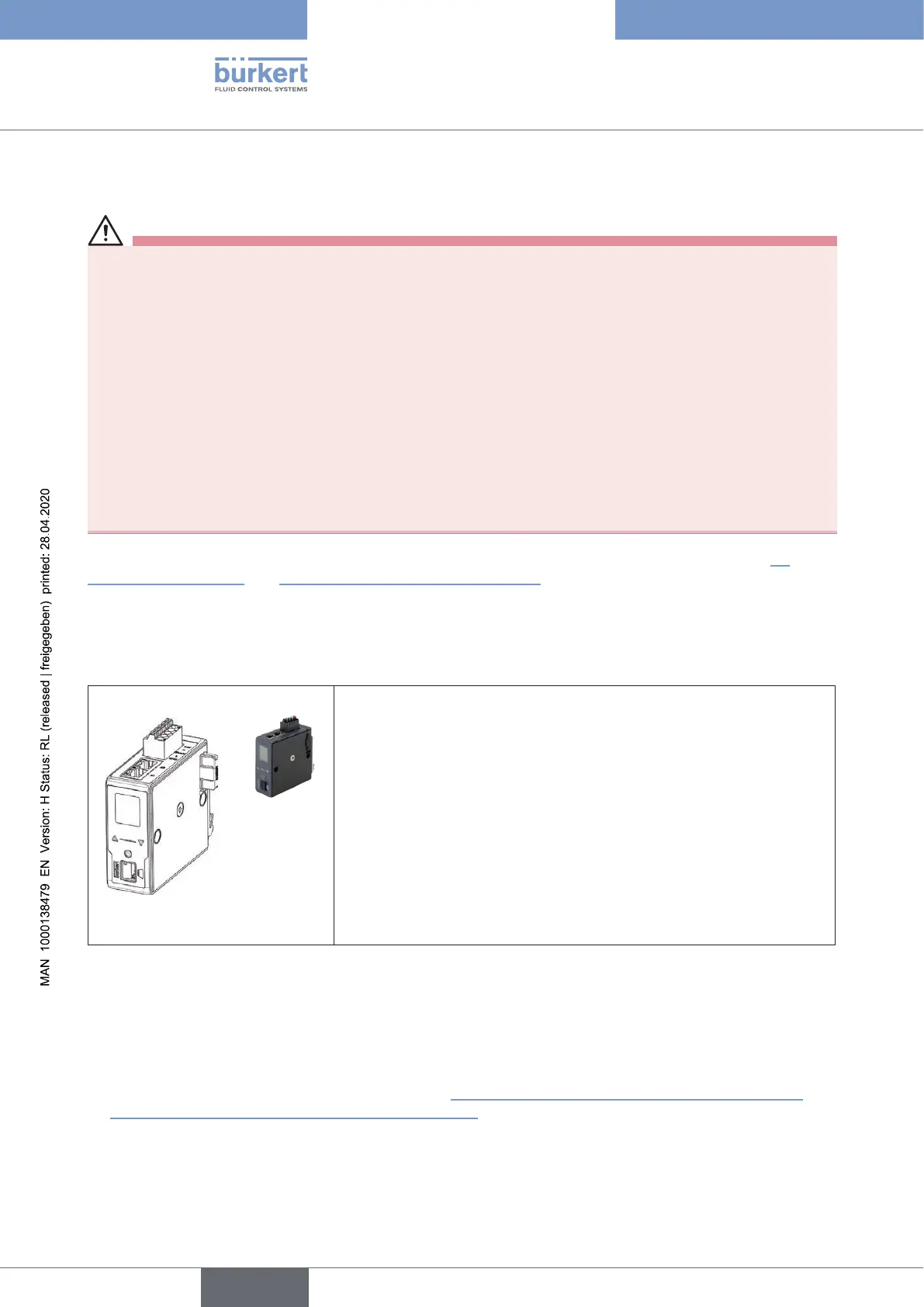
15.10 Gateway
Icon
ThegatewayTypeME43isusedastheeldbusinterfacebetween
“büS”-capabledevices(controlheadsType86xxorotherBürkertbüS
devices)andthePLC(e.g.EtherNet/IP;Pronet,etc.onrequest).
The number of devices with which the gateway can communicate
depends on the inputs and outputs per büS device and the respective
eldbusprotocol(seetheME43operatinginstructionsunder
“Maximumnumberofdatavalues”).
For example, the gateway can process the inputs/outputs of 63 Type
8681 control heads.
EDS le for
EtherNet/IP:
Gateway_EIP_8681_vxx_yymmdd_63Dev.eds
Icon: icon_me43.ico
Fig. 40: Gateway ME43 with connection terminals
15.11 Gateway installation
→ Mountthegateway(s)onatophatrailinthecontrolcabinet
→ Connect the gateway(s) – see thereforchapter“15.2 Network principle / Interfaces”on page 85 and
“17Cablingexamples(büS/CANopen)”onpage122 especially chapter as well as the details in the fol-
lowing chapters.
→ Connectgateway(s)tothemastercontroller(PLC)viaforexampleEtherNet/IP
english
Control Head Type 8681



 To Next Page