Solving Problems
5-8 4326 9562-007
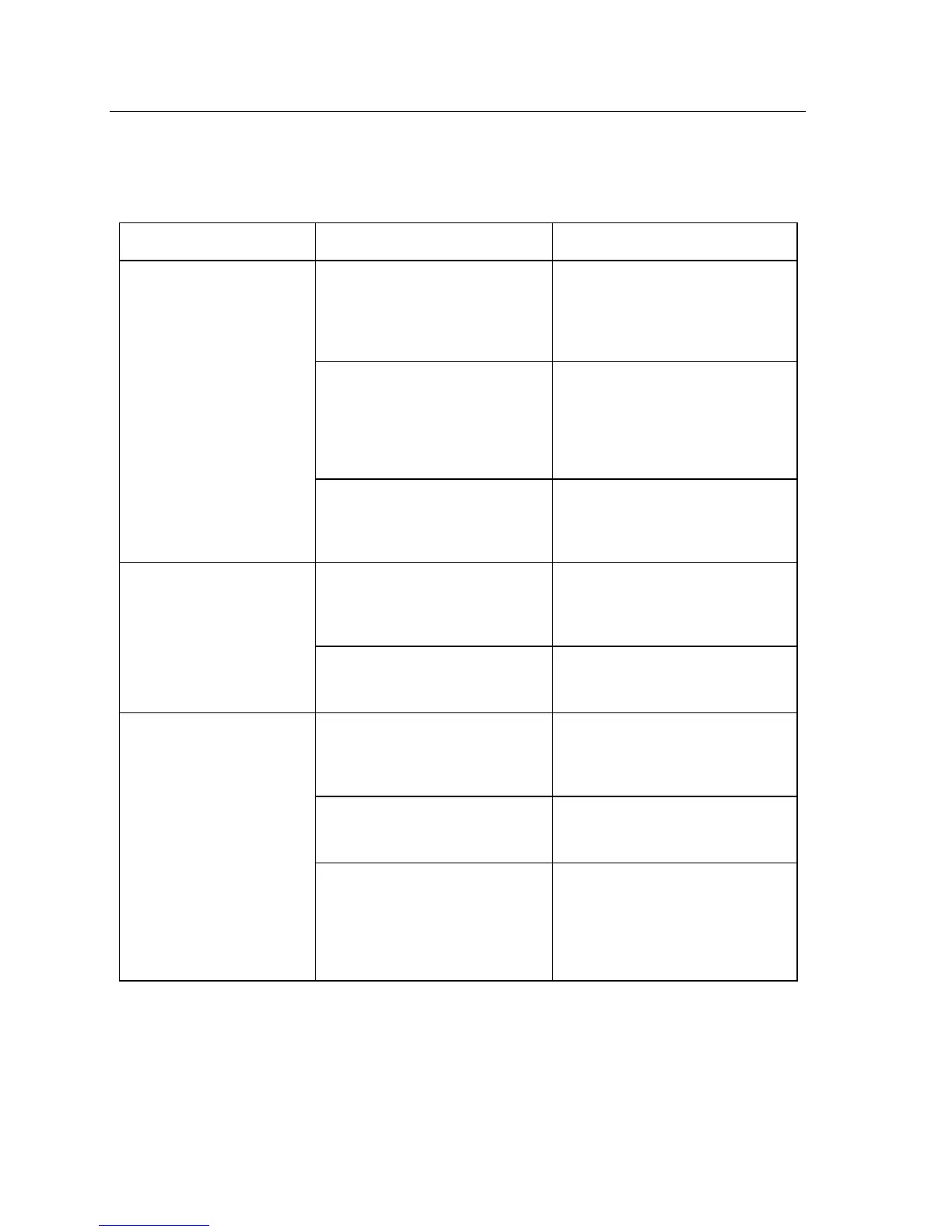
Feeder
Items do not feed correctly.
When the Start/Stop button is
pressed, the feeder can be heard
trying to feed paper, but the blue-
topped feed rollers don’t turn.
Swap the two feed rollers. Clean or
replace them if problem persists.
The feeder runs but the unit belt
does not move.
Examine paper path to ensure belt
has not come off of a roller or is not
jammed by debris. Return for
service if belt is broken or can not
be moved by hand.
When the Start/Stop button is
pressed, there is no sound from the
feeder.
If problem exists using other
applications the unit requires repair.
More than one document is
fed (item double-feeds).
Inadequate paper preparation
before feeding items.
Ensure items are properly jogged,
aligned, and loaded correctly into
the feeder bay.
Worn separator assembly (triangle-
shape).
Rotate or replace separator
assembly (triangle-shape).
Inadequate document preparation
before feeding items.
Ensure documents are properly
jogged, aligned, and loaded
correctly into the feeder bay.
Worn separator assembly (triangle-
shape).
Rotate or replace separator
assembly (triangle-shape).
Incorrect document position/
insertion for manual feed.
When manually inserting
documents, the entire bottom edge
of the document must contact the
floor of the track while you push the
document forward into the unit.


 To Next Page